
Nextify Review 2026: What This AI Ad Studio Actually Delivers
Nextify positions itself as an all-in-one AI advertising studio. The pitch is simple: upload a product photo, and the platform generates scripts, casts AI presenters, records voiceovers with lip-sync, and renders finished ad creatives for TikTok, Instagram, and Facebook. For e-commerce brands, performance marketers, and agencies burning through creative variations, that promise is compelling. But the gap between marketing language and actual product behavior matters a lot when you're paying per generation.
This review is based on hands-on testing across all three core engines, real credit measurements, and a close reading of the pricing structure. It covers what works, what doesn't, what credits actually buy, and who should consider Nextify versus looking elsewhere.
What Is Nextify?
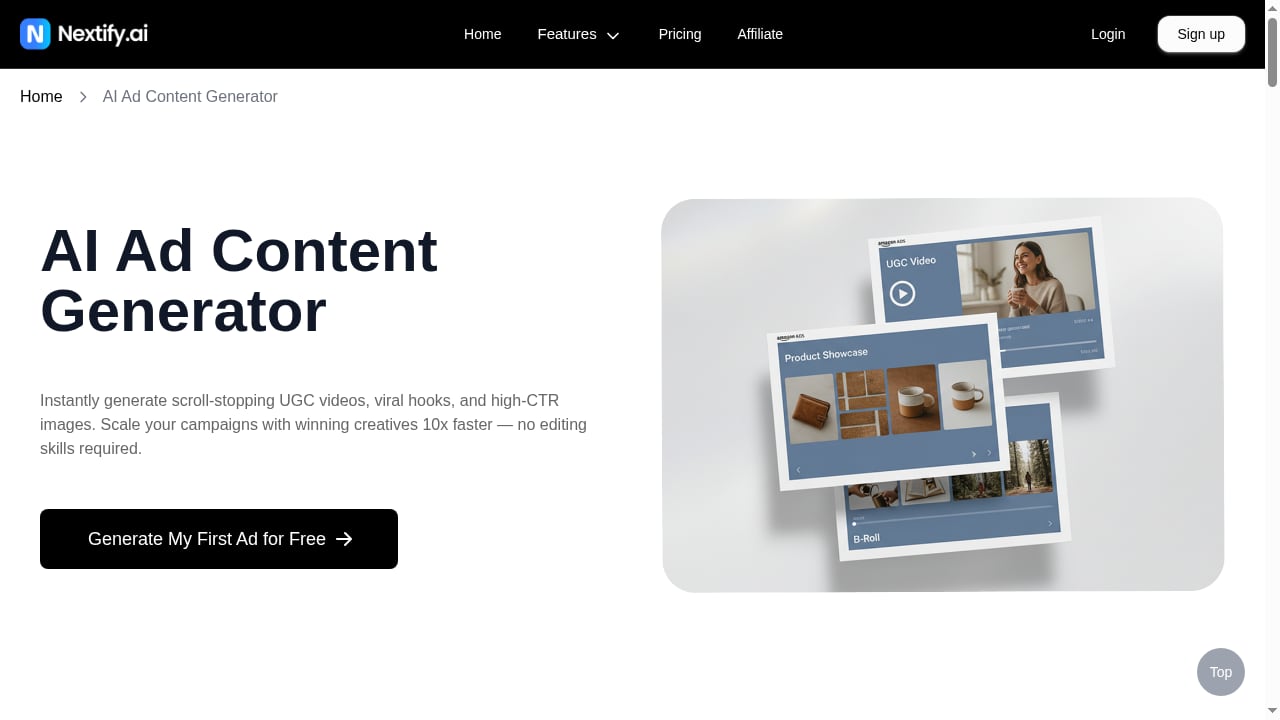
First viewport screenshot of AI Ad Content Generator | Create Ads in Seconds.
Nextify is a web-based platform that layers a guided workflow on top of third-party AI models. It doesn't train its own foundation models. Instead, it connects to video generators like ByteDance's Seedance 2.0, Google's Veo 3.1, Kuaishou's Kling series, and Alibaba's Wan 2.6, plus Google's Nano Banana Pro for static image generation. The real product is the orchestration layer: Nextify reads your product photo, writes prompts, structures creative direction, and renders output through those underlying models.
This matters because the value isn't raw generation. You could access some of these models directly. The value is that Nextify handles the prompt engineering, script writing, and creative direction that most sellers struggle with.
The Three True Engines
The navigation menu lists around eleven features: Ad Video Generator, Talking Actors, Static Ad Generator, Ad Image Generator, Product In Hand, B-Roll Showcase, Unboxing, POV Gestures, App Showcase, Custom Avatar, and Custom Voiceover. The in-app sidebar tells a different story. There are three generators and a template library:
- Video Ads — the product-centric video engine. Product In Hand, B-Roll, Unboxing, POV Gestures, and App Showcase are preset modes within this single composer, not separate tools.
- Static Ads — converts a product photo into a finished poster with headline, subheading, and call-to-action button.
- Avatar Ads (UGC Ads) — a talking-presenter engine where you pick an AI actor, paste a script, choose a voice, and render a person speaking to camera.
If you arrive expecting eleven unique products, you'll feel misled. Three engines is still substantial, but the framing matters for evaluating value.
How the Workflow Feels in Practice
The three-step prompt wizard is the strongest part of the product. For the video engine, you upload a product photo and the system reads it automatically — identifying the product name, category, selling points, and target audience. In testing, it correctly identified a white quilted comforter with contoured support pillows and guessed a sensible audience of comfort seekers and minimalist decorators.
Step two offers three complete creative directions categorized by subject, lighting, camera, and action, with a refresh button for more options. Step three generates a full shooting script of roughly 3,000 characters, including dialogue for each beat and a final call to action. Refinement buttons let you adjust tone: Realistic, Casual, Natural, Energetic, Funnier, Authoritative, Luxury, Concise, and Detailed.
For the static engine, the image analysis was sharper still. Uploading a matte black shower head produced a description covering color, finish, configuration, material, and hose type, followed by three visual styles crossed with three text layouts. The output prompt even included specific hex color codes.
This guided workflow is genuinely excellent. It automates the part of ad creative that most sellers do poorly: translating a product into a structured creative brief.
Credit Costs: What 300 Credits Really Buy
Nextify uses a credit system, and the advertised video counts don't match actual consumption. This is the most important finding from hands-on testing.
Measured credit costs:
- 1 credit = one static ad image
- 10 credits = one 8-second video on Veo 3.1
- 20 credits = one 57-second talking avatar video
The pricing page suggests 100 videos for a given tier. The reality is closer to 10 short videos or 5 avatar ads per 100 credits. The platform does show the exact credit cost before each generation via a confirmation dialog, which is good practice. But the marketing numbers on the sales page overstate what you'll actually produce.
Pricing Structure
There are four tiers, and the displayed monthly prices are misleading. The pricing page lists Starter at $23.42/month, Pro at $47.42/month, and Business at $126/month. But those figures are annual prices divided by 12. The actual month-to-month rate isn't clearly listed anywhere. If you plan to pay monthly, expect to pay more than the advertised figure and verify at checkout.
Annual pricing:
- Starter: $281/year — 100 credits
- Pro: $569/year — 300 credits
- Business: $1,512/year — 600 credits, up to 10 users
A free tier exists, but the two site pages describe it inconsistently: one says 20 credits per month (about six ad videos), the other says 10 credits (about three). Every paid tier removes the watermark, unlocks all models, allows 1080p output, and supports talking avatar videos up to 60 seconds.
Strengths: Where Nextify Excels
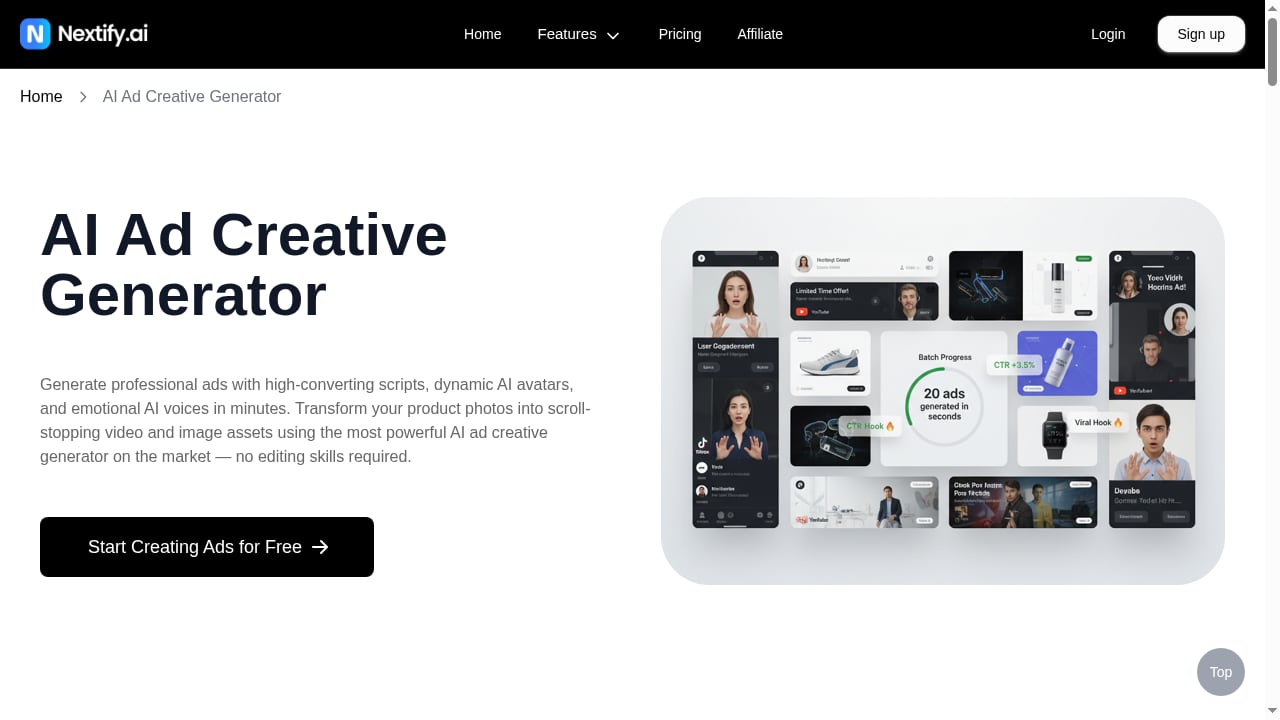
First viewport screenshot of AI Ad Creative Generator | Make Winning Video & Image Ads.
The Prompt Wizard Is Best-in-Class
The three-step guided workflow is the best implementation of this concept among AI ad tools currently available. It turns a product photo into a structured creative brief with minimal user input, and the refinement controls give meaningful creative direction without requiring prompt engineering skill.
Transparent Credit Confirmation
Before each generation, a dialog shows the exact credit cost and remaining balance. This is a small feature that builds trust and helps users plan their credit usage.
Commercial Usage Rights
Paid plans include written permission to use generated output for commercial purposes. For e-commerce brands running paid ads, this removes a significant legal uncertainty that plagues many AI creative tools.
Clean Static Ad Typography
The static ad generator produces professional-looking typography with clean headline, subheading, and CTA button placement. For brands that need quick image ads for testing, this is a fast path to usable creative.
Named Model Suppliers
The video composer openly lists its model suppliers in a dropdown. This transparency lets users choose between Seedance, Veo, Kling, and Wan models based on their preferences, rather than being locked into a black box.
Custom Avatar and Voice Cloning
Paid plans include custom avatar creation and voice cloning. For brands that want a consistent presenter across campaigns without hiring talent, this is a meaningful differentiator.
Limitations: Where Nextify Falls Short
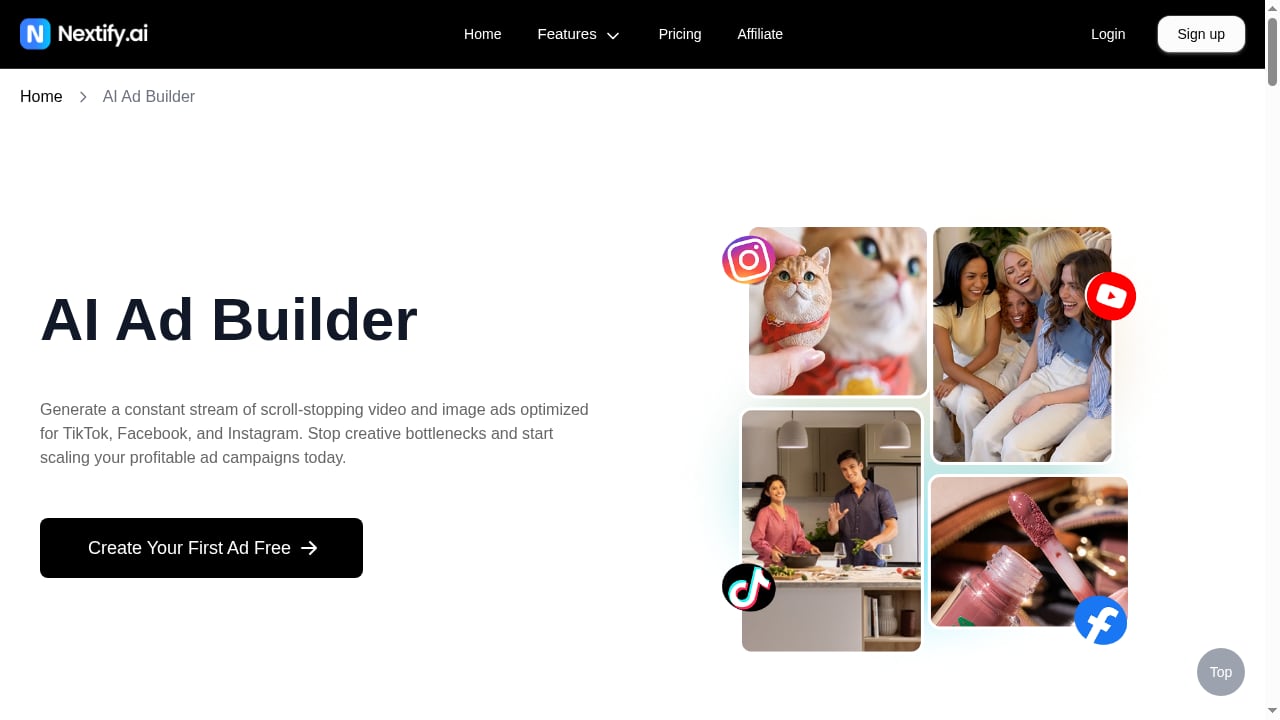
First viewport screenshot of Free AI Ad Builder | Create Winning UGC Video Ads.
Marketing Counts Don't Match Reality
The biggest issue is the disconnect between advertised output volume and actual credit consumption. A plan that suggests 100 videos delivers roughly 10 short clips. For performance marketers running high-volume creative testing, this changes the cost calculus significantly.
Monthly Pricing Is Opaque
Displaying annual pricing divided by 12 as the "monthly" rate is a common but frustrating practice. The actual month-to-month cost isn't clearly disclosed, and users should verify at checkout before committing.
Static Engine Can Hallucinate
In testing, the static engine invented a brand name that wasn't entered and physically altered the configuration of a product. For e-commerce brands where product accuracy is non-negotiable, this requires manual review of every output before publishing.
Text Rendering Issues in Video
Signs and text within generated videos can be garbled or unreadable. This is a known limitation of current video generation models, but it matters for ads that rely on on-screen text overlays.
Script Length Exceeds Render Limits
Generated scripts sometimes exceed the maximum render time the engine can process. This means you may need to trim scripts manually before rendering, adding friction to the workflow.
Inconsistent Feature Counts
Different pages cite different avatar and scene counts — 1,000, 600, and 500. This inconsistency makes it difficult to evaluate the actual library size before signing up.
Sora Access Unclear
The website markets Sora 2 Ad Video Generator and Sora 2 Pro Ad Video Generator features, but Sora wasn't visible in the live model dropdown during testing. If Sora access is a factor in your decision, verify availability inside a free account before paying.
Ideal Users and Use Cases
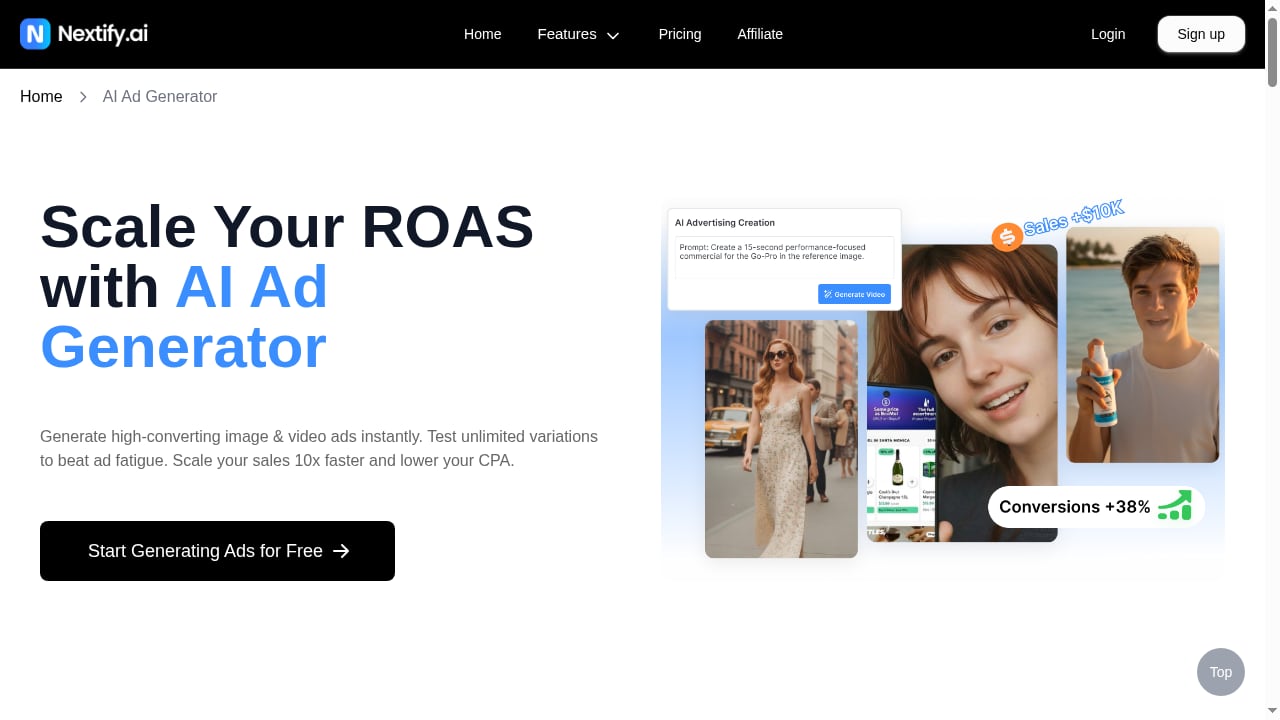
First viewport screenshot of Free AI Ad Generator | Create AI Video Ads & UGC Ads.
Who Should Use Nextify
E-commerce brands with limited creative budgets. If you're spending $500–$2,000 per month on ad creative and need rapid variations for TikTok and Meta ads, Nextify can replace a significant portion of that spend. The credit math works best when you're generating short product clips and static ads rather than long avatar videos.
Performance marketers running creative fatigue cycles. Ad creative decays quickly. A video working this week may be dead next week. Nextify's speed — minutes from product photo to finished creative — enables the rapid A/B testing cadence that platforms like TikTok reward. Pair this with an ad intelligence tool to identify winning angles before generating.
Agencies managing multiple client accounts. The Business tier supports up to 10 users, and the guided workflow means junior team members can produce usable creative without deep prompt engineering skills.
Dropshippers validating products. When you're testing new products quickly, the ability to generate ad creative from a supplier photo in minutes is valuable. Combined with competitor ad research, this can speed up the validation cycle.
Who Should Look Elsewhere
High-volume advertisers needing hundreds of videos monthly. The credit economics don't scale well for heavy production. If you need 100+ videos per month, the cost per video at 10 credits each becomes prohibitive compared to hiring a video editor or using raw model APIs directly.
Brands requiring pixel-perfect product accuracy. The static engine's tendency to alter product configurations or invent brand names is a dealbreaker for regulated products or brands with strict visual guidelines.
Users who need reliable on-screen text. If your ad strategy depends on text overlays, captions, or readable signage within the video itself, current generation quality will frustrate you.
Setup and Getting Started
Setup is straightforward. You create an account, start with the free tier to test the workflow, and upload a product photo. The system guides you through the three-step wizard automatically. No installation is required — everything runs in the browser.
Recommended first steps:
- Start with the free tier and test all three engines with your actual product photos.
- Measure credit consumption on your first few generations to understand real costs.
- Verify the actual monthly price at checkout if you're not paying annually.
- Check whether Sora models are available in your account before paying for a plan that advertises them.
- Review every static ad output for product accuracy before using it in campaigns.
Nextify vs. Alternatives: Decision Criteria
When comparing Nextify to other AI creative tools or traditional production, consider these factors:
Speed vs. control. Nextify optimizes for speed — minutes from photo to finished ad. If you need fine-grained control over every frame, a tool like a traditional video editor or direct model access may serve you better.
Credit economics vs. subscription value. Some competitors offer flat-rate subscriptions with unlimited generations. Nextify's credit system is transparent per generation but can add up quickly for video. Calculate your expected monthly output before choosing.
Guided workflow vs. raw capability. If you already have strong prompt engineering skills, you might get more value from accessing models like Veo or Kling directly. Nextify's premium is for the guided workflow that handles prompt writing for you.
Creative intelligence integration. Nextify generates creative but doesn't help you discover what's already working in your niche. For that, you'll want a separate ad intelligence platform. The workflow of researching winning angles first, then generating matching creative with Nextify, is more effective than generating blind.
For a deeper comparison of ad intelligence tools that complement Nextify, see our Swipekit review and Adspo review.
Related reading
- First-Party Data: Definition, Examples & Strategy Guide - Learn what first-party data is, why it matters as third-party cookies fade, how to collect it, and how to activate it across marketing and ads.
- PrimeSpy vs Vibemyad: Which Ad Tool Wins in 2026? - Compare PrimeSpy and Vibemyad for ad discovery, competitor tracking, creative generation, and pricing. See which ad intelligence platform fits your workflow.
Sources and further reading
- Read Customer Service Reviews of nextify.md - Trustpilot - Apr 8, 2025 ... Nextify is a forward-thinking software development company that specializes in creating high-quality solutions across a variety of digital ...
- Nextify.ai Review: What 300 Credits Really Buy - Nextify.ai review from real testing: 1 credit per image, 10 per clip, 20 per avatar ad. The pricing page says 100 videos. It isn't. Here's the real math.
- Nextify AI Review & Tutorial – Create AI Video Ads in Minutes - Try Nextify AI for FREE!Click here to sign up!https://www.nextify.ai/?ref=OMAR#aiugc #nextifyai #createadwithai
Frequently Asked Questions
Is Nextify free to use?
Nextify offers a free tier with limited credits, but the two site pages describe it inconsistently — one says 20 credits per month, the other says 10. The free tier is best used for testing the workflow before committing to a paid plan.
How many videos can I actually generate with the Starter plan?
The Starter plan includes 100 credits. At 10 credits per 8-second video, that's roughly 10 short videos. At 20 credits per avatar ad, that's 5 talking-presenter videos. The "100 videos" marketing claim doesn't reflect actual credit consumption.
Does Nextify own the rights to generated ads?
Paid plans include written permission to use generated output for commercial purposes. This covers the AI-generated creative itself, but you should still ensure your product photos and any brand assets you upload are cleared for advertising use.
Can I use Nextify for TikTok and Meta ads?
Yes. The platform is designed for short-form ad creative on TikTok, Instagram, and Facebook. The video formats and aspect ratios are suited to these platforms' ad placements.
Does Nextify support custom AI avatars?
Yes, paid plans include custom avatar creation and voice cloning. This lets you create a consistent presenter for your brand across multiple campaigns.
Is the monthly pricing really $23.42?
No. The $23.42 figure is the annual price ($281) divided by 12. The actual month-to-month rate is higher and isn't clearly listed. Verify the real price at checkout before committing.
Conclusion
Nextify delivers a genuinely useful guided workflow for AI ad creation. The three-step prompt wizard is the best implementation of its kind, turning product photos into structured creative briefs with minimal user input. The credit confirmation system is transparent, commercial usage rights are included, and the static ad typography is clean and professional.
But the product is undermined by marketing practices that overstate output volume and obscure real monthly pricing. The gap between "100 videos" and the actual 10 short clips you'll get from 100 credits is significant. The static engine's tendency to hallucinate brand names and alter product configurations requires manual review. And the inconsistent feature counts across site pages make pre-purchase evaluation harder than it should be.
For e-commerce brands and performance marketers who need rapid creative variations and are willing to work within the credit system, Nextify is worth testing — especially through the free tier first. For high-volume advertisers or brands requiring pixel-perfect product accuracy, the economics and output reliability may not justify the cost.
The most effective approach is to pair Nextify with ad intelligence research. Identify winning angles and hooks from competitor data first, then use Nextify to generate creative that matches those angles. This combination of research and generation is where the platform's speed becomes a genuine competitive advantage. Learn more about building a creative testing workflow with ad analytics and TikTok ads strategy.