
Swipekit Review 2026: Ad Research Tool Tested
Swipekit is a Chrome extension and web dashboard for saving ads from major ad libraries, organizing them into swipe files, and tracking competitor activity. It targets digital marketers, creative strategists, and agencies who want a faster way to collect ad inspiration without manually screenshotting everything. This review breaks down what Swipekit actually does, where it shines, where it falls short, and whether it fits your workflow.
What Is Swipekit?
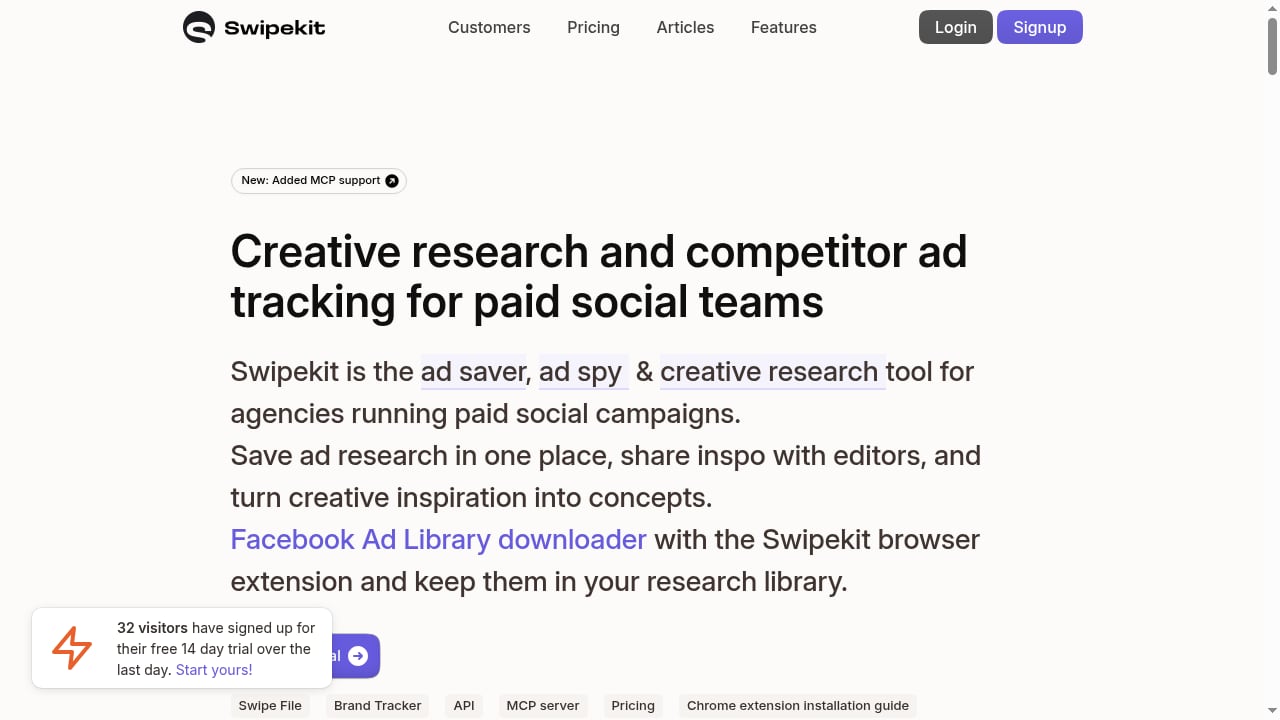
First viewport screenshot of Swipekit: Facebook Ad Library Downloader & Ad Research Tool.
Swipekit is a Facebook Ad Library downloader and ad research tool that saves ads from Meta, TikTok, LinkedIn, Pinterest, and Google platforms. The core promise is simple: click once in your browser, and the ad lands in a searchable, taggable library. From there, you can organize saved ads into boards, share them with teammates or clients, and track competitor brands automatically.
The product positions itself as a comprehensive solution for ad inspiration and competitive analysis. In practice, it behaves more like a fast collector with a few creative-production extras bolted on. That distinction matters when you compare it against tools like Foreplay, which builds its workflow around briefs and annotations, or broader ad intelligence platforms covered in this ad analytics overview.
Who Should Use Swipekit?
Swipekit fits best for three groups:
- Solo media buyers and creative strategists who need a low-cost way to save and organize ads from multiple platforms without building a manual folder system.
- Small agencies that want a shared swipe file for client work and competitor monitoring without paying enterprise prices.
- High-volume researchers who pull dozens of ads per project and prioritize capture speed over deep annotation or brief-building.
If your workflow revolves around turning research into structured creative briefs with comments and annotations, Swipekit's flat tag-based model may feel limiting. If you mainly need a well-organized inspiration library, it gets the job done.
Key Features in Practice
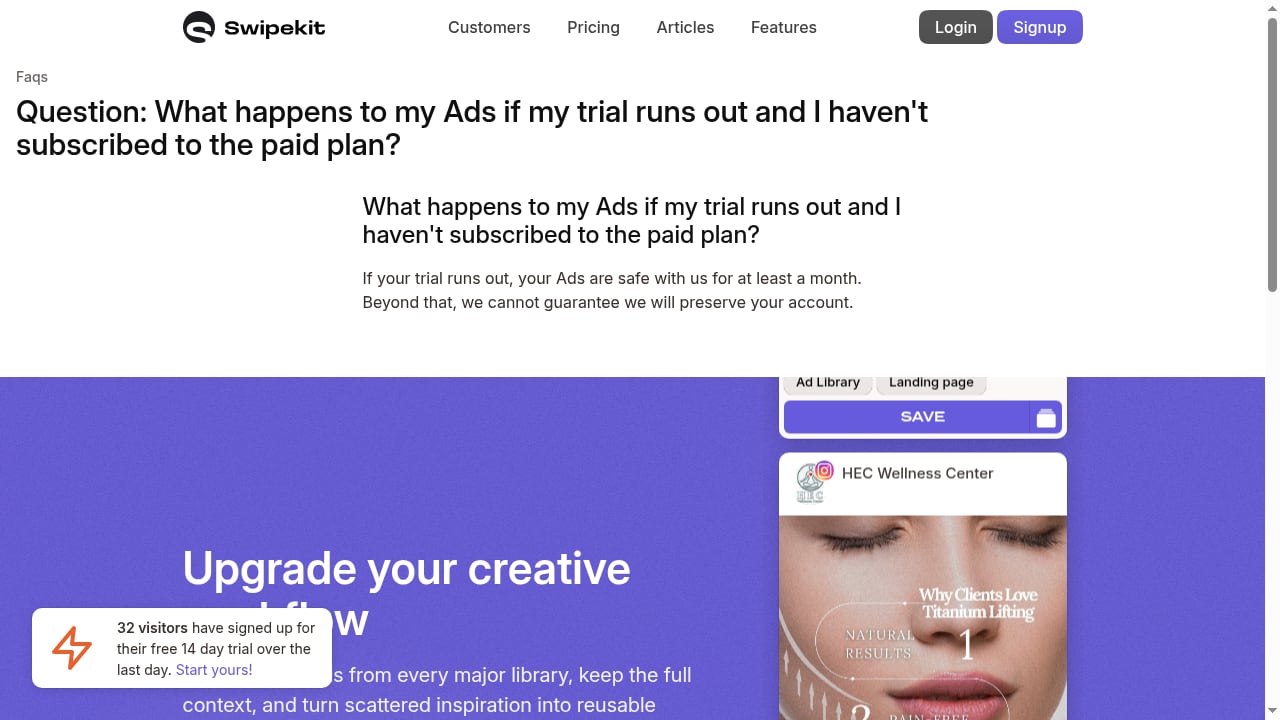
First viewport screenshot of What happens to my Ads if my trial runs out and I haven't subscribed to the paid plan? - Swipekit.
Multi-Platform Ad Saving
Swipekit's Chrome extension captures ads from over ten sources, including Meta Ad Library, TikTok Creative Center, LinkedIn Ad Library, Pinterest, and Google Display. Meta and TikTok captures are generally reliable. LinkedIn and Pinterest captures can occasionally drop metadata, which is worth testing before you commit to a paid plan.
For systematic multi-platform research, the extension approach has a structural weakness: every platform DOM update can break the save flow until Swipekit patches it. Tools with web-native search avoid this, but they trade away the "save what you see while browsing" convenience.
Brand Tracker
Brand Tracker runs in the background and automatically scrapes new ads from competitor brands on the Facebook Ad Library. It generates periodic insights covering ad copy patterns, asset type breakdowns, posting timelines, and landing pages competitors are driving traffic to.
This is Swipekit's most valuable feature for ongoing competitive monitoring. Instead of manually checking competitor ad libraries every week, you get a rolling feed of new creative. The tracked brand limits vary by plan, which we cover below.
AI Scriptwriter
Swipekit's AI Scriptwriter converts saved ads into ad concepts, copy variations, or shot-by-shot video storyboards. Outputs are structured in Markdown and JSON, making them portable into tools like ChatGPT, Veo, or Sora for further production.
This is a useful bridge between research and production, but it's not a full creative analytics engine. It won't tell you which hooks are winning or score your existing ads. For that, you'd need a platform that connects to live ad account data.
Ad Transcription and Metrics
Video ads saved to Swipekit can be auto-transcribed, which is handy for pulling copy from competitor videos or remixing scripts. Ads saved from the Facebook Ad Library also display estimated reach, ad spend estimates, and running duration. These estimates give directional context but shouldn't be treated as precise performance data.
Swipe Files and Boards
Saved ads live in workspaces organized by tags. You can create unlimited boards, share them via public links, embed them in Notion or ClickUp, or publish them as mood boards for clients. The tag-first structure scales well for large libraries but lacks the brief-container model that Foreplay uses to connect research directly to production.
Swipekit Pricing Signals
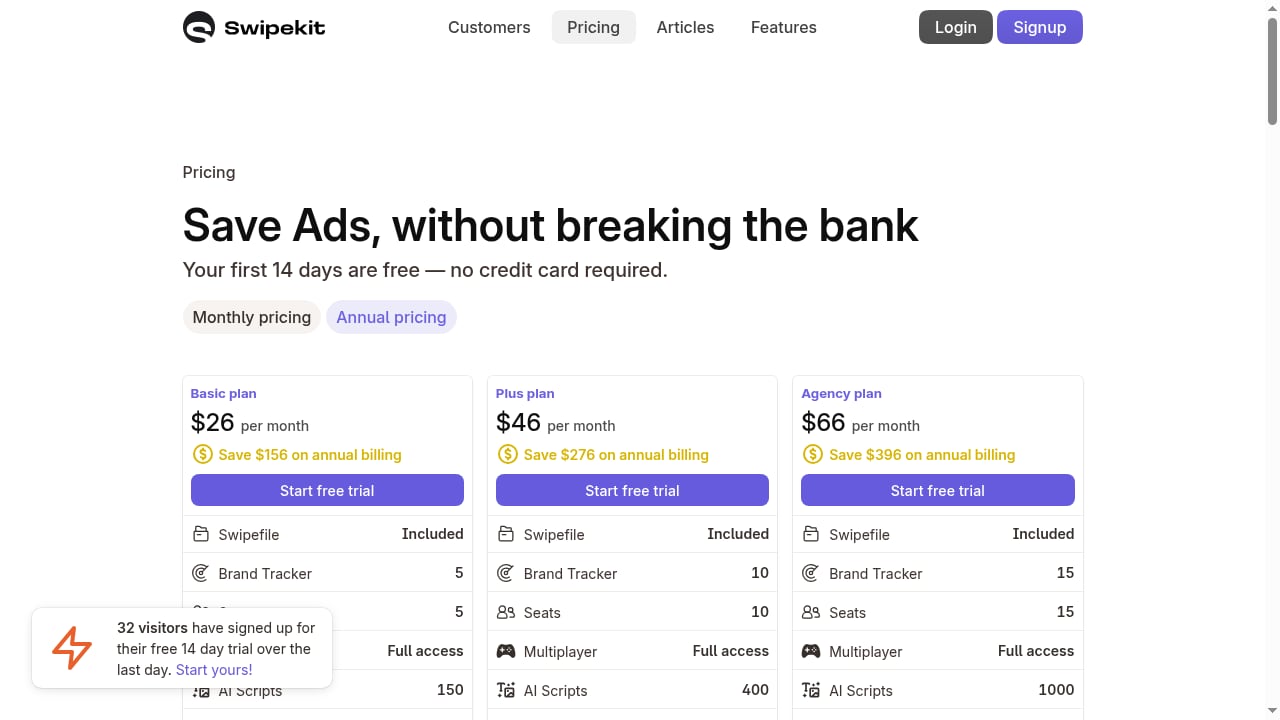
First viewport screenshot of Swipekit.
Swipekit's pricing is budget-friendly compared to most ad intelligence tools. All plans include unlimited ad saving, access to a shared library of over 500,000 ads, landing page screenshots, and ad reach estimates. The main differences are tracked brand limits and team seats.
- Basic Plan ($26/month): Track up to 5 brands, invite up to 4 team members.
- Plus Plan ($46/month): Track up to 10 brands, invite up to 9 team members.
- Agency Plan ($66/month): Track up to 15 brands, invite up to 14 team members.
Annual billing reduces costs, and all tiers include a 14-day free trial with no credit card required. For comparison, Foreplay starts at $49 to $59 per month, and MagicBrief starts at $249 per month. Swipekit undercuts most competitors on entry price, which makes it an attractive first tool for solo operators.
The pricing signal here is clear: Swipekit competes on affordability and accessibility, not depth. If you need API access, creative analytics, or unlimited brand tracking, you'll outgrow it quickly.
Setup and Learning Curve
Getting started with Swipekit is straightforward:
- Install the Chrome extension.
- Create an account on the web dashboard.
- Browse an ad library (Meta, TikTok, LinkedIn, etc.).
- Click the Swipekit extension button to save ads.
- Tag and organize saved ads into boards.
- Add competitor brands to Brand Tracker.
The interface is clean and minimal, which most users appreciate. The main friction points reported by users are login and authentication failures, plus slow support responses when technical issues arise. The Chrome Web Store rating sits around 4.4 stars, with praise for the interface and Brand Tracker but recurring complaints about access problems.
Strengths and Limitations
Strengths
- Fast bulk capture: Batch-select and save workflows are quicker than most competitors for high-volume research.
- Wide platform coverage at the extension level: More sources than many swipe-file tools, including Pinterest and LinkedIn.
- Affordable entry point: $26/month with a no-credit-card trial is hard to beat.
- Practical extras: Ad transcription and AI script generation save real production time.
Limitations
- No creative brief builder: Research and output live in separate tools, creating a translation step for teams.
- No public API: Data can't be programmatically extracted or fed into custom workflows.
- Extension dependency: Platform DOM changes can break the core save flow until patched.
- Support reliability: Multiple user reports cite slow or absent responses to access issues.
- No creative analytics: You can't connect ad account data to see which of your own ads are winning.
Swipekit vs Foreplay: Which Fits Your Workflow?
The most common comparison is Swipekit vs Foreplay, and the choice comes down to philosophy. Foreplay is an editorial tool built around boards, briefs, annotations, and team review. Swipekit is a scraper-first collector built around fast capture, bulk import, and tag-based retrieval.
Choose Swipekit if you're a solo strategist or small agency that needs to build a high-volume inspiration library quickly and cheaply. Choose Foreplay if your workflow requires turning research into annotated briefs that hand off cleanly to designers and copywriters.
If your research extends heavily into TikTok, check how TikTok ad tools and strategy fit into your stack before committing to any single platform.
Decision Criteria: Should You Buy Swipekit?
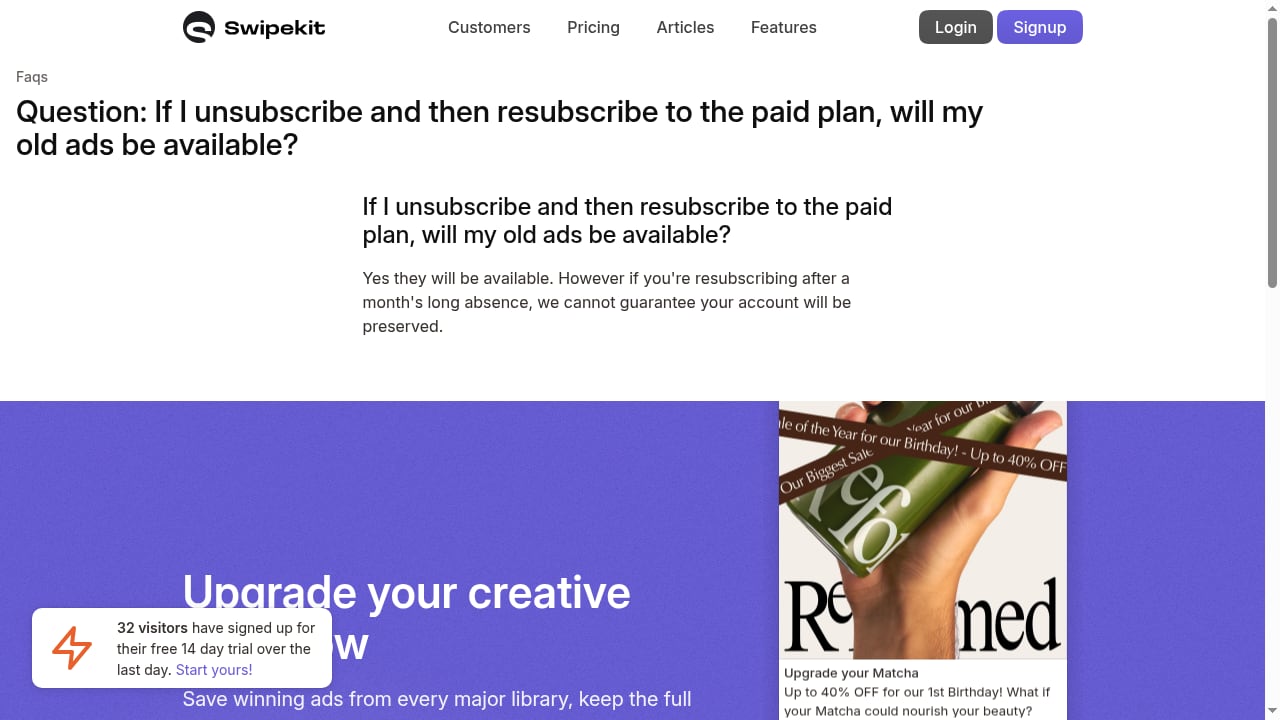
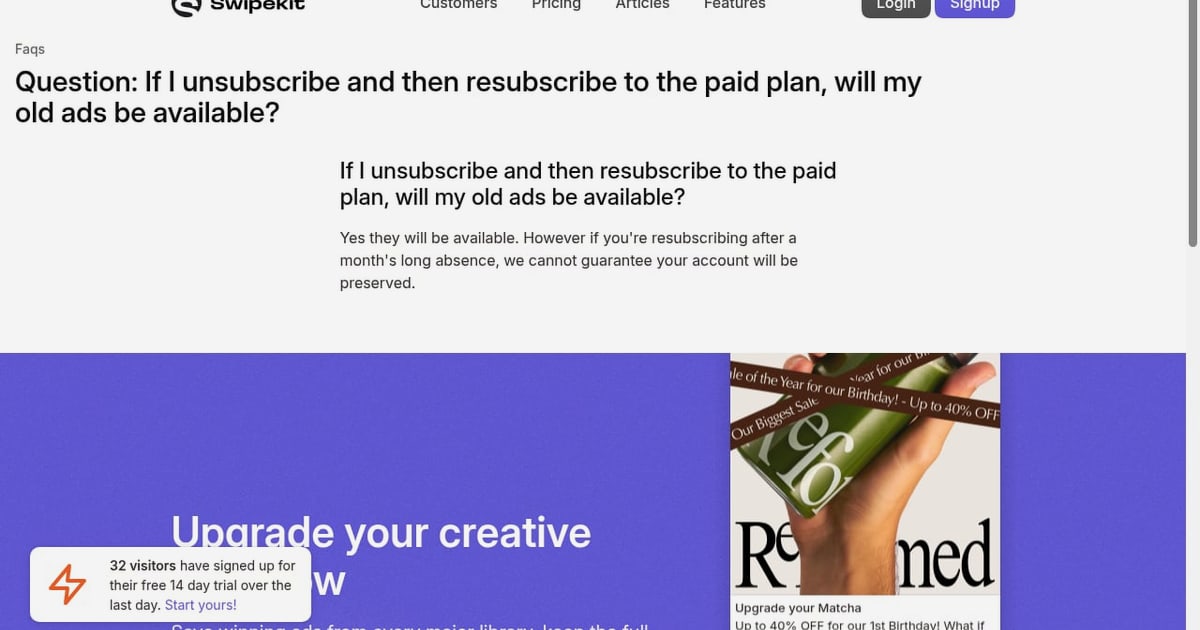
First viewport screenshot of If I unsubscribe and then resubscribe to the paid plan, will my old ads be available? - Swipekit.
Buy Swipekit if:
- You mainly need a fast, affordable way to save and organize ads from multiple platforms.
- You want automated competitor tracking without manual library checks.
- Your team is small and doesn't need deep annotation or brief-building features.
- You're price-sensitive and want to test an ad research workflow before investing in heavier tools.
Look elsewhere if:
- You need creative briefs connected directly to saved ads.
- You require API access or programmatic data extraction.
- You need creative analytics tied to live ad account performance.
- Your team depends on reliable support for mission-critical research.
For dropshippers and e-commerce operators validating products before committing, pairing Swipekit with supplier vetting research creates a practical validation loop: find winning ad angles first, then source the product.
Sources and further reading
- Foreplay vs SwipeKit: The Head-to-Head Comparison Creative Strategists Actually Need (2026) - Foreplay vs SwipeKit head-to-head: pricing, platform coverage, collection UX, collaboration, Chrome extension, and API. Find out which tool fits your workflow.
- Swipekit Pricing, Reviews & Alternatives: Is This Ad Library Tool Worth It? - Read our honest Swipekit review, covering pricing, key features, and top alternatives like GetHookd to help you decide if this ad library tool is worth it for your team.
- Suffering with Swipekit? Use Foreplay Instead - Swipekit is ok, but Foreplay is better with all ad saving features plus more. Stop using software with limited functionality and try Foreplay for free.
Frequently Asked Questions
Is Swipekit free?
Swipekit offers a 14-day free trial on all plans with no credit card required. After the trial, paid plans start at $26 per month.
Does Swipekit work without a Chrome extension?
No. The core capture workflow depends on the Chrome extension. The web dashboard handles organization and tracking, but saving ads requires the extension.
Which platforms does Swipekit support?
Swipekit supports saving from Meta Ad Library, TikTok Creative Center, TikTok Ad Library, LinkedIn Ad Library, Pinterest, Google Display, and other sources. Capture quality is most reliable on Meta and TikTok.
Can Swipekit track competitor ads automatically?
Yes. Brand Tracker scrapes new competitor ads from the Facebook Ad Library on a recurring schedule and generates insights on copy patterns, asset types, and landing pages.
Does Swipekit have an API?
No public API is available. If you need programmatic access to ad data, you'll need a platform with API support or a custom scraping solution.
How does Swipekit compare to Foreplay?
Swipekit is faster and cheaper for high-volume ad collection. Foreplay offers deeper editorial features like briefs, annotations, and team review. The right choice depends on whether your workflow is collection-first or production-first.
Conclusion
Swipekit is a solid, affordable ad research tool for solo marketers and small teams who prioritize capture speed and multi-platform coverage. The Brand Tracker and AI Scriptwriter add genuine value beyond basic swipe-file storage, and the $26 entry price makes it accessible for almost any budget.
Its limitations are equally clear: no brief builder, no API, no creative analytics, and support reliability issues that surface in user reviews. If your workflow needs those capabilities, you'll outgrow Swipekit or need to pair it with other tools.
For high-volume collectors who want a clean, fast, tag-first library without enterprise pricing, Swipekit earns its place. For teams building production workflows around research, heavier platforms justify their higher cost.