
How to Use PrimeSpy with AI Ad Video Generator - Create Ad Creative & UGC Ads by AI
Most ad teams do not have a research problem or a production problem. They have a gap between the two. PrimeSpy shows you which ads are already working across Meta and TikTok, and AI Ad Video Generator - Create Ad Creative & UGC Ads by AI turns those findings into finished video ads without a shoot. This guide explains how the two tools fit together, how to set up the workflow, and what the combination solves that neither tool handles alone.
Why pair ad intelligence with AI video production
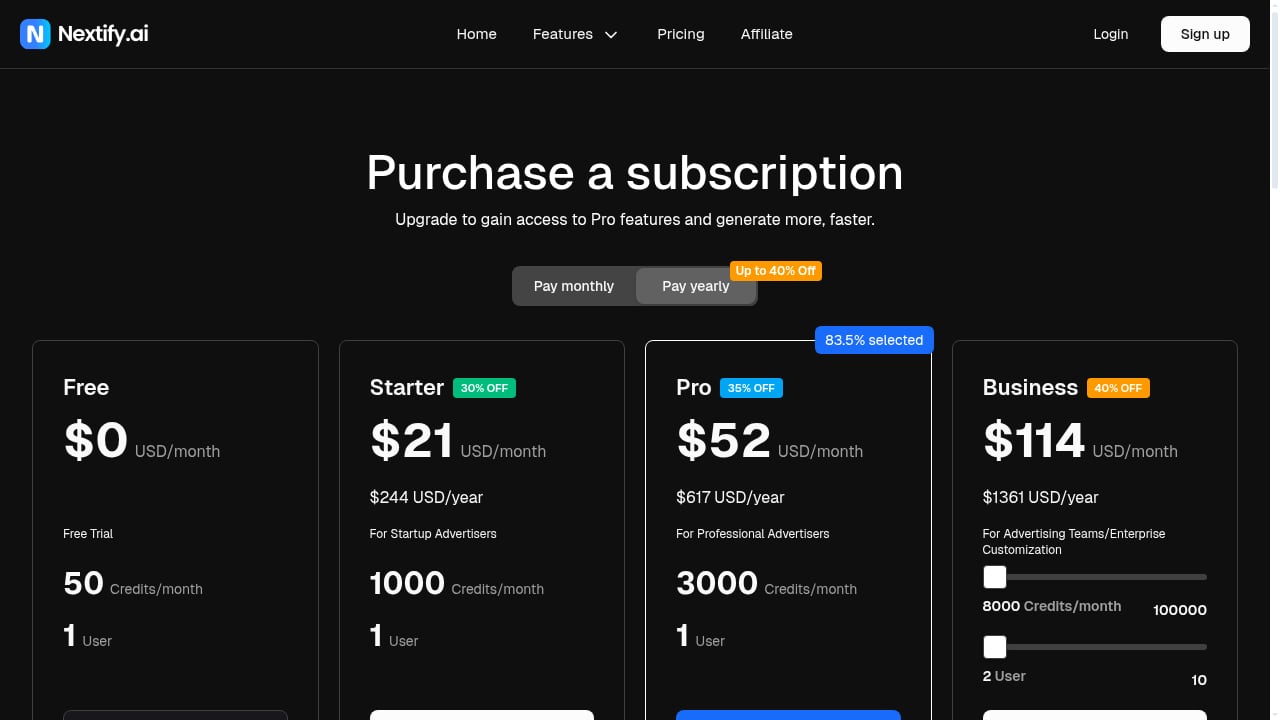
First viewport screenshot of www.nextify.ai.
Ad intelligence answers "what is working?" AI video generation answers "how do I make more of it, fast?" Used separately, each leaves a bottleneck:
- Research without production gives you a swipe file of competitor ads you still have to brief, cast, film, and edit.
- Production without research gives you a high volume of creative with no evidence about which hooks, formats, or offers deserve the spend.
PrimeSpy covers the discovery side: a library of over 120 million ads, smart search by keyword, URL, and advertiser, filters for ecommerce and region, a competitor ad tracker that flags new creatives and landing page changes, and reach and spend signals. AI Ad Video Generator covers the output side: product demos, talking-head ads with 1000+ avatars in 40+ languages, and UGC-style videos built for TikTok, Instagram, and Facebook, with no actors required.
Together they shorten the loop from "I spotted a winning angle" to "I have three testable variants live this week."
What each tool does in the workflow
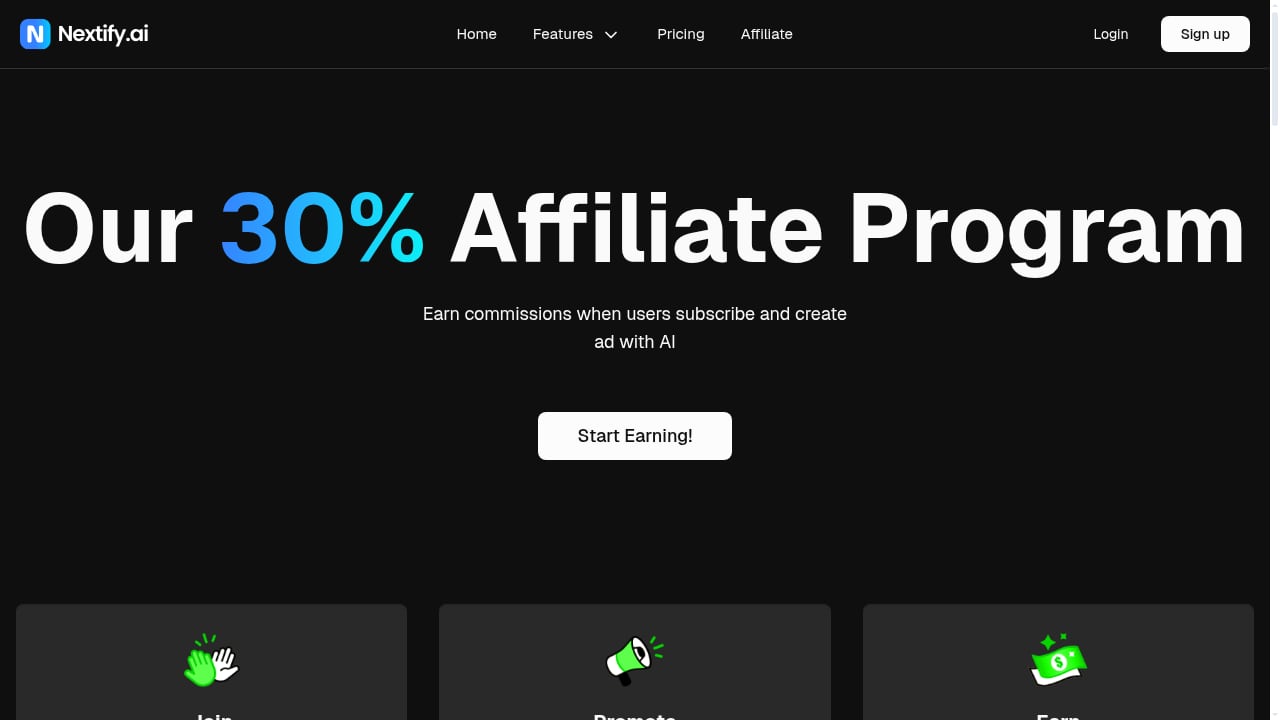
First viewport screenshot of Nextify AI.
| Stage | PrimeSpy | AI Ad Video Generator |
|---|---|---|
| Find proven angles | Search 120M+ ads by keyword, URL, advertiser; filter by platform and region | — |
| Validate the signal | Check run time, creative refreshes, reach and spend signals, landing page changes | — |
| Turn insight into a brief | Save and export ad lists for the team | — |
| Produce the creative | — | Generate product demos, avatar talking-head ads, and UGC-style videos |
| Localize and scale | — | 1000+ avatars, 40+ languages |
| Monitor the market | Competitor ad tracker alerts on new creatives and page updates | — |
Step-by-step setup
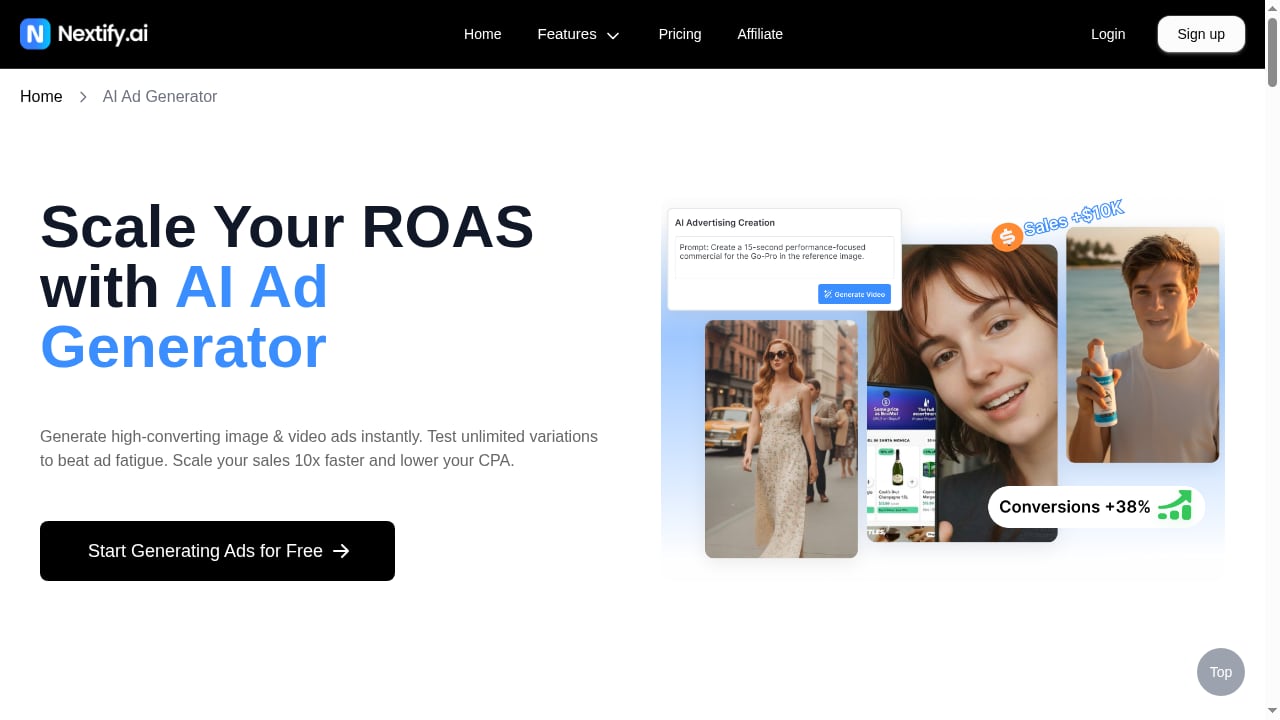
First viewport screenshot of www.nextify.ai.
Step 1: Define the research question before you open PrimeSpy
Do not start by browsing a competitor's page. Start with the customer problem you want to test. Examples:
- "Which hooks are skincare brands using to sell to first-time buyers?"
- "What demo formats are winning for kitchen gadgets in the US?"
- "Which offer structure is repeating across fitness supplement ads?"
A clear question keeps the research focused and gives the AI video brief a direction.
Step 2: Search PrimeSpy by keyword, URL, and advertiser
Run three passes:
- Advertiser search on two or three direct competitors to see their current creative mix.
- Keyword search on buyer-problem terms (for example "sensitive skin," "meal prep," "gift for him") to surface brands you did not know were competing.
- URL search on a competitor's landing page to find other ads pointing to the same funnel.
Apply ecommerce and regional filters so you are comparing ads aimed at your actual market.
Step 3: Separate signal from noise
Active does not mean winning. Look for:
- Repeated angles across several ads from the same advertiser.
- Long run time combined with recent creative refreshes, which suggests an ad is being maintained rather than abandoned.
- Multiple variants of one concept, a sign the advertiser is scaling a winner.
- Ad-to-landing-page alignment, where the promise in the ad matches the page.
PrimeSpy's reach and spend signals and competitor ad tracker help here: a brand that keeps launching new versions of the same hook is usually telling you something. For a deeper look at how to read ad libraries without overreading them, see our breakdown of winning Facebook ad ideas.
Step 4: Save and export the shortlist
Save the 5–10 ads that best represent a repeatable pattern. Export the list so your creative brief includes the actual reference ads, not a vague description. Note the hook, the format (talking head, demo, before-and-after), the offer, and the language.
Step 5: Brief the AI Ad Video Generator
Translate each saved pattern into a production brief:
- Format: talking-head UGC, product demo, or testimonial style.
- Avatar and language: pick an avatar that fits the audience; choose the language and region you are targeting.
- Script: adapt the winning hook structure, not the exact wording. Keep the claim honest and specific to your product.
- Product footage: supply your real product images or clips so the demo shows the actual item.
Step 6: Generate variants, not one video
Produce three to five versions per concept: different opening lines, different avatars, different lengths. The goal is to give the ad platform enough distinct creative to learn from.
Step 7: Launch, then feed results back into PrimeSpy
Once the variants are live, return to PrimeSpy. Watch whether competitors respond with new angles, and check whether the patterns you borrowed are still active. Creative fatigue moves fast; the tracker tells you when the market shifts.
Practical examples
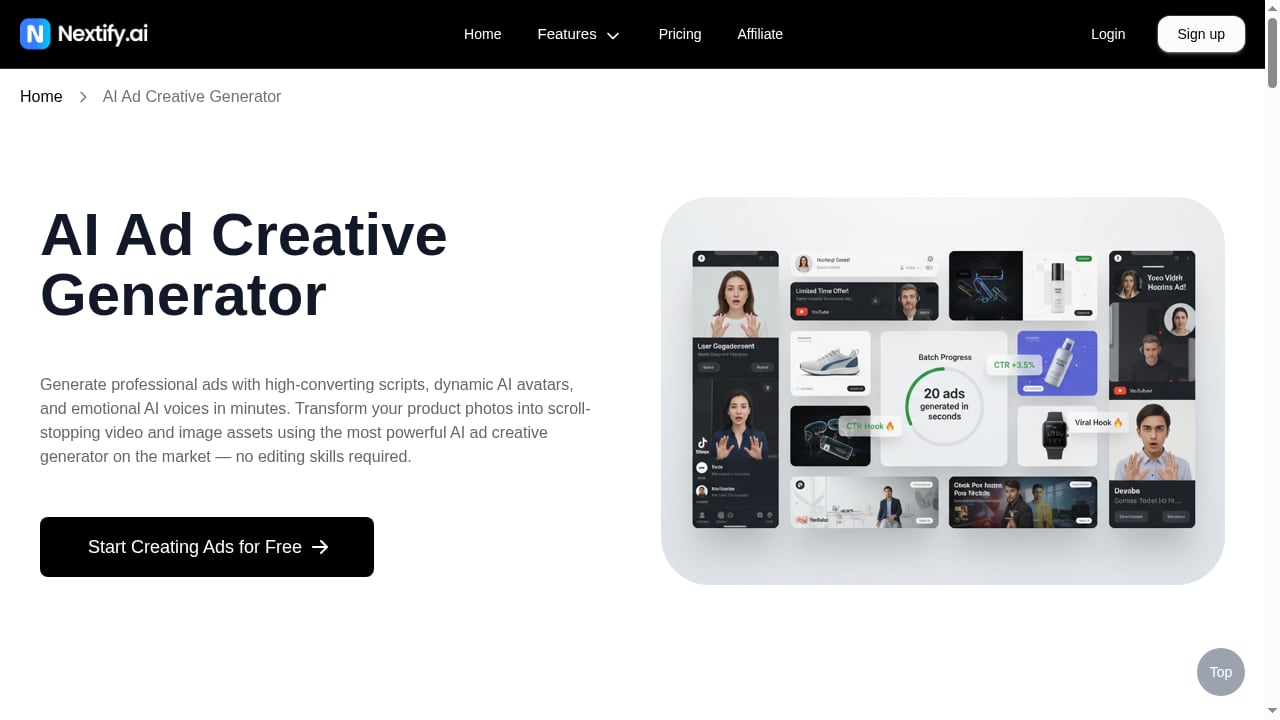
First viewport screenshot of www.nextify.ai.
Example 1: Dropshipping a kitchen gadget
You search PrimeSpy for the product category and filter to your region. Three competitors are running demo videos with the same "problem-solution in 10 seconds" structure, and one has refreshed the same concept five times in a month. You export those ads, then use AI Ad Video Generator to produce a product demo with your own footage and a talking-head variant with an avatar explaining the same pain point. You test both against a static image control.
Example 2: A skincare brand entering a new language market
PrimeSpy shows that the winning angle in your home market is a testimonial-style UGC ad. You keep the angle and use the AI generator's 40+ language support and avatar library to produce localized versions for two new markets, without hiring local creators for the first test.
Example 3: An agency monitoring ten clients
Set up competitor trackers in PrimeSpy for each client's top three rivals. When a tracker flags a new creative direction, the account team turns it into a brief and generates draft videos for review. The agency ships faster responses to market changes and spends less on production per test.
Where the combination fits — and where it does not
Use PrimeSpy plus AI Ad Video Generator when:
- You need to test many creative angles quickly and cheaply.
- You sell physical products that benefit from demos and UGC-style testimonials.
- You operate in multiple languages or regions.
- You want research-backed creative rather than guesswork.
Consider a different setup when:
- Your brand depends on founder-led or celebrity creative that cannot be replicated by avatars.
- You need highly technical demonstrations where product accuracy is critical and every frame must be verified.
- You already have an in-house studio and only need research, not production.
If you are still choosing a research tool, our PrimeSpy vs AdSpyder vs Anstrex comparison covers channel coverage and pricing, and PrimeSpy vs Panoramata explains the difference between an ad spy tool and a competitor monitor.
Common mistakes to avoid
- Copying ads instead of patterns. The goal is to understand why an angle works, not to duplicate a competitor's script.
- Skipping the landing page check. An ad that looks strong may point to a weak or mismatched funnel.
- Generating too few variants. One AI video is a test; five variants give the platform something to optimize against.
- Ignoring product accuracy. Always check that the generated video shows your real product correctly before spending.
- Forgetting to re-check the market. A winning angle has a shelf life. Keep the tracker running.
Related reading
- Proven SaaS Review 2026: Revenue & Ad Spy Intelligence Tested - Hands-on Proven SaaS review: revenue estimates for 14,500+ SaaS products, ad spy, audience insights, setup, pricing signals, and who should skip it.
Sources and further reading
- Best Ad Intelligence Tools in 2026: Compare Top Platforms - PrimeSpy - Discover the best ad intelligence tools for competitor research, creative analysis, campaign monitoring, and paid media optimization. Compare features, use cases, and pricing.
- Meta Ads Library 101: How to Use It for Competitor Research - PrimeSpy - Learn how to use the Meta Ads Library to research competitor ads, analyze Facebook and Instagram creatives, find market patterns, and plan better ad tests.
- 9 Best AI Tools for Facebook and Instagram Ad Creatives for Ecommerce Stores and Brands (2026) - Best AI tools for Facebook and Instagram ad creatives for ecommerce: 9 picks by job, free options, and a product accuracy check.
FAQ
Do I need both tools to run this workflow?
No, but the combination is what removes the bottleneck. PrimeSpy alone leaves you with research you still have to produce; the AI generator alone leaves you guessing which angles to make.
Can AI Ad Video Generator create ads in languages other than English?
Yes. It supports 40+ languages and 1000+ avatars, which makes it useful for localized tests before committing to local creators.
Does PrimeSpy show exact competitor spend?
It provides reach and spend signals rather than a guaranteed exact figure. Treat them as directional evidence and combine them with run time and creative refresh patterns.
How many ad variants should I generate per concept?
Three to five is a practical starting range. Enough to test different hooks and formats without spreading budget too thin.
Is this workflow suitable for agencies?
Yes. Competitor trackers per client plus fast AI production lets agencies respond to market changes quickly and reduce production cost per test.
Conclusion
PrimeSpy tells you which ads are earning attention; AI Ad Video Generator lets you answer them with your own creative in hours instead of weeks. The workflow is simple: research a clear question, separate signal from noise, export a shortlist, brief the generator with real product footage, produce several variants, and feed the results back into your monitoring. Start with one product line and one competitor set, and let the loop compound.
For more on building the research side, see our guide to the top ecommerce spy and product research software.