
SwipeWell Review 2026: Is This Swipe File Software Worth It?
Most marketers do not have a swipe file problem in the sense of finding inspiration. They have a retrieval problem. Screenshots live in camera rolls, bookmarks rot in browser folders, and that brilliant email you saw in March is effectively gone by June. SwipeWell is a purpose-built swipe file tool that tries to fix exactly that gap: capture marketing examples fast, organize them with tags and collections, and pull them back up when you are writing a new campaign.
This review covers what SwipeWell actually does, where it fits in a real creative workflow, what it costs, and the cases where a different tool makes more sense.
What SwipeWell Is and Who Built It
First viewport screenshot of 18 Best SaaS Pricing Update Email Examples | Marketing Examples.
SwipeWell is swipe file software — not a general bookmarking app, not a design inspiration board, and not an ad spy platform. It is built specifically for saving marketing examples: ads, emails, landing pages, social posts, and anything else you want to reference later.
The product is bootstrapped and built by two independent founders, which shows in the positioning. It does one job rather than bundling ad intelligence, competitor tracking, and creative analytics into one dashboard. If you want a tool that also reveals which ads are running and how long they have been live, that is a different category — see our breakdown of ad intelligence tools and how they compare.
How SwipeWell Works: Extension, Dashboard, and Mobile
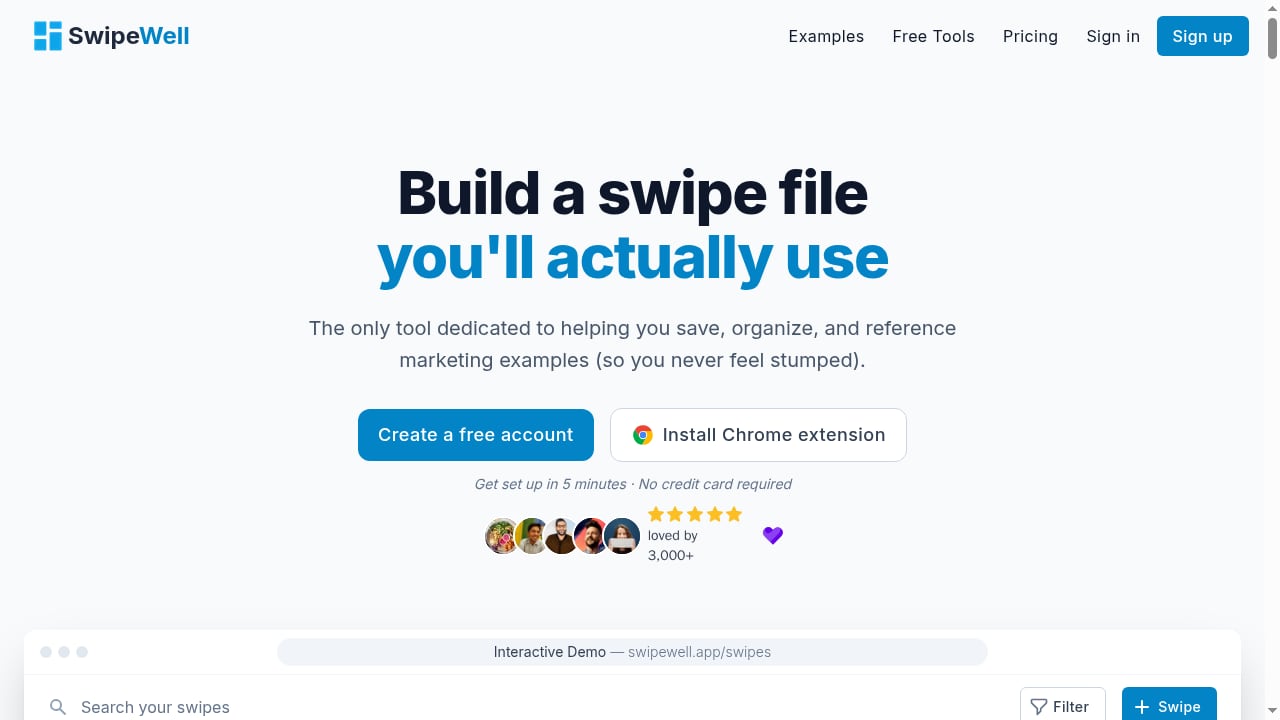
First viewport screenshot of SwipeWell | Swipe File Software.
The core loop is deliberately short: see something worth saving, save it in one or two clicks, tag it, move on.
The Chrome extension
The extension is the entry point for most users. You browse a landing page, an ad library, or a competitor's email, and capture a screenshot directly into your library without leaving the tab. This matters more than it sounds. Every extra step between noticing something good and saving it is a step where most people give up and take a screenshot they will never look at again.
The web dashboard
The dashboard is where the library becomes useful. You get tagging, collections, and filtering, so a library of a few hundred swipes stays navigable instead of turning into an undifferentiated wall of images. Collections are the practical unit here: one for onboarding emails, one for pricing page headlines, one for retargeting creative.
Mobile apps
Mobile capture means you can save an ad from a social feed while scrolling, which is where a large share of good creative actually gets discovered. It is a small feature on paper and a meaningful one in practice.
Email forwarding and bulk imports
Forwarding lets you push a newsletter or campaign email straight into your library. Bulk import handles the migration problem — the folder of screenshots you already have. Neither is glamorous, but migration friction is one of the main reasons swipe file tools get abandoned in week two.
Embeddable collections
Collections can be embedded and shared, which turns a private research habit into something a team or a client can actually look at. For agencies, this is often the feature that justifies the tool internally.
Key Features That Change How You Work
First viewport screenshot of SwipeWell | Swipe File Software.
Tagging and advanced filtering
Tags are only as good as your discipline, but filtering is what makes a large library survivable. Being able to narrow to a specific format, channel, or angle is the difference between a swipe file you use weekly and one you forget exists.
Ad Finder
Ad Finder is a paid-tier feature aimed at surfacing ad examples rather than only storing the ones you stumble across. It is a useful middle ground between manual capture and a full ad spy subscription — you get discovery without paying for a dedicated competitive intelligence platform.
Team collaboration
Shared libraries matter when more than one person writes copy. A shared swipe file means the whole team sees the same references instead of each person rebuilding their own private collection.
Strengths and Limitations
Strengths
- Focused scope. It does swipe file management and does not pretend to be a full marketing suite.
- Fast capture across desktop and mobile, which is the single biggest determinant of whether a swipe file gets used.
- Organization that scales past a few dozen items through tags, collections, and filtering.
- Sharing and embedding make it viable for teams and client work, not just solo note-taking.
- A free tier that lets you test the capture-and-retrieve loop before paying.
Limitations
- It is not an ad spy tool. You will not get spend estimates, ad longevity data, or platform-wide creative databases.
- It is not a design tool, a project manager, or a copywriting assistant. It stores references; it does not generate campaigns.
- Value depends on habit. If you do not tag and revisit, any swipe file tool becomes a graveyard — SwipeWell included.
- As a small bootstrapped product, it will not match the integration ecosystem of a large SaaS platform.
Pricing Signals: What to Expect
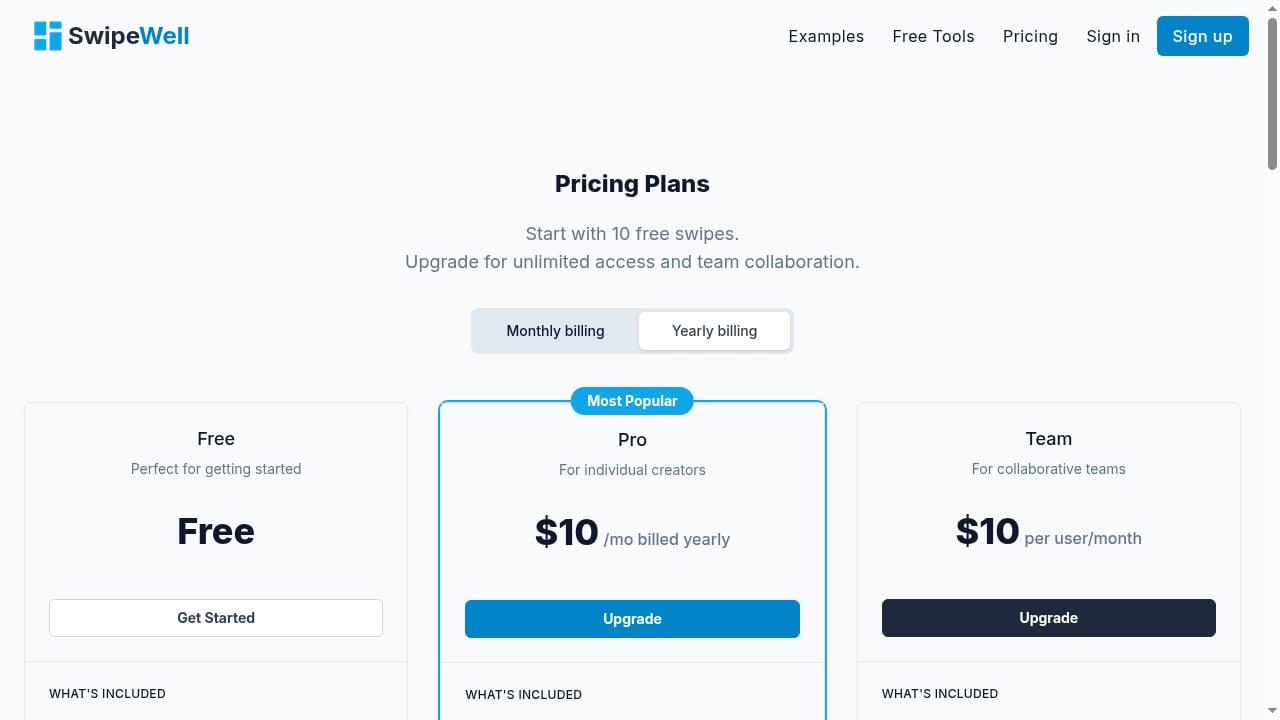
SwipeWell runs a freemium model. The free tier allows 10 swipes, which is enough to test the extension, the dashboard, and the tagging flow, but not enough to run a real library. Paid plans unlock unlimited saves, Ad Finder, and team collaboration features.
Specific prices change, so check the current plan page before budgeting. The practical question is not the monthly number — it is whether the tool replaces something you already pay for. If it replaces a messy combination of bookmarks, screenshot folders, and a shared drive, the math usually works. If you already pay for a full ad intelligence platform, SwipeWell is closer to a complement than a replacement.
That distinction matters when you are building a stack. For a broader view of how research and storefront tools fit together, see our guide to commerce software categories and how to choose.
Setup: What the First Week Looks Like
First viewport screenshot of SwipeWell | Swipe File Software.
- Install the Chrome extension and create an account.
- Save five to ten examples you already know you like, so the library starts with signal rather than noise.
- Define a small tag set — channel, format, and angle is usually enough. Resist the urge to build twenty tags on day one.
- Create two or three collections tied to real upcoming work, not abstract categories.
- Forward a few newsletter emails in to test that path.
- Bulk import your existing screenshot folder so you stop maintaining two systems.
- Share one collection with a teammate or client and see whether the embed format is useful to them.
If the library still feels empty after a week, the problem is usually the tagging scheme, not the tool.
Who SwipeWell Is For — and Who Should Look Elsewhere
Good fit
- Copywriters and content marketers who collect examples for tone, structure, and headline patterns.
- Founders and solo marketers who want a lightweight research habit without a full platform subscription.
- Agencies that need to share references with clients or across a writing team.
- Anyone whose current swipe file is a camera roll and a prayer.
Weaker fit
- Media buyers who need ad spend, reach, and longevity data. That is a spy tool job — our PrimeSpy vs GetHookd vs Adspo comparison covers that category.
- Designers looking for a moodboard or visual asset manager.
- Teams that need deep integrations with their existing project management or DAM stack.
How to Decide: A Short Checklist
Ask four questions before subscribing:
- Do I currently save marketing examples anywhere? If the answer is no, fix the habit before buying the tool.
- Do I need to retrieve examples under time pressure — pitching, writing, or briefing? If yes, a searchable library pays for itself.
- Do I need discovery or just storage? Storage is SwipeWell's strength; discovery is Ad Finder's job and it is more limited than a dedicated spy platform.
- Does more than one person need access? If yes, weigh the team tier against a shared drive nobody actually uses.
If you are also evaluating ad research tools, it helps to understand where each one sits. Our Koala Inspector review covers a Shopify-focused extension with a very different job, and it is a useful contrast to a pure swipe file tool.
Related reading
- How to Use PrimeSpy with Copyfy: Ad Spy to Shopify Workflow - Learn how to combine PrimeSpy ad intelligence with Copyfy's AI store builder: validate winning ads, then launch a Shopify store fast.
- PrimeSpy vs SpreshApp: Which Ad Spy Tool Fits in 2026? - PrimeSpy vs SpreshApp compared: pricing, credits, platform coverage, AI search, and workflow fit for dropshippers, agencies, and DTC brands in 2026.
Sources and further reading
- SwipeWell Review (2026) — Pros, Cons & Rating - Save all your marketing inspiration in one place. Rated 5.0/5 by 2 users. Read pros, cons, and detailed review.
- Assessing SwipeWell: An Honest Review of Its Features, Compatibility... - SwipeWell is a digital product designed to streamline and enhance the productivity of its users. Primarily aimed at professionals who manage a large volume of digital content, SwipeWell offers a unique platform for organizing, accessing, and sharing information efficiently.
- SwipeWell Reviews (2026) - Product Hunt - Read reviews and experiences from users of SwipeWell. Get comprehensive feedback about features, pros, cons, and alternatives.
FAQ
Is SwipeWell free?
There is a free tier limited to 10 swipes. Unlimited saves, Ad Finder, and team collaboration require a paid plan.
Is SwipeWell an ad spy tool?
No. It stores and organizes marketing examples you capture, and Ad Finder adds some discovery. It does not provide ad spend, reach, or platform-wide creative databases.
Does SwipeWell have a Chrome extension?
Yes. The Chrome extension is the primary capture method, alongside web dashboard access and mobile apps.
Can I share my swipe file with a team?
Yes. Team collaboration is a paid feature, and collections can be embedded for internal or public sharing.
Can I import my existing screenshots?
Bulk imports and email forwarding are supported, which helps migrate an existing collection instead of starting from zero.
What is the biggest risk with SwipeWell?
Abandonment. If you do not tag and revisit your library, it becomes a folder of unused images regardless of how good the software is.
Conclusion
SwipeWell is a narrow tool that solves a narrow problem well. It is not trying to be an ad intelligence platform, a design suite, or a campaign generator, and judging it against those categories misses the point. What it does is make capturing and retrieving marketing examples fast enough that the habit actually sticks — and for copywriters, agencies, and founders who reference creative work regularly, that is the whole game.
Test the free tier with real examples from your own workflow. If you find yourself searching your library within the first week, it has already earned its place. If you never open it again, you did not need a swipe file tool — you needed a better process.