
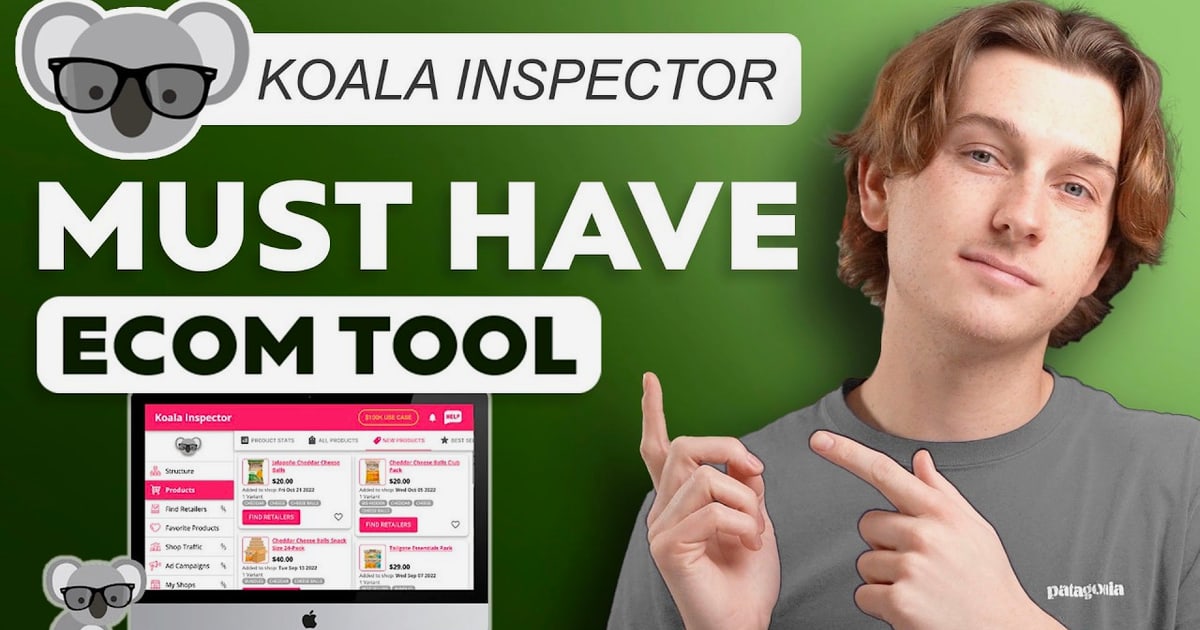
Koala Inspector Review 2026: What This Shopify Spy Extension Really Delivers
Koala Inspector is a Chrome extension that turns any Shopify storefront into a readable competitive intelligence panel. Click the icon while browsing a competitor and you get its theme, installed apps, product catalog, pricing patterns, and traffic signals in one view. This review breaks down how it works, where it is genuinely strong, where the data gets fuzzy, and whether the free tier or the $22/month Premium plan fits your workflow.
What Koala Inspector actually does
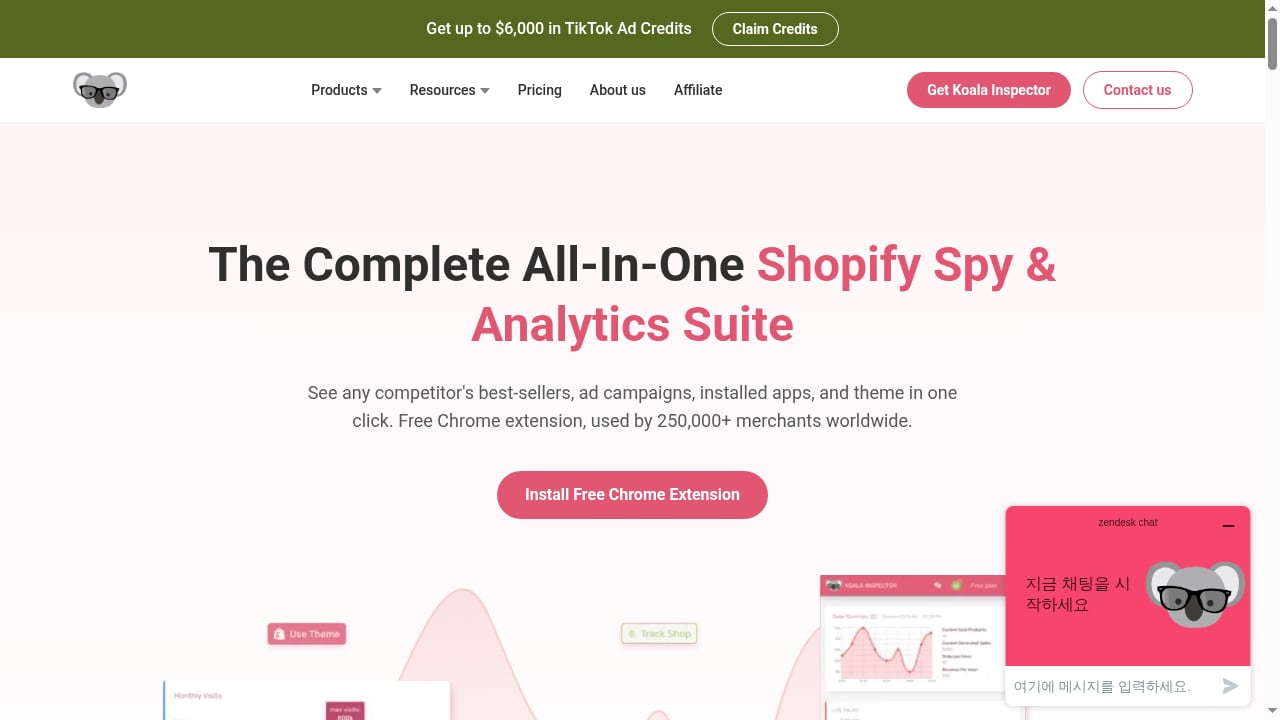
First viewport screenshot of Koala Apps 🐨 All-In-One Shopify Spy & Analytics Suite.
Koala Inspector is built for one job: reverse-engineering Shopify stores. It activates when you land on a Shopify-powered domain and surfaces:
- Theme detection — the exact theme name and version, including paid themes like Prestige or Impulse.
- App detection — the third-party stack behind the store, such as review apps, email platforms, upsell tools, and page builders.
- Product and pricing data — catalog structure, compare-at prices, variants, and recently added items.
- Traffic estimates — directional visit data rather than audited analytics.
- Ad signals — active campaigns across major social and search platforms.
It is part of the broader Koala Apps suite, which also includes Shop Traffic, Live Trends, and Ad Campaigns. The extension is used by more than 250,000 merchants and marketers across 100+ countries, according to the vendor, and it holds a 4.7 out of 5 rating across 744 Chrome Web Store ratings.
One important boundary: it only works on Shopify. If you sell on WooCommerce, BigCommerce, or Wix, the extension will not analyze those stores. That focus is also why it goes deeper on Shopify-specific data than general tech-detection tools.
Who gets the most value from Koala Inspector
First viewport screenshot of Upgrading your Koala experience - Koala Apps.
The tool rewards people who already have a research routine. It is not a passive dashboard that emails you insights while you sleep — it is an active browsing companion.
Strong fits:
- Dropshippers validating a niche — run it across 15–20 top stores to spot shared themes, apps, and product patterns before committing to a category. Pair this with a structured dropship setup guide so research feeds directly into store configuration.
- Solo Shopify sellers — see which apps and themes successful competitors actually run, instead of guessing from app-store marketing pages.
- Small agencies and freelancers — audit a client's niche quickly and turn findings into a spreadsheet-backed recommendation.
- Product researchers — track newly added products and pricing changes to spot category tests early.
Weak fits:
- Sellers on non-Shopify platforms.
- Teams that already pay for enterprise tools like Similarweb or SEMrush and have in-house analysts.
- Anyone expecting precise revenue figures. Sales estimates are directional, not accounting-grade.
Setup and first-run workflow
Setup is minimal. Install the extension from the Chrome Web Store, pin it to your toolbar, and open any Shopify store. The panel populates automatically. There is no separate dashboard to configure and no code inspection required.
A practical first project looks like this:
- Build a store list. Identify 15–20 leading stores in your niche using search operators or the tool's own store discovery.
- Run the inspector on each. Record theme, app stack, and product count in a spreadsheet.
- Look for patterns. If most top stores use the same review app and email platform, that is a tested stack, not a coincidence.
- Watch new products. A store that normally adds a few items per month and suddenly adds fifteen is testing a new category.
- Compare pricing tiers. Compare-at prices and variant data reveal margin patterns across a niche in an afternoon.
If your research expands into paid channels, the same competitor data feeds naturally into an ecommerce advertising workflow where creative and offer decisions depend on what is already working in your market.
Strengths: where the data holds up
Theme and app detection is the standout. In independent testing across 40+ stores, theme detection accuracy ran above 95%, correctly identifying premium themes and free themes alike. App detection is where the real value sits, because it reveals the exact tech stack behind a winning store — review apps, email capture, upsells, and landing-page builders.
It is fast and browser-native. No separate dashboard, no exports to wrangle before you can think. The analysis happens while you browse.
Pricing is aggressive. Premium at $22/month undercuts comparable Shopify spy tools, and the free tier is genuinely usable for basic theme and app checks.
User feedback is consistent on support. Chrome Web Store reviews repeatedly praise responsive support and quick problem resolution, which matters for a tool you rely on during research sprints.
Limitations: what to watch before paying
Sales estimates are directional only. No external tool can read a store's actual order data. Relative comparisons — Product A outselling Product B — are more trustworthy than absolute numbers. Do not build financial projections on them.
Historical depth is limited. Expect roughly 90 days of historical data even on paid plans, which is shorter than some enterprise alternatives.
Token-based pricing adds friction. The free tier includes 15 monthly tokens; Premium at $22/month includes 220 tokens plus shop tracking and priority support. Heavy research sessions can burn through tokens faster than expected, and additional token packs are sold separately as one-time purchases.
No CSV export on the free plan. Serious research requires upgrading, which is a reasonable gate but worth knowing upfront.
Shopify-only coverage. This is a feature for focus and a limitation for anyone running a multi-platform catalog.
Pricing signals and plan fit
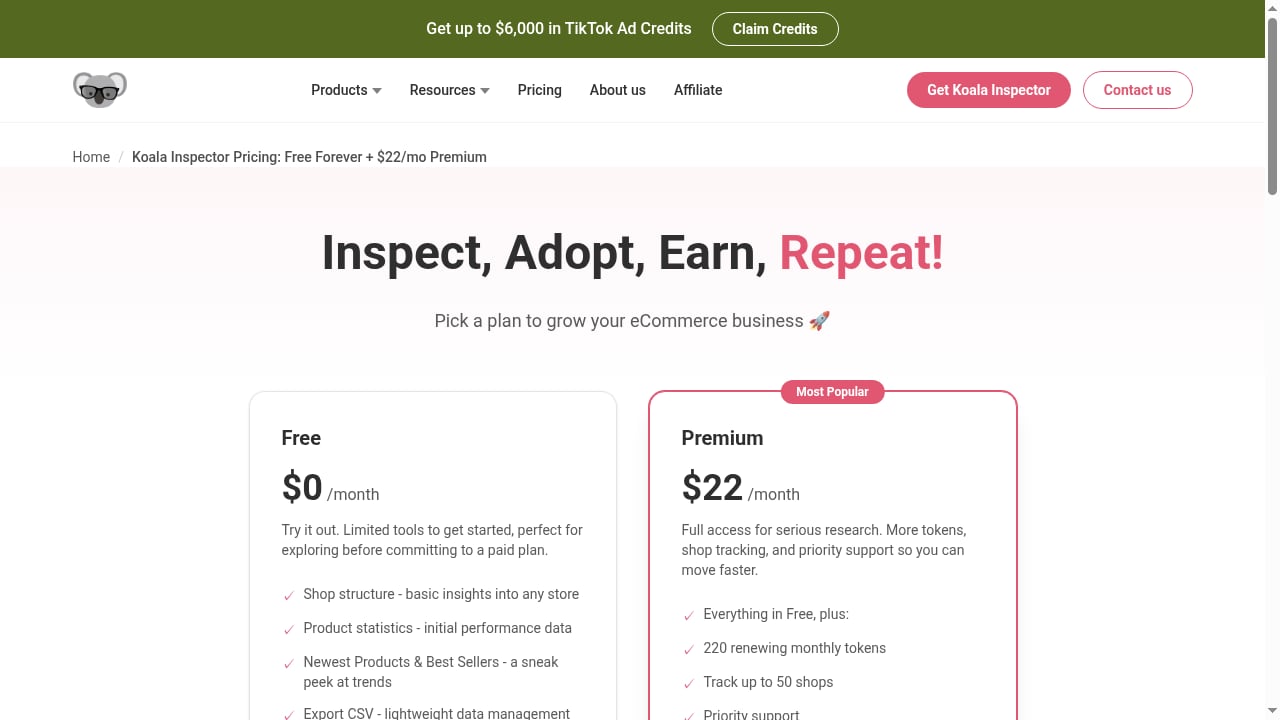
First viewport screenshot of Koala Inspector Pricing: Free Forever + $22/mo Premium.
| Plan | What you get | Best for |
|---|---|---|
| Free | 15 monthly tokens, basic theme and app detection | Testing whether the workflow fits |
| Premium ($22/month) | 220 tokens, shop tracking, priority support | Regular competitor research |
| Token packs | One-time purchase | Occasional deep audits |
There is also a short Pro trial that does not require a credit card, which is the fastest way to judge whether the token allowance matches your research pace. If you already run a broader stack of research tools, compare this against alternatives in a multi-tool comparison before committing budget.
How Koala Inspector compares to alternatives
First viewport screenshot of Blog — Shopify & eCommerce Insights | Koala Apps.
- vs. Commerce Inspector — Koala wins on price and real-time browsing; Commerce Inspector offers deeper historical data.
- vs. Niche Scraper — different starting points. Koala begins from a store URL; Niche Scraper begins from trending products and ad data.
- vs. BuiltWith — BuiltWith detects technology across all platforms; Koala goes deeper on Shopify-specific apps, products, and pricing.
If your priority is ad creative and campaign research rather than store teardown, a dedicated ad intelligence tool may serve you better. If your priority is understanding how a Shopify store is built and what it sells, Koala Inspector is one of the most efficient options available.
Decision criteria: should you install it?
Install Koala Inspector if you:
- Sell on Shopify and research competitors at least weekly.
- Want to see real app stacks instead of guessing from marketing pages.
- Need a fast, browser-native workflow without a separate analytics platform.
- Are comfortable treating sales estimates as directional signals.
Skip it if you:
- Sell primarily on non-Shopify platforms.
- Need audited revenue data or multi-year historical trends.
- Already have enterprise analytics coverage and dedicated analysts.
Related reading
- AdSkate Login: Sign In, Access Your Dashboard & Fix Issues - Step-by-step AdSkate login guide for desktop and mobile. Learn how to sign in, access your dashboard, reset your password, and fix common login issues.
Sources and further reading
- Koala Inspector Review 2026: Shopify Spy Tool - Is Koala Inspector worth it? My hands-on review of this Shopify spy tool, tested on 40+ stores: pricing, theme accuracy, limits, and who should skip it.
- Koala Inspector Reviews from Shopify Merchants - Read real reviews from Shopify merchants and marketers who use Koala Inspector to study their competition, sourced from its Chrome Web Store ratings.
- Koala Inspector Reviews (2026) - topbusinesssoftware.com - Read verified Koala Inspector user reviews and ratings written by Koala Inspector customers, and evaluate pricing and features.
FAQ
Is Koala Inspector free? Yes. The free plan includes 15 monthly tokens and covers basic theme and app detection. Premium costs $22/month with 220 tokens, shop tracking, and priority support.
Does Koala Inspector work on non-Shopify stores? No. It is built specifically for Shopify. It will not analyze WooCommerce, BigCommerce, Magento, or Wix stores.
How accurate are Koala Inspector's sales estimates? They are directional. Relative comparisons between products in the same store are more reliable than absolute sales figures, which no external tool can verify precisely.
How much historical data does Koala Inspector keep? Roughly 90 days, even on paid plans, which is shorter than some enterprise-grade alternatives.
Can I export data on the free plan? No. CSV export is not available on the free tier, so serious research typically requires upgrading.
What is the Koala Apps suite? Koala Inspector is part of a broader suite that also includes Shop Traffic, Live Trends, and Ad Campaigns, all aimed at Shopify competitor research and store growth.
Conclusion
Koala Inspector earns its reputation as one of the most efficient Shopify research tools for solo sellers, dropshippers, and small agencies. Theme and app detection are accurate and fast, the browser-native workflow removes friction, and the $22/month Premium plan is priced below most direct competitors. The trade-offs are real: directional sales estimates, roughly 90 days of history, token limits, and Shopify-only coverage. If those constraints match your research style, it is an easy install. If you need audited revenue data or multi-platform detection, look elsewhere.
For a broader view of how research tools fit into an ecommerce stack, see this overview of commerce software categories.