
Best Ad Library & Social Media Creative Saver in 2026
Every performance marketer knows the feeling: you spot a competitor ad that is clearly working, and you want to keep it, study it, and share it with your team. But saving ads across Meta, TikTok, YouTube, and Instagram quickly turns into a mess of screenshots, bookmarks, and lost links. That is why ad library and social media creative saver tools exist.
This guide breaks down what these tools actually do, how to choose one for your workflow, and where deeper ad intelligence platforms like PrimeSpy fit into the picture. The goal is not to collect the most ads. It is to build a creative research system that helps you make better ads, faster.
What an Ad Library and Creative Saver Actually Does
An ad library tool helps you discover and store advertising creatives from platforms such as the Meta Ad Library, TikTok Creative Center, YouTube, and Instagram. A creative saver adds organization on top: folders, tags, notes, and sharing so your saved ads become a usable swipe file instead of a graveyard of links.
Most tools in this space combine several functions:
- Discovery: searching public ad libraries and creative centers for ads by keyword, brand, or category.
- Saving: capturing an ad's video, image, copy, call to action, and landing page in one click.
- Organization: grouping saved ads into folders, boards, or tags for later review.
- Collaboration: sharing ad groups with teammates or clients and leaving comments.
- Monitoring: tracking whether a saved ad is still active and how long it has been running.
That last point matters more than many marketers realize. A long-running ad is often a signal that the creative is profitable, which makes active-status tracking a useful proxy for performance.
Why a Swipe File Beats a Screenshot Folder
First viewport screenshot of www.primespy.net.
A swipe file is a curated collection of ads you can reference when briefing new creative. The difference between a good swipe file and a bad one is organization. A folder with 500 unsorted screenshots is not research; it is clutter.
A useful swipe file has three qualities:
- It is searchable. You can find ads by brand, format, hook, or product category.
- It captures context. You save the ad copy, landing page, and platform alongside the visual.
- It is shared. Your media buyer, designer, and copywriter can all access the same references.
If you want to go deeper on turning saved creatives into measurable decisions, see this practical guide to creative intelligence for ads.
Free vs. Paid Ad Library Tools: What You Get
First viewport screenshot of www.primespy.net.
Free options are a legitimate starting point. The Meta Ad Library and TikTok Creative Center are official, free, and broad. But they come with real limitations:
| Capability | Free platform libraries | Paid creative savers | Ad intelligence platforms |
|---|---|---|---|
| Cross-platform search | Limited, one platform at a time | Often multi-platform | Usually multi-platform with unified search |
| Saving and organizing | Manual screenshots or bookmarks | Yes, with folders and tags | Yes, plus export and tracking |
| Active-status monitoring | Basic or manual | Sometimes | Usually included |
| Spend and reach signals | Rarely | Rarely | Often available |
| Competitor tracking | No | Limited | Yes, with alerts |
| Team collaboration | No | Yes | Yes |
A 2026 roundup of ad library tools makes a similar point: free libraries are fine for casual research, while paid tools add organization, collaboration, and advanced features that matter for active advertisers. You can read that comparison in Benly's ad library tool roundup.
The takeaway is simple: choose based on your workflow, not on database size alone. A solo dropshipper has different needs than an agency managing ten client swipe files.
Where PrimeSpy Fits in a Creative Research Workflow
First viewport screenshot of www.primespy.net.
PrimeSpy is an ad intelligence and competitor ad spy platform focused on Meta (Facebook and Instagram) and TikTok. It is not a bookmarking extension; it is a research engine built around a library of over 120 million ads, with smart search by keyword, URL, and advertiser.
For marketers who need more than a saved screenshot, PrimeSpy adds several layers:
- Competitor ad tracking: monitor new creatives, landing page changes, product updates, and creative refreshes in real time.
- Ad analytics: reach and spend signals that help you judge whether an ad is worth studying.
- Advanced filters: ecommerce and regional research so you can narrow results to your market.
- Saving and exporting: build ad lists you can export and share with your team.
A typical workflow looks like this: use PrimeSpy to discover and filter winning ads in your niche, save the strongest examples to a list, then export or share that list as the basis for a creative brief. If you want to compare it directly with other tools, this PrimeSpy vs AdsLibrary vs AdSpy comparison breaks down database, tracking, filters, and pricing.
A Practical Example: Researching a Dropshipping Niche
Suppose you sell a kitchen gadget and want to know what is working in your category.
- Search PrimeSpy for your product keyword and filter by region and ecommerce.
- Sort or scan for ads with strong reach and spend signals.
- Save the top creatives to a list and note the hook, format, and landing page angle.
- Set a tracker on two or three competitor advertisers to see when they launch new creatives.
- Share the list with your designer and copywriter as a briefing document.
That process turns ad library browsing into a repeatable research habit rather than a one-off inspiration session.
How to Choose the Right Tool for Your Team
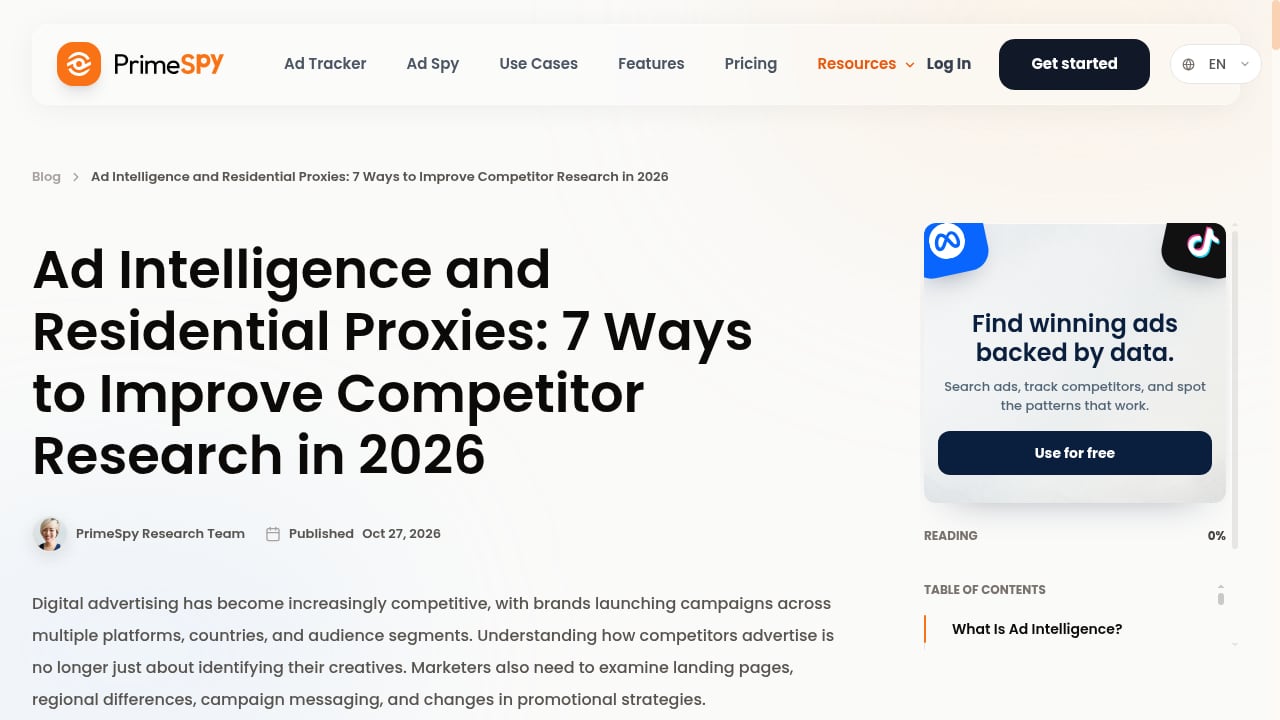
First viewport screenshot of www.primespy.net.
Use these questions to narrow your options:
- Which platforms do you advertise on? If you run Meta and TikTok, prioritize tools with strong coverage of both. If you also run Google or LinkedIn, check whether the tool indexes those libraries.
- Do you need spend and reach data? If you want to estimate whether an ad is scaling, you need an ad intelligence platform, not just a saver.
- How many people need access? Agencies and in-house teams should prioritize sharing, comments, and export features.
- How much research do you do? Heavy researchers benefit from larger databases and advanced filters; occasional browsers may be fine with free libraries.
- What is your budget? Pricing ranges widely, from free platform libraries to enterprise tools costing hundreds per month. PrimeSpy's Pro plan, for example, is $9.99 per month with 20,000 credits and 20 ad trackers, and there is a free trial with 500 credits.
For a broader shortlist, see this ranking of the top ad intelligence platforms in 2026. If you are specifically in ecommerce, the top dropshipping analytics and competitor research tools is a useful companion read.
Common Mistakes When Building a Creative Swipe File
Even with the right tool, most teams make the same avoidable errors:
- Saving without context. An ad without its copy, landing page, or platform is hard to learn from later.
- Collecting instead of curating. Fewer, better-organized ads beat a massive unsorted library.
- Ignoring active status. A creative that stopped running three months ago may not be a current winner.
- Skipping the debrief. Saved ads should feed a brief, a test, or a hypothesis, not just sit in a folder.
- Forgetting regional differences. An ad that works in one market may flop in another, so filter by region when it matters.
Related reading
- How to Use PrimeSpy with IPFoxy: Enterprise Proxy Ad Spy Setup - Combine PrimeSpy ad intelligence with IPFoxy residential proxies to research ads across regions, verify creatives, and avoid IP blocks. Step-by-step setup and workflows.
- PrimeSpy vs MiMiAds: Which Ad Spy Tool Wins in 2026? - Compare PrimeSpy and MiMiAds on ad database size, pricing, platform coverage, and features. Find out which ad intelligence tool fits your workflow in 2026.
Sources and further reading
- AdsLibrary: Save Ads from Ad Library, TikTok, YouTube & IG - The best way to save ads from Ad Library, Tiktok Creative Center and IG, manage ads with groups and share ads with your team. Improve your ad creative.
- Ad library Search & save ads from any social media (Meta & Co) - Search and save ads from Meta ad library, Tiktok ads library, Google Transparency center, X (Twitter) Ad library, Linkedin and many more on adlibrary.com!
FAQ
What is the best ad library tool in 2026?
There is no single best tool. Free options like the Meta Ad Library and TikTok Creative Center are strong for discovery. Paid creative savers add organization and collaboration. Ad intelligence platforms like PrimeSpy add competitor tracking, spend signals, and advanced filters. The right choice depends on your platforms, team size, and research depth.
Can I save ads from Facebook and Instagram ad libraries?
Yes. Many tools let you save ads from the Meta Ad Library, and some also capture organic posts and reels. PrimeSpy focuses on paid ad intelligence across Meta and TikTok, including saving and exporting ad lists.
What is a social media creative saver?
A creative saver is a tool that captures ads and social posts so you can organize them into a swipe file. It typically includes folders, tags, notes, and sharing features so teams can reference the same creatives.
Do I need a paid tool if I only research occasionally?
Probably not. Free platform libraries are enough for light browsing. Paid tools make more sense when you research regularly, need cross-platform search, or want to share findings with a team.
How does PrimeSpy differ from a simple ad saver?
PrimeSpy is built for ad intelligence and competitor research. Beyond saving ads, it offers a large ad database, smart search, reach and spend signals, competitor ad tracking, and filters for ecommerce and regional research.
Conclusion
The best ad library and social media creative saver is the one that fits your actual research workflow. Start with free platform libraries to understand what is available, then move to a paid tool when you need organization, collaboration, or performance signals. If competitor intelligence is central to your process, PrimeSpy offers a focused way to discover winning ads, track competitor activity, and turn saved creatives into actionable briefs. Build the habit of researching, saving, and debriefing, and your swipe file becomes one of your most valuable marketing assets.