
How to Use PrimeSpy with IPFoxy: Enterprise-Grade Proxy Setup for Ad Intelligence
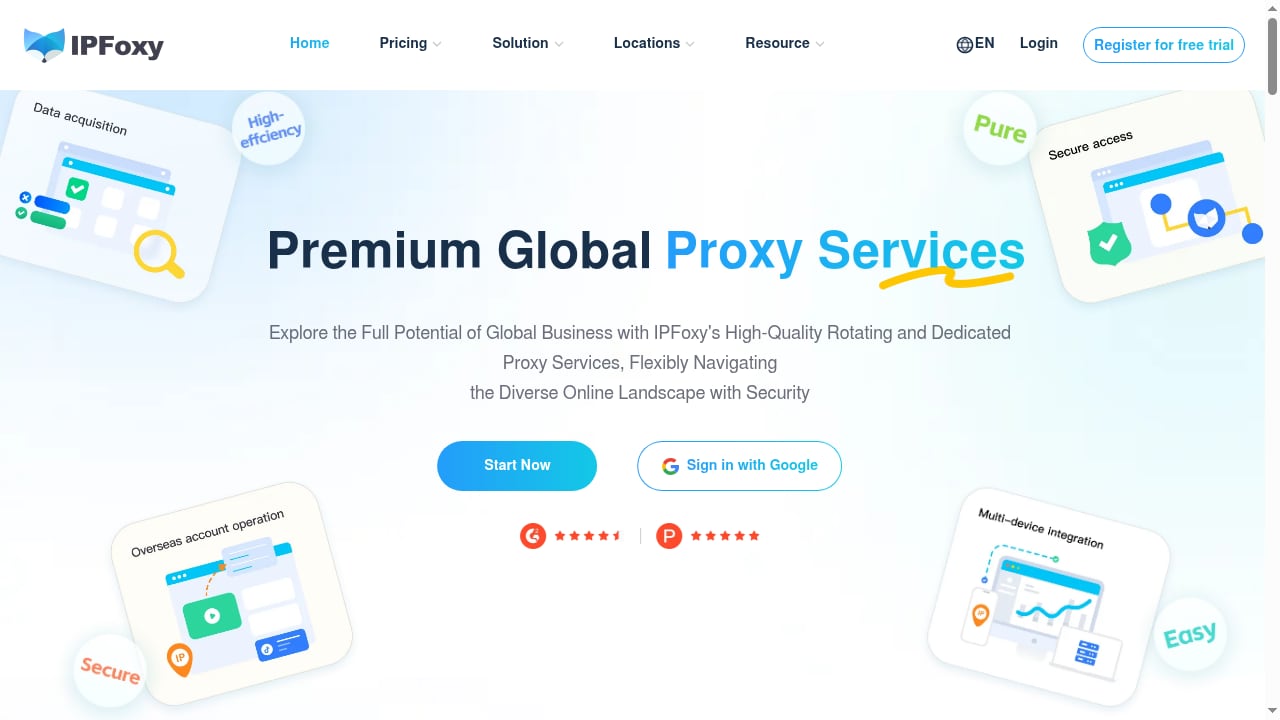
Ad intelligence is only as good as the data you can see. PrimeSpy gives you a library of over 120 million ads across Meta and TikTok, with smart search and advanced filters. But when you need to research ads in another country, verify how a creative actually renders for local users, or run repeated lookups without hitting rate limits, your network connection becomes the bottleneck. That is where IPFoxy comes in. IPFoxy provides residential proxy services with static and rotating dedicated IPs, designed for enterprise networking needs. Pairing PrimeSpy with IPFoxy lets you research ads from the locations that matter, keep sessions stable, and reduce the friction that comes from repeated requests from a single IP.
This article explains the workflow, the setup steps, practical examples, and the problems the combination solves.
Why pair an ad spy tool with a proxy service?
First viewport screenshot of www.ipfoxy.com.
PrimeSpy is built for performance marketers, ecommerce brands, dropshipping entrepreneurs, and agencies who need to see winning ads before competitors do. Its competitor ad tracker monitors new creatives, landing page changes, product updates, and creative refreshes in real time. Its analytics surface reach and spend signals, and you can save and export ad lists.
Most of that work happens inside PrimeSpy. But three scenarios push you outside a single network location:
- Regional research. You want to see which ads are running in Germany, Brazil, or Japan, and how they differ from what you see at home.
- Ad verification. You want to confirm that a competitor's ad is actually live in a target market, not just visible in your own feed.
- Volume and consistency. You run many searches, tracker refreshes, and creative downloads, and you want a stable, reputable IP so your workflow does not stall.
A residential proxy like IPFoxy addresses all three. Rotating residential IPs help with broad regional sampling, while static residential IPs help when you need a consistent location for repeat checks.
How PrimeSpy and IPFoxy work together
First viewport screenshot of www.ipfoxy.com.
The division of labor is simple:
- PrimeSpy does the intelligence work: discovering ads, filtering by keyword, URL, or advertiser, tracking competitors, and analyzing creatives.
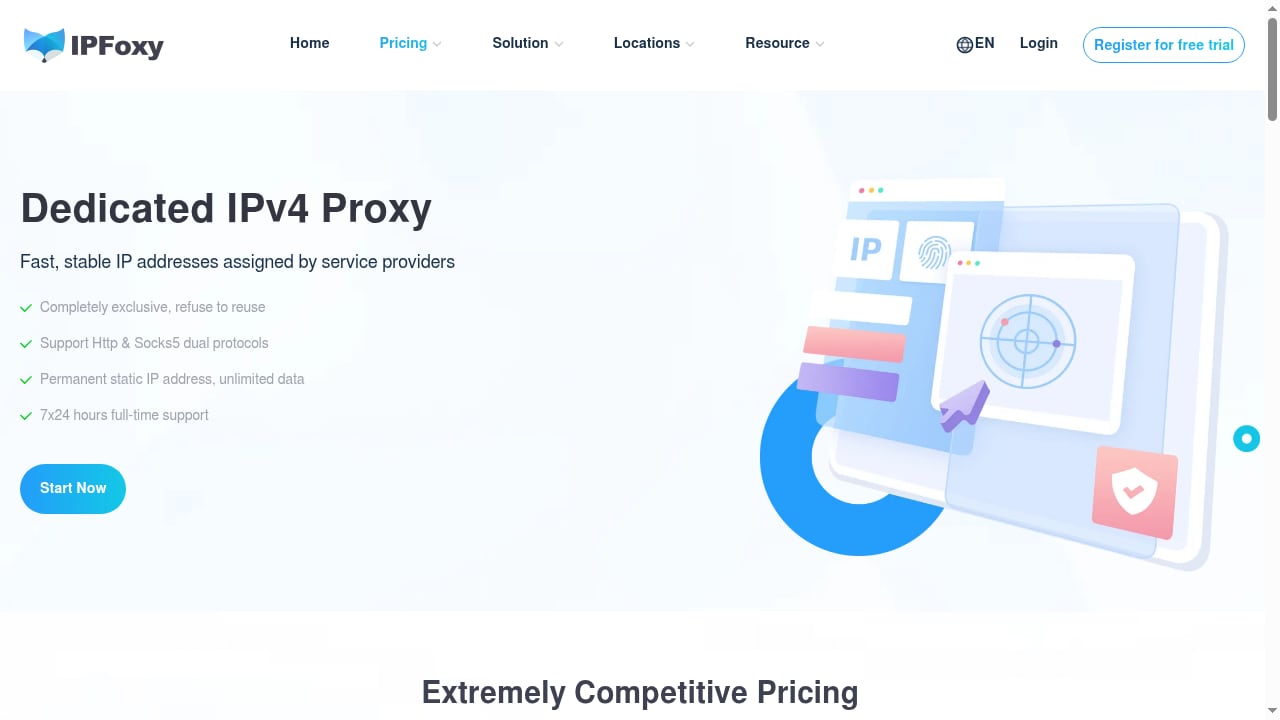
- IPFoxy provides the network layer: residential IPs in the locations you choose, with static or rotating options depending on the task.
You are not replacing PrimeSpy's database with a proxy. You are giving PrimeSpy a cleaner, more location-aware path to the public ad data you are already researching. This matters because ad platforms and landing pages can behave differently depending on where a request originates.
Static vs rotating IPFoxy proxies: which to use
| Task | Recommended IPFoxy proxy type | Why |
|---|---|---|
| Checking a competitor's landing page in one country repeatedly | Static residential | Consistent IP keeps sessions stable and avoids location flapping |
| Sampling ads across multiple regions | Rotating residential | Spreads requests across a pool of real residential IPs |
| Verifying a single ad's local rendering | Static residential | You want the same location for before/after checks |
| Broad market research across many advertisers | Rotating residential | Higher throughput without tying everything to one IP |
A practical rule: use static residential proxies for verification and repeat checks, and rotating residential proxies for discovery and broad sampling.
Step-by-step setup
First viewport screenshot of www.ipfoxy.com.
Step 1: Define your research scope in PrimeSpy
Before touching proxy settings, decide what you are researching. PrimeSpy's smart search supports keywords, URLs, and advertisers, and its filters cover ecommerce and regional research. Write down:
- The advertisers or keywords you want to track
- The platforms (Meta or TikTok)
- The countries or regions you care about
- Whether you need ongoing tracking or a one-time export
This scope determines how many IPFoxy IPs you need and whether static or rotating proxies fit better.
Step 2: Choose your IPFoxy proxy plan
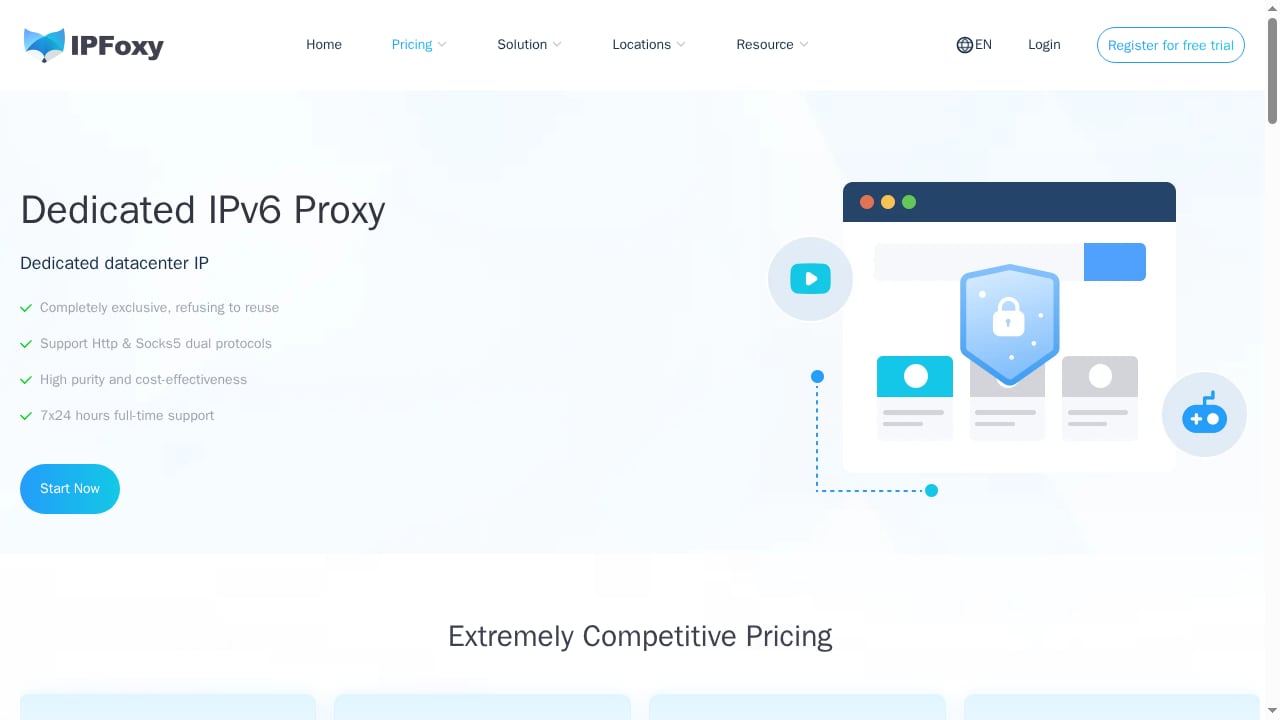
IPFoxy offers static and rotating dedicated residential proxies. For ad intelligence work:
- Start with a small rotating residential allocation if your main need is regional discovery.
- Add static residential IPs for the specific countries where you verify ads or landing pages repeatedly.
- Match the number of IPs to the number of concurrent research sessions you plan to run.
Step 3: Configure the proxy in your browser or research environment
PrimeSpy runs in the browser, so the most common setup is to route your browser traffic through IPFoxy. You can do this with a browser profile manager or a proxy extension that supports HTTP(S) and SOCKS5. Enter the IPFoxy host, port, username, and password for the location you want. If you use separate browser profiles for different regions, assign one IPFoxy static IP per profile so each region keeps a consistent identity.
Keep a simple log: profile name, IPFoxy location, proxy type, and the PrimeSpy research task it supports. This prevents mixing regions mid-analysis.
Step 4: Validate the connection before researching
Open a browser through the proxy and confirm the visible location matches your target market. Then open PrimeSpy and run a small test search. Check that results load normally and that the ads you see align with the region you selected. If something looks off, recheck the proxy credentials and the location setting before running a larger session.
Step 5: Run your PrimeSpy research
With the proxy active, use PrimeSpy as you normally would:
- Search by keyword, URL, or advertiser
- Apply regional and ecommerce filters
- Open the competitor ad tracker for the advertisers you follow
- Review reach and spend signals
- Save and export the ad lists you want to keep
Step 6: Review and iterate
After the session, compare what you found in each region. Note which creatives appear only in certain markets, which landing pages differ, and which advertisers refresh creative most often. Adjust your IPFoxy allocation if one region needs more static IPs or more rotating capacity.
Practical examples
Example 1: A dropshipping entrepreneur testing a new market
A dropshipping seller wants to know whether a trending product ad is running in France. They assign a static IPFoxy residential IP in France to a dedicated browser profile, open PrimeSpy, and search the product keyword with a France filter. They then check the advertiser's landing page through the same profile to confirm the offer matches the ad. Because the IP stays consistent, repeat checks the next day are comparable.
Example 2: An agency sampling creatives across five countries
An agency needs a quick read on creative differences across five markets. They use rotating IPFoxy residential proxies and run separate PrimeSpy searches for each country, saving ad lists for each. Rotating IPs let them sample broadly without tying every request to one location, and the saved lists become the basis for a creative comparison deck.
Example 3: An ecommerce brand monitoring a competitor's landing page changes
A brand tracks a competitor's product updates and landing page changes. They keep a static IPFoxy IP in the competitor's primary market and use PrimeSpy's competitor ad tracker to flag new creatives. When a change appears, they revisit the landing page through the same static IP to see exactly what changed for local shoppers.
For more on turning these observations into measurable creative decisions, see creative intelligence for ads: a practical guide.
Problems the combination solves
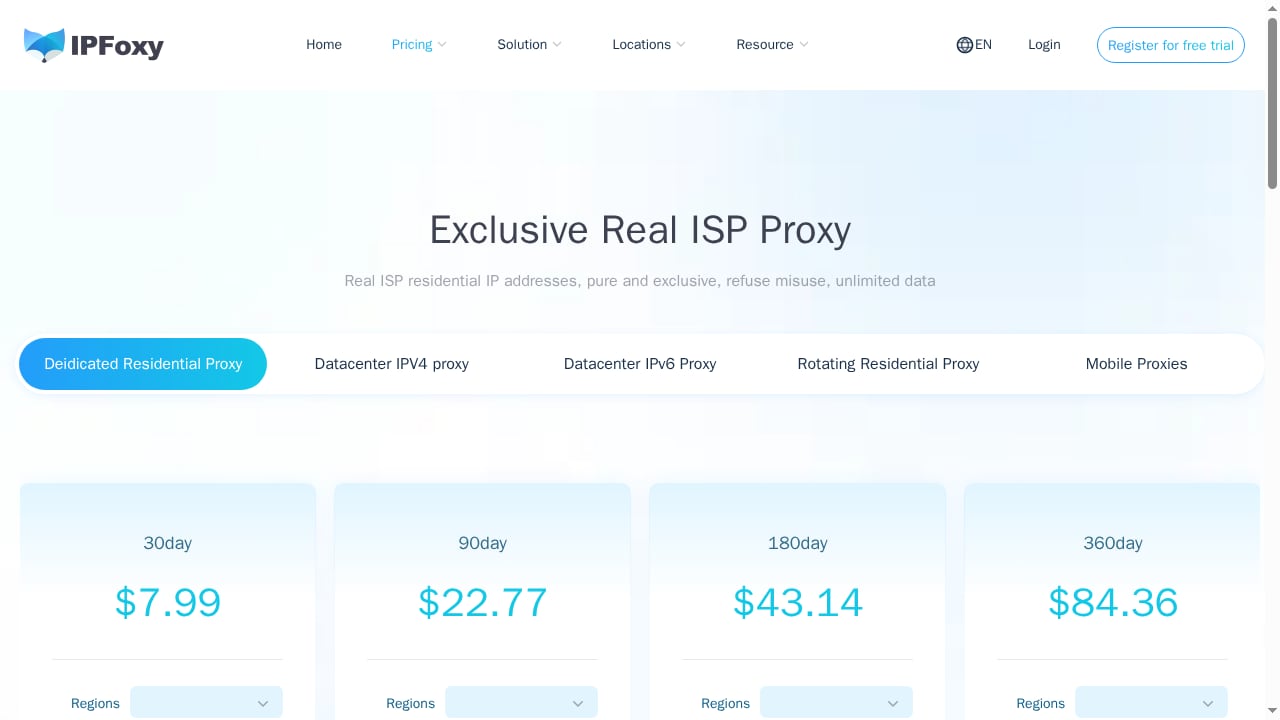
First viewport screenshot of www.ipfoxy.com.
- Location-blind research. Without a proxy, you see ads as your own location sees them. IPFoxy lets you research from the markets you care about.
- Inconsistent verification. Rotating IPs are great for sampling but poor for repeat checks. Static residential IPs keep verification comparable over time.
- Workflow interruptions. A stable residential IP reduces the chance that repeated requests from one address slow down or block your research.
- Fragmented tooling. Instead of juggling separate tools for discovery and verification, you use PrimeSpy for intelligence and IPFoxy for the network layer.
When this combination is not the right fit
If your research is limited to your own market and you only check PrimeSpy occasionally, a proxy adds cost and setup without much benefit. Similarly, if you need only a one-time export, a short rotating session may be enough; you do not need a large static IP allocation. Start small and scale the IPFoxy allocation as your regional research grows.
How this fits your broader ad intelligence stack
PrimeSpy is one part of a competitive intelligence workflow. If you are comparing tools, see PrimeSpy vs AdsLibrary vs AdSpy: 2026 ad spy comparison and Top 10 ad intelligence platforms 2026: ranked and tested. If you are evaluating proxy providers more broadly, the IPFoxy partners page shows how proxy infrastructure fits into ecommerce and cross-border tooling. For a related look at how proxies support ad verification and market research, see this proxy review covering business scenarios.
Related reading
- PrimeSpy vs MiMiAds: Which Ad Spy Tool Wins in 2026? - Compare PrimeSpy and MiMiAds on ad database size, pricing, platform coverage, and features. Find out which ad intelligence tool fits your workflow in 2026.
- AdSpyder Review 2026: Features, Pricing, and Verdict - Evidence-based AdSpyder review covering its ad intelligence features, pricing, ideal users, setup, and limitations for 2026.
Sources and further reading
- Best CAPTCHA Solver for Proxy Users in 2026 - PrimeSpy - Discover why CaptchaAI is a strong choice for proxy users, with plans from $15 per month, unlimited solving, scalable threads, broad CAPTCHA support, and flexible integrations.
FAQ
Do I need a proxy to use PrimeSpy?
No. PrimeSpy works without a proxy for general ad research. A proxy becomes useful when you need regional visibility, consistent verification, or higher-volume research from specific locations.
Which IPFoxy proxy type should I use for ad verification?
Static residential proxies are usually better for ad verification because they keep the same IP and location across repeat checks. Rotating residential proxies are better for broad sampling across many regions.
Can I use rotating proxies for all PrimeSpy research?
You can, but rotating IPs can make repeat checks harder to compare because the location changes. Use rotating proxies for discovery and static proxies for verification.
How many IPFoxy IPs do I need?
It depends on how many regions and concurrent sessions you run. Start with one static IP per region you verify regularly and a small rotating pool for discovery, then scale as needed.
Does using a proxy change what PrimeSpy shows?
PrimeSpy's database is the same, but the ads and landing pages you see can reflect the location of your connection. That is the point of using IPFoxy: you control the location context of your research.
Is this setup compliant?
Use proxies and ad intelligence tools for authorized research and respect the terms of the platforms you access. The combination is intended for legitimate competitive research, ad verification, and market analysis.
Conclusion
PrimeSpy gives you the ad intelligence; IPFoxy gives you the network context to research from the right places. Together, they solve the location-blind, inconsistent, and interruption-prone parts of competitor ad research. Start with a clear research scope, choose static or rotating IPFoxy proxies based on whether you are verifying or sampling, validate your connection, and then let PrimeSpy's search, tracking, and analytics do the intelligence work. Scale your proxy allocation as your regional research grows, and keep a simple log so every session is comparable.