
AdsLibrary Review 2026: An Evidence-Based Look at the Ad Creative Intelligence Platform
AdsLibrary positions itself as a centralized workspace for saving, organizing, and analyzing ads from Facebook, TikTok, YouTube, Instagram, and other major platforms. Instead of manually screenshotting competitor creatives or juggling browser tabs, users capture ads with a Chrome extension and build searchable swipe files. The pitch is straightforward: turn scattered ad inspiration into a structured creative intelligence system that teams can actually use.
This review examines what AdsLibrary does well, where it falls short, who benefits most, and how to decide whether it fits your workflow. It draws on the platform's documented feature set, pricing structure, and practical comparisons with free alternatives like the Meta Ad Library and other ad intelligence tools.
What AdsLibrary Actually Does
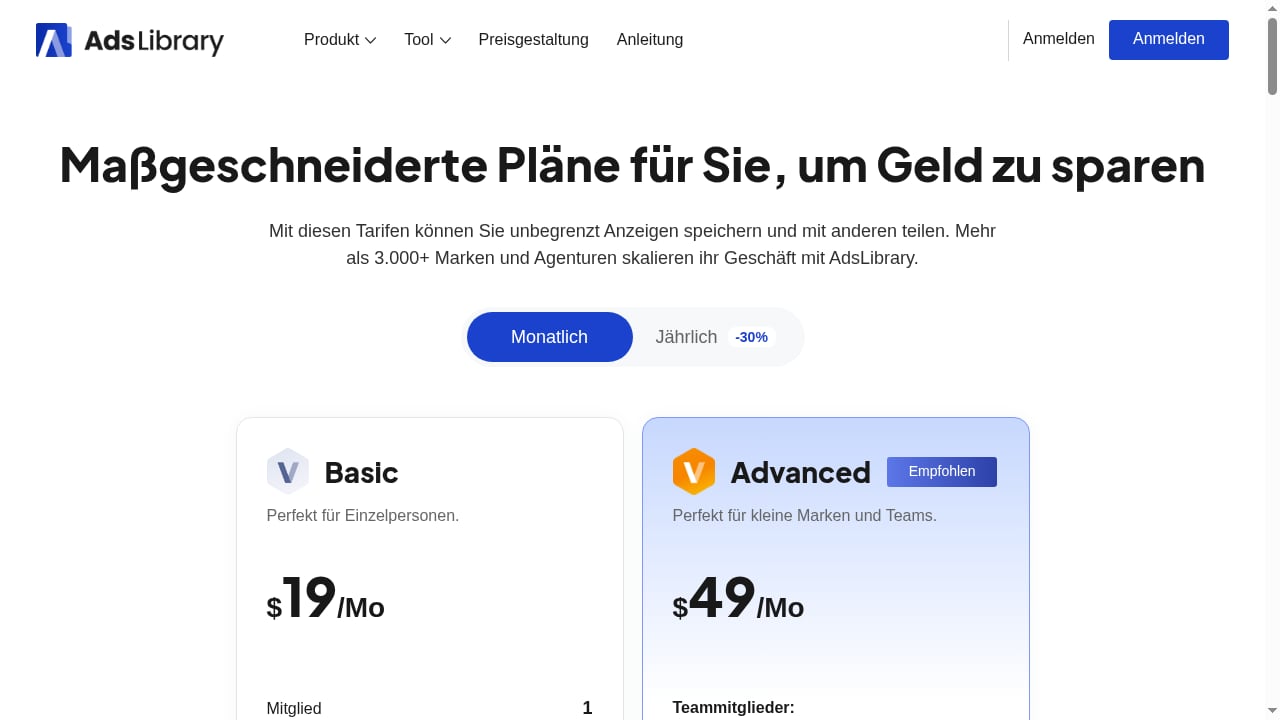
First viewport screenshot of AdsLibrary Pricing: Choose a Plan to Save & Manage Ads from Facebook, TikTok & Instagram.
AdsLibrary combines three core functions into one subscription:
Ad capture and organization — A Chrome extension lets you save ads and organic posts from Facebook Ad Library, TikTok Creative Center, YouTube, Instagram, and more with one click. Captured items land in a personal or team library where you can tag, group, filter, and search them.
AI-powered search and filtering — Instead of scrolling through thousands of ads manually, you can search across your saved library using AI-assisted queries, filters, and tags. This matters when a swipe file grows past a few hundred entries and manual browsing becomes impractical.
Ad Tracker for competitor monitoring — The platform can monitor competitors' Facebook ads in real time, tracking creative strategies, timeline changes, landing pages, and ad copy. It generates visual reports designed to highlight patterns and potential winning creatives.
The underlying value proposition is workflow consolidation. Free tools like the Meta Ad Library show you active ads, but they don't help you organize findings, track changes over time, or collaborate with a team. AdsLibrary aims to fill that gap.
Who AdsLibrary Is For
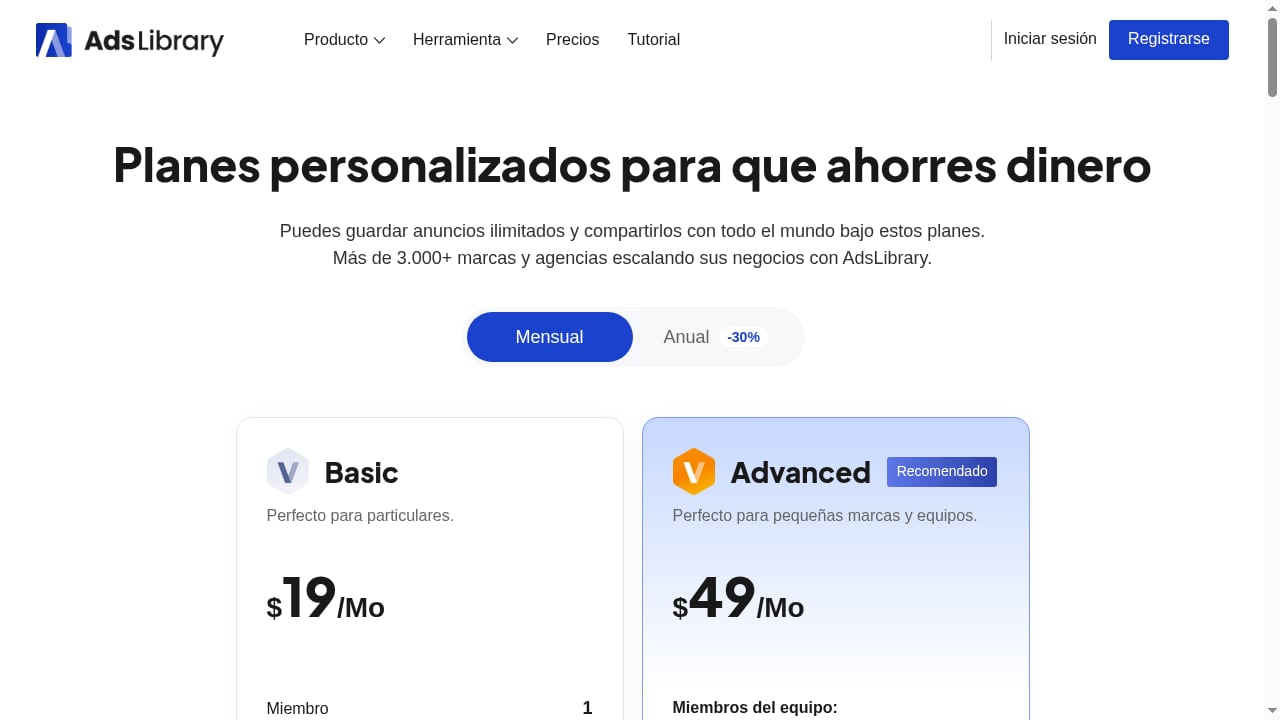
First viewport screenshot of AdsLibrary Pricing: Choose a Plan to Save & Manage Ads from Facebook, TikTok & Instagram.
Marketing teams and agencies
The team collaboration features — shared libraries, tagging, grouping, and commenting — make the most sense for agencies managing multiple client accounts. A media buyer researching competitor activity for three clients can maintain separate, organized libraries instead of a chaotic folder of screenshots.
The platform reports that over 3,000 brands and agencies use it, which suggests traction in this segment. Team seats are included in higher-tier plans, reinforcing the agency-first positioning.
Performance marketers and media buyers
For marketers who regularly need creative inspiration or competitor benchmarks, the Ad Tracker module addresses a specific pain point: understanding how long a competitor has been running a particular ad, what copy variations they're testing, and which landing pages they're driving traffic to.
This matters because competitive ad analysis shows that runtime is a useful — though imperfect — signal. An ad that has been active for 60+ days is worth studying more closely, even though the Meta Ad Library doesn't reveal ROAS or spend for commercial ads.
Ecommerce brands and DTC marketers
Direct-to-consumer brands that run Facebook and TikTok ads at scale can use AdsLibrary to build a structured creative reference library. Instead of relying on memory or scattered bookmarks, teams can review past campaigns, competitor activity, and saved inspiration in one place.
Who should skip it
Solo marketers with minimal ad spend may find the free Meta Ad Library sufficient for occasional competitor checks. If you only need to look up a competitor's active ads once a month, a subscription may be overkill. Similarly, users who only need TikTok ad inspiration might find dedicated TikTok-focused tools more cost-effective.
Key Strengths
One-click capture removes friction
The Chrome extension is the platform's most practical feature. Manual ad research typically involves screenshots, bookmarks, and scattered notes. A one-click capture workflow that saves the ad creative, copy, and source platform into a searchable library eliminates meaningful friction.
Structured organization beats free tools
The Meta Ad Library is useful for transparency but, as one marketer noted on Reddit, it's "clunky and doesn't really help you organize or track patterns over time." AdsLibrary directly addresses this limitation with tagging, grouping, filtering, and AI search.
Ad Tracker adds a monitoring layer
Free ad libraries show you what's active right now. AdsLibrary's Ad Tracker adds temporal awareness: when did a competitor launch a new creative, how long has it been running, and what changes have they made to copy or landing pages? This historical context is valuable for identifying patterns that a single snapshot misses.
Team collaboration is built in
Shared libraries, team seats, and collaborative tagging make AdsLibrary more than a personal bookmarking tool. For agencies, this means institutional knowledge doesn't disappear when a media buyer leaves.
Limitations and Considerations
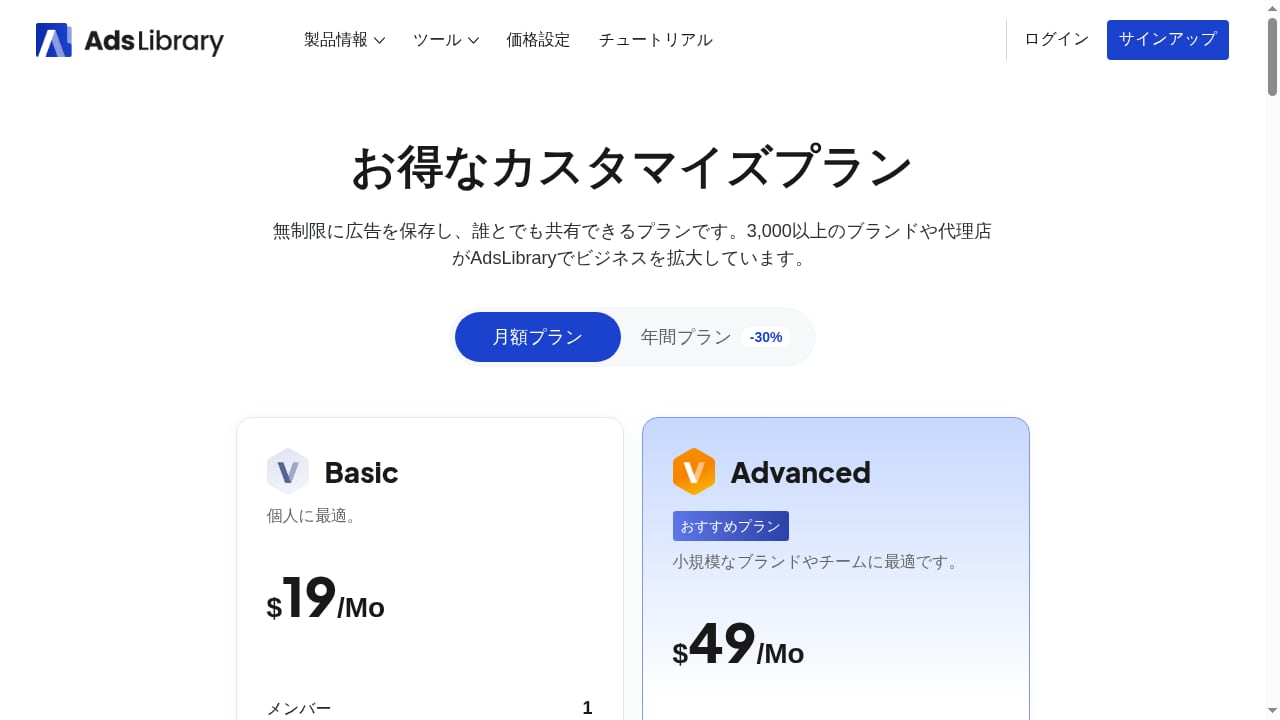
First viewport screenshot of AdsLibrary Pricing: Choose a Plan to Save & Manage Ads from Facebook, TikTok & Instagram.
No performance data — and that's a structural limit
AdsLibrary cannot show you clicks, CTR, ROAS, or conversion data for competitor ads because Meta and TikTok don't publish those metrics for commercial ads. The platform can show you what's running and for how long, but it cannot tell you what's actually profitable.
A 40-ad analysis of the Meta Ad Library makes this point clearly: runtime is a hypothesis signal, not proof of success. An ad that's been active for 90 days might be a winner — or it might simply remain available inside a broad portfolio. Treat AdsLibrary's tracking data as directional, not definitive.
Data ephemerality on source platforms
Commercial ads vanish from the Meta Ad Library once they're paused or deleted. AdsLibrary's tracking can only work with what the source platforms expose. If a competitor removes an ad, the historical record may be incomplete.
Platform coverage varies
The strongest tracking features appear focused on Facebook. TikTok, YouTube, and Instagram capture is supported through the extension, but the depth of monitoring and analysis may differ by platform. Verify that your primary platforms are well-covered before subscribing.
Pricing opacity
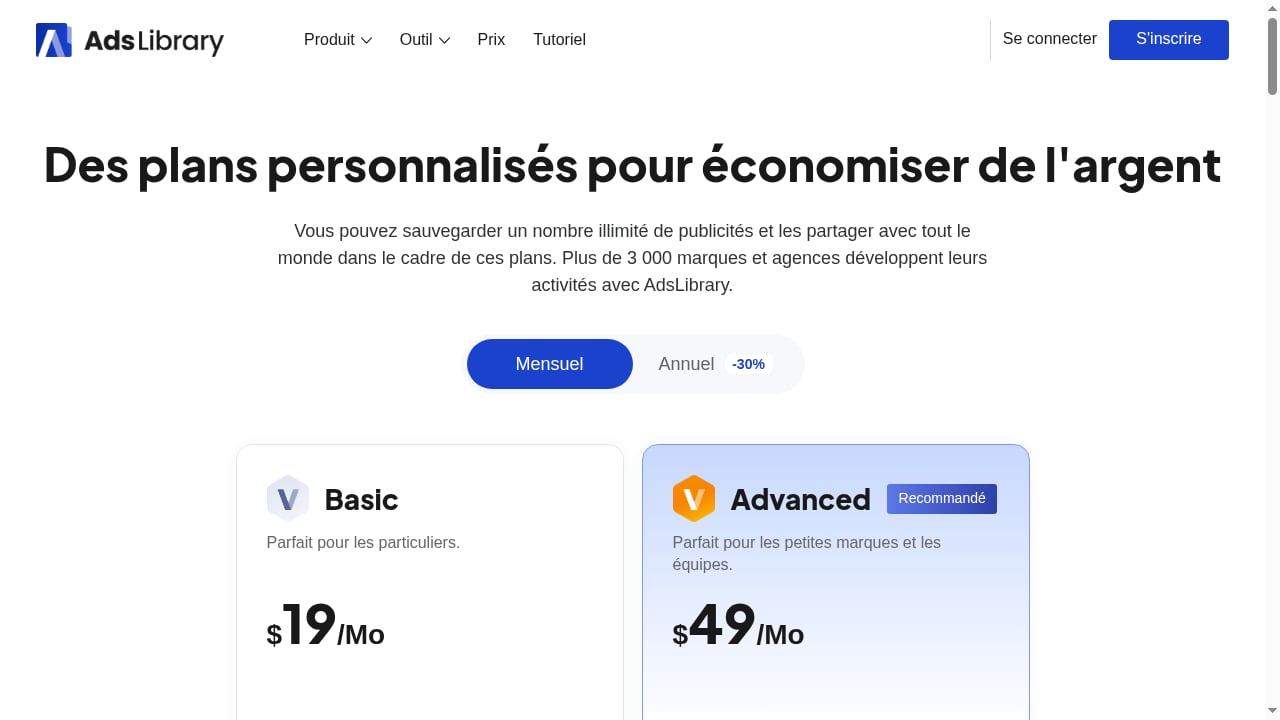
AdsLibrary offers tiered plans (Basic, Advanced, Unlimited) with team seats and ad tracking capabilities, but specific pricing is not publicly documented in the available product information. This is a common pattern in the ad intelligence space — pricing often requires a demo or sales conversation. Budget-conscious buyers should request a clear quote before committing.
Pricing Signals and What to Expect
The three-tier structure (Basic, Advanced, Unlimited) suggests a typical SaaS progression:
- Basic — Likely limited to individual use, core capture and organization features, and a cap on saved ads or tracked competitors.
- Advanced — Probably adds team seats, more storage, and expanded Ad Tracker capacity.
- Unlimited — Positioned for agencies and larger teams with high-volume tracking needs.
The platform also operates a 30% affiliate commission program, which is worth noting for two reasons. First, it indicates aggressive growth marketing, which can correlate with product investment or with churn — look for recent feature updates to gauge which. Second, affiliate-driven reviews may be more positive than independent assessments. Cross-reference multiple sources before deciding.
For comparison, free tools like the Meta Ad Library cost nothing but offer no organization, tracking, or collaboration. Dedicated ad spy tools like Dropispy and Pipiads occupy different niches — dropshipping product research versus creative intelligence — so direct price comparisons are less useful than workflow comparisons.
Setup and Getting Started
Installation
Setup begins with installing the Chrome extension and creating an account. The extension then appears as a capture button when you browse supported ad libraries and platforms.
Building your first library
A practical onboarding sequence:
- Define your research scope — Which competitors, platforms, and ad formats matter most?
- Capture a baseline — Save 20–50 relevant ads across your target competitors to establish a reference point.
- Apply a tagging system — Create tags for hook types, offers, formats, CTAs, and product categories. Consistent tagging is what makes search useful later.
- Set up Ad Tracker — Add your top 5–10 competitors for ongoing monitoring.
- Schedule a review cadence — Weekly or biweekly reviews of tracked changes keep the library actionable.
Team onboarding
If you're on a team plan, establish naming conventions and tag taxonomies before inviting multiple users. A shared library with inconsistent tags quickly becomes as chaotic as no library at all.
How AdsLibrary Compares to Alternatives
First viewport screenshot of AdsLibrary Pricing: Choose a Plan to Save & Manage Ads from Facebook, TikTok & Instagram.
AdsLibrary vs. Meta Ad Library (free)
The Meta Ad Library is free, universally accessible, and shows active ads across Facebook, Instagram, Messenger, and Audience Network. But it offers no organization, no tracking, no collaboration, and no historical record once ads are paused. AdsLibrary adds a workflow layer on top of this free data source.
Choose Meta Ad Library if: You need occasional, zero-cost competitor checks and don't mind manual note-taking.
Choose AdsLibrary if: You research ads regularly, need to organize findings, track changes over time, or collaborate with a team.
AdsLibrary vs. dedicated ad spy tools
Tools like Dropispy focus heavily on dropshipping product discovery and ad performance estimates. Pipiads emphasizes TikTok ad search and product opportunity spotting. AdsLibrary positions itself more as a creative intelligence and management platform — the emphasis is on organizing and analyzing what you find, not just discovering products.
If your primary goal is finding winning dropshipping products, a product-focused spy tool may serve you better. If your goal is building a durable creative research system for an agency or brand, AdsLibrary's organizational features are more relevant.
AdsLibrary vs. AI ad generators
Tools like AdCreative.ai and Nextify generate ad creatives using AI. AdsLibrary doesn't generate ads — it helps you research, save, and analyze existing ads. These tools are complementary rather than competitive. Some teams use AdsLibrary for research and an AI generator for production.
Decision Criteria: Should You Subscribe?
Consider AdsLibrary if you answer yes to most of these:
- You research competitor ads at least weekly.
- Your current system involves screenshots, bookmarks, or scattered notes.
- You work on a team that needs shared access to creative research.
- You need to track competitor ad changes over time, not just view current ads.
- You run ads on Facebook and want structured creative intelligence.
Consider alternatives if:
- You only check competitor ads occasionally.
- You're a solo marketer with a tight budget and minimal research needs.
- Your primary goal is product discovery for dropshipping.
- You need performance data (CTR, ROAS) rather than creative visibility.
Related reading
- Foreplay: What It Is, Why It Matters, and 20+ Ideas to Try - Learn what foreplay really means, why it matters for arousal and intimacy, and get practical foreplay ideas, tips, and techniques for better sex.
- Dropispy Review 2026: Honest Verdict for Dropshippers - Hands-on Dropispy review: features, data depth, Chrome extension reliability, pricing, and who should use this ad spy tool vs skip it in 2026.
- Pipiads Tutorial: Find Winning Ads Step by Step - Learn how to use Pipiads in this practical tutorial: search winning ads, filter by performance, track competitors, and spot product opportunities.
FAQ
Does AdsLibrary show competitor ad performance metrics?
No. AdsLibrary cannot show clicks, CTR, ROAS, or conversion data because Meta and TikTok do not publish these metrics for commercial ads. The platform shows creative, copy, runtime, and landing page information. Runtime is a useful signal, but it does not prove profitability.
Is AdsLibrary affiliated with the Meta Ad Library?
No. AdsLibrary is a third-party platform that builds on top of public ad libraries like the Meta Ad Library and TikTok Creative Center. It is not an official Meta product.
How much does AdsLibrary cost?
AdsLibrary offers Basic, Advanced, and Unlimited tiers, but specific pricing is not publicly documented in the available product information. Contact the company for a current quote. The tiered structure suggests increasing limits on saved ads, tracked competitors, and team seats.
What platforms can I capture ads from?
The Chrome extension supports Facebook Ad Library, TikTok Creative Center, YouTube, Instagram, and other major platforms. However, the depth of tracking and analysis may vary by platform, with Facebook appearing to have the most robust monitoring features.
Can I use AdsLibrary for free?
There is no evidence of a free tier in the available product information. The platform offers tiered paid subscriptions. The free Meta Ad Library remains available for basic ad lookup without cost.
Is AdsLibrary good for agencies?
The team collaboration features, shared libraries, and multi-seat plans make it well-suited for agencies managing multiple client accounts. The ability to maintain separate, organized libraries per client is a meaningful advantage over free tools.
Conclusion
AdsLibrary addresses a real gap between free ad libraries and expensive enterprise intelligence platforms. The core value — one-click capture, structured organization, AI search, and competitor tracking — solves practical workflow problems that marketers face daily. The platform's emphasis on creative intelligence rather than product discovery distinguishes it from dropshipping-focused spy tools.
The main limitations are structural rather than product-specific: no tool can show competitor ROAS, and source platforms control what data is available. Pricing opacity is a minor friction point, but the tiered structure suggests flexibility for different team sizes.
For teams and agencies that research ads regularly and need a durable, collaborative system, AdsLibrary is worth evaluating. For solo marketers with occasional research needs, the free Meta Ad Library plus a disciplined spreadsheet may suffice. The right choice depends on how central competitor creative research is to your workflow — and how much friction you're willing to tolerate without a dedicated tool.
Before committing, explore how AdsLibrary fits alongside your existing stack. If you're already using an ad creative database workflow or running competitive ad analysis manually, the platform's organizational features may replace several disconnected processes. Request a trial or demo, test the Chrome extension on your actual research targets, and evaluate whether the time saved justifies the subscription cost.