
Pipiads Tutorial: Find Winning Ads Step by Step
Pipiads is one of the most popular ad spy platforms for TikTok and Facebook, but a lot of new users only scratch the surface. They open the dashboard, type a broad keyword, scroll a few ads, and then wonder why their campaigns still miss. This tutorial changes that. You will learn a repeatable workflow: how to search with intent, filter out noise, read the ad metrics that matter, track competitors, and turn research into product and creative decisions.
What Pipiads Actually Does
Pipiads Tutorial: Find Winning Ads Step by Step - What Pipiads Actually Does.
Pipiads is an ad intelligence database. It indexes active and historical ads from TikTok, Facebook, Instagram, Audience Network, Messenger, and Threads. Instead of guessing what is working, you search the database for ads that are currently running, have been running for weeks, or show strong engagement signals.
The platform is built around four core jobs:
- Ad search: Find ads by keyword, advertiser, URL, or image.
- Advertiser research: Open a competitor profile and see their full ad history.
- Ad tracking: Save advertisers or products and monitor new ads they launch.
- Ecommerce discovery: Browse top products, new products, stores, and TikTok Shop data.
For dropshippers, the ecommerce side matters just as much as the ad side. Pipiads lets you jump from a winning ad to the product page, store, and related products without switching tools.
Step 1: Set Up Your Search with a Specific Goal
The biggest mistake in any Pipiads tutorial workflow is searching without a goal. "Skincare" returns thousands of ads. "TikTok Shop skincare serum under $30" returns a workable list.
Start with one of these three goals:
- Find a product to test: You want products with recent ad activity, stable run time, and clear demand signals.
- Find creatives for an existing product: You already have a product. You need hooks, angles, and video formats that are working right now.
- Track a competitor: You know who is winning in your niche. You want to see every ad they launch and how long each one survives.
Your goal determines which Pipiads feature you open first. Product discovery starts in Top Products or Product Search. Creative research starts in Ad Search. Competitor monitoring starts in Advertiser search and Ad Tracker.
Step 2: Use Filters Like a Pro
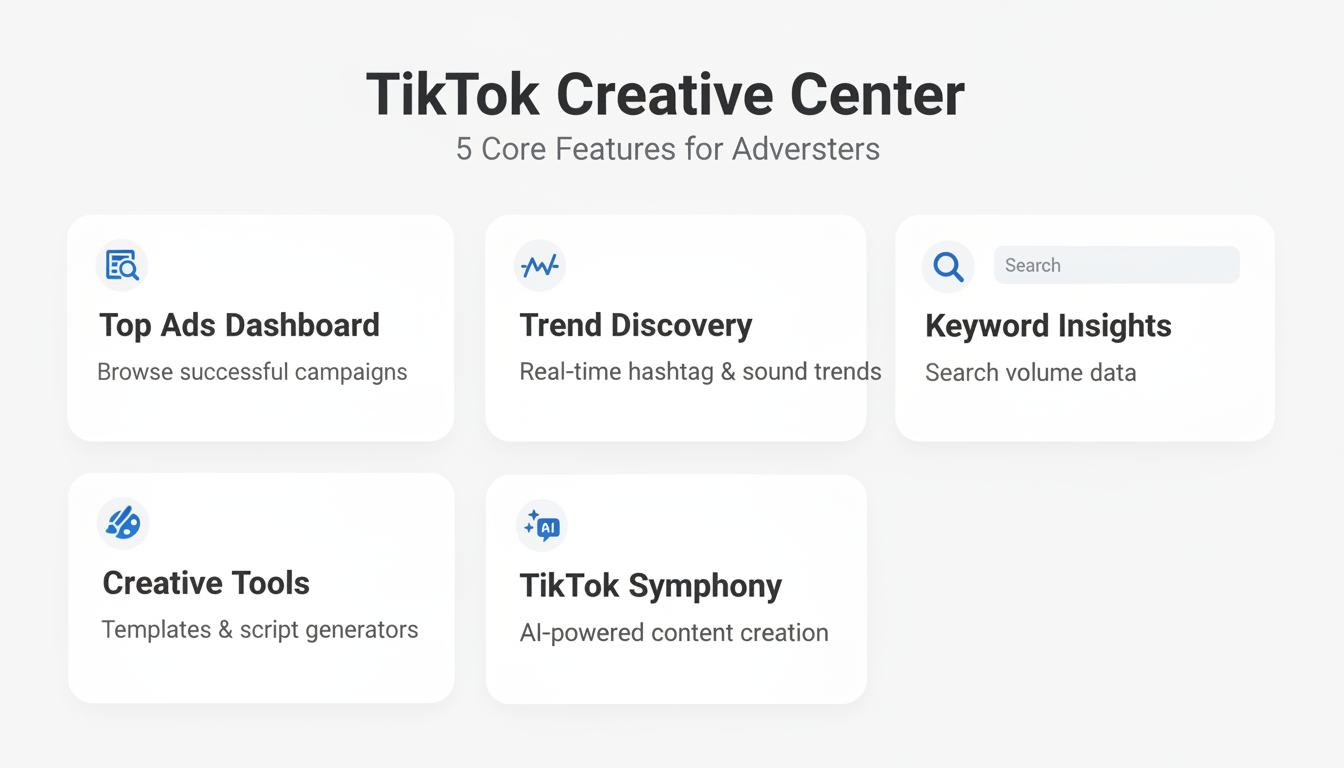
Pipiads Tutorial: Find Winning Ads Step by Step - Step 2: Use Filters Like a Pro.
Pipiads becomes powerful once you stop accepting default results and start filtering aggressively. The most useful filters for a practical workflow:
Date Range
Always narrow the date range. Ads from six months ago may no longer reflect current creative trends, TikTok audio, or product demand. For product research, look at the last 7 to 30 days. For creative angles, the last 14 days is usually enough.
Platform
TikTok and Facebook reward different creative styles. A TikTok ad built around a trending sound will not perform the same on Facebook. Filter by platform before you evaluate anything else.
Ad Type and Objective
If you are researching dropshipping products, filter for conversion-focused ads rather than awareness campaigns. Awareness ads can run for months without proving purchase intent.
Language and Region
An ad that wins in Germany may flop in the United States. Match the language and region to your target market. If you sell to English-speaking markets, filter accordingly and do not let a viral Indonesian ad skew your judgment.
Ecommerce-Specific Filters
Pipiads includes filters for product price, category, and Shopify or TikTok Shop presence. If you only want products under $40 with a Shopify store, set those filters before browsing.
A practical example: you sell home organization products. Search "kitchen storage," set the date range to the last 14 days, platform to TikTok, language to English, region to United States, and objective to conversions. You now have a focused list instead of a firehose.
Step 3: Read Ad Metrics the Right Way
Pipiads Tutorial: Find Winning Ads Step by Step - Step 3: Read Ad Metrics the Right Way.
Pipiads shows engagement and performance signals on each ad. The key is knowing which signals indicate a winner versus an ad that simply got lucky.
Days Running
This is the most underrated metric. An ad that has been running for 30, 60, or 90+ days is almost certainly profitable. Advertisers do not keep losing ads alive for months. When you see a long run time combined with consistent engagement, that ad is worth studying.
Engagement Rate
Likes, comments, and shares tell you whether the creative resonates. But context matters. A funny ad can get massive engagement and zero sales. Look for ads where engagement aligns with a clear product demo, problem-solution hook, or strong call to action.
Duplicates and Variations
If you see the same ad concept appearing in multiple variations across different advertisers, that is a strong signal. It means the angle is working and multiple sellers are scaling it. Pipiads often shows duplicate counts, which helps you spot these patterns quickly.
Landing Page Signals
Do not stop at the ad. Open the product page or store. Check the price, offer, reviews, and upsell structure. A winning ad attached to a poorly built store teaches you what to avoid, not what to copy.
Step 4: Track Advertisers and Products
One-off searches are useful, but tracking is where Pipiads becomes a long-term research system.
Ad Tracker
Add a competitor or product to your tracker. Pipiads then shows you new ads they launch, changes to existing ads, and how long each campaign stays live. This turns competitor research from a weekly manual task into a passive feed.
Advertiser Profiles
Open any advertiser and review their full ad history. Look for patterns:
- How many ads do they run at once?
- Do they test many short videos or a few polished ones?
- Which hooks do they reuse across products?
- How quickly do they kill underperforming ads?
These patterns reveal a competitor's testing strategy, which is often more valuable than any single ad.
Product-Level Tracking
If you find a product with strong momentum, track it. Watch whether the advertiser launches new creatives, changes the price, or introduces variations. This tells you whether the product is still scaling or starting to fade.
Step 5: Turn Research into Action
Research without action is just entertainment. After each Pipiads session, create a simple output:
Product Shortlist
List 3 to 5 products that meet your criteria: recent ad activity, long run time, clear demand, and a price point that fits your margins. For each product, note the store, price, and the main creative angle.
Creative Angle Library
Save 5 to 10 ads that use different hooks. Group them by angle: problem-solution, social proof, unboxing, before-and-after, or founder story. When you create your own ads, you now have proven angles to adapt rather than a blank page.
Competitor Brief
For each tracked competitor, summarize their current strategy: platforms, ad volume, dominant hooks, and offer structure. Update this brief weekly using your tracker feed.
Common Pipiads Mistakes to Avoid
Copying Ads Directly
Pipiads shows you what works, not permission to copy. Directly ripping a competitor's creative leads to account bans, wasted spend, and a brand with no identity. Use winning ads as proof of concept, then create your own version with a different hook, script, and visual style.
Ignoring Run Time
A viral ad with 100,000 likes that ran for three days is not the same as an ad with 5,000 likes that ran for 60 days. The second one is a business. The first one might be a fluke. Prioritize longevity.
Researching Without Filters
Unfiltered Pipiads searches waste hours. Every search should start with date, platform, language, and region filters. Add objective and price filters when relevant.
Forgetting the Landing Page
The ad is only half the system. A great ad sending traffic to a weak product page will not convert. Always evaluate the full funnel before adding a product to your shortlist.
Pipiads vs PrimeSpy: Which Fits Your Workflow?
Pipiads is a strong choice for TikTok-first researchers and dropshippers who want deep ecommerce and TikTok Shop data. Its academy content and large ad database make it approachable for beginners.
PrimeSpy takes a different approach. It is a multi-platform ad spy tool built for marketers who need smart search by keyword, URL, or advertiser across Facebook, TikTok, and Meta Ad Library. PrimeSpy includes advanced filters, detailed ad metrics such as reach, spend, and duplicates, daily top products, and ad trackers. Its credit-based model offers a free trial with 500 credits and a Pro plan at $9.99 per month with 20,000 credits, unlimited creative downloads, and full ad analytics.
If you want a deeper comparison of ad intelligence platforms, see PrimeSpy vs Vibemyad: Which Ad Tool Wins in 2026? and PrimeSpy vs SellerCenter: Which Ad Tool Wins in 2026?. For a broader guide on finding winning ads across platforms, read Ad Creative Database: How to Find Winning Ads Fast.
Related reading
- AdCreative.ai Review 2026: Tested Features, Pricing & Limits - Evidence-based AdCreative.ai review: real output quality, credit costs, pricing traps, setup, limitations, and who should use this AI ad generator in 2026.
Sources and further reading
- 💡 PipiAds Step-by-Step Guide: High-Converting Ads for Marketers - Unlock the full potential of PipiAds in this step-by-step tutorial! Learn how to create high-converting campaigns, target the right audience, and optimize yo...
- How to Use PiPiADS - Step by Step - In this video I'll show you How to Use PiPiADS to find winning products.▼ Sign Up to PiPiADS and Get 20% Off: https://www.pipiads.com/?invite=HOWTOSTUFF▼ PiP...
- Pipiads Academy - Welcome to Pipiads Academy - your advertising and marketing learning platform: We provide many course articles for advertising practitioners, including: advertising courses, practical experience sharing, advertising skills and strategies, real case sharing, etc.
FAQ
Is Pipiads free?
Pipiads offers a limited free trial or free tier with restricted features, but full ad search, advertiser research, and tracking require a paid plan. Check the current pricing page before committing.
Can Pipiads find winning products for dropshipping?
Yes. The Top Products, New Products, Product Search, and TikTok Shop sections are designed specifically for ecommerce and dropshipping research. Combine them with ad run time and engagement filters to identify products with proven demand.
Does Pipiads work for TikTok and Facebook?
Yes. Pipiads indexes ads from TikTok, Facebook, Instagram, Audience Network, Messenger, and Threads. You can filter by platform to focus your research.
How do I track a competitor on Pipiads?
Open the competitor's advertiser profile and add them to your Ad Tracker. Pipiads will then show you new ads they launch and changes to existing campaigns.
What is the difference between Pipiads and PrimeSpy?
Pipiads is known for its large TikTok-focused ad database and ecommerce discovery features. PrimeSpy is a multi-platform ad spy tool with smart keyword, URL, and advertiser search, detailed metrics like reach and spend, daily top products, and a credit-based pricing model starting with a free trial and a $9.99 per month Pro plan.
Can I copy winning ads I find on Pipiads?
You should not copy ads directly. Use them to understand which hooks, angles, and formats are working, then create original creatives for your own brand. Direct copying risks account bans and does not build a sustainable business.
Conclusion
A Pipiads tutorial is only as good as the workflow it teaches. The platform is not magic; it is a research tool that rewards specific goals, aggressive filtering, and consistent tracking. Start with a clear objective, filter by date, platform, language, and objective, prioritize ads with long run times, and track competitors over time. Then turn your research into a product shortlist, a creative angle library, and a competitor brief. Whether you stick with Pipiads or explore alternatives like PrimeSpy, the same principles apply: data replaces guesswork only when you use it with discipline.
For more on turning competitor ads into winning campaigns, see Competitive Ad Analysis: How to Turn Rivals' Ads Into Wins.