
Ad Campaign Tracking: A Practical Setup Guide for 2026
Ad campaign tracking is the practice of connecting every impression, click, and conversion back to the specific campaign, creative, and audience that produced it. Without it, budget decisions become guesswork. With it, you can see which ads actually drive revenue and which ones quietly drain spend.
This guide covers how tracking works in 2026, the methods worth implementing, how to read the data without fooling yourself, and where competitor ad research fits into the picture.
What Ad Campaign Tracking Actually Measures
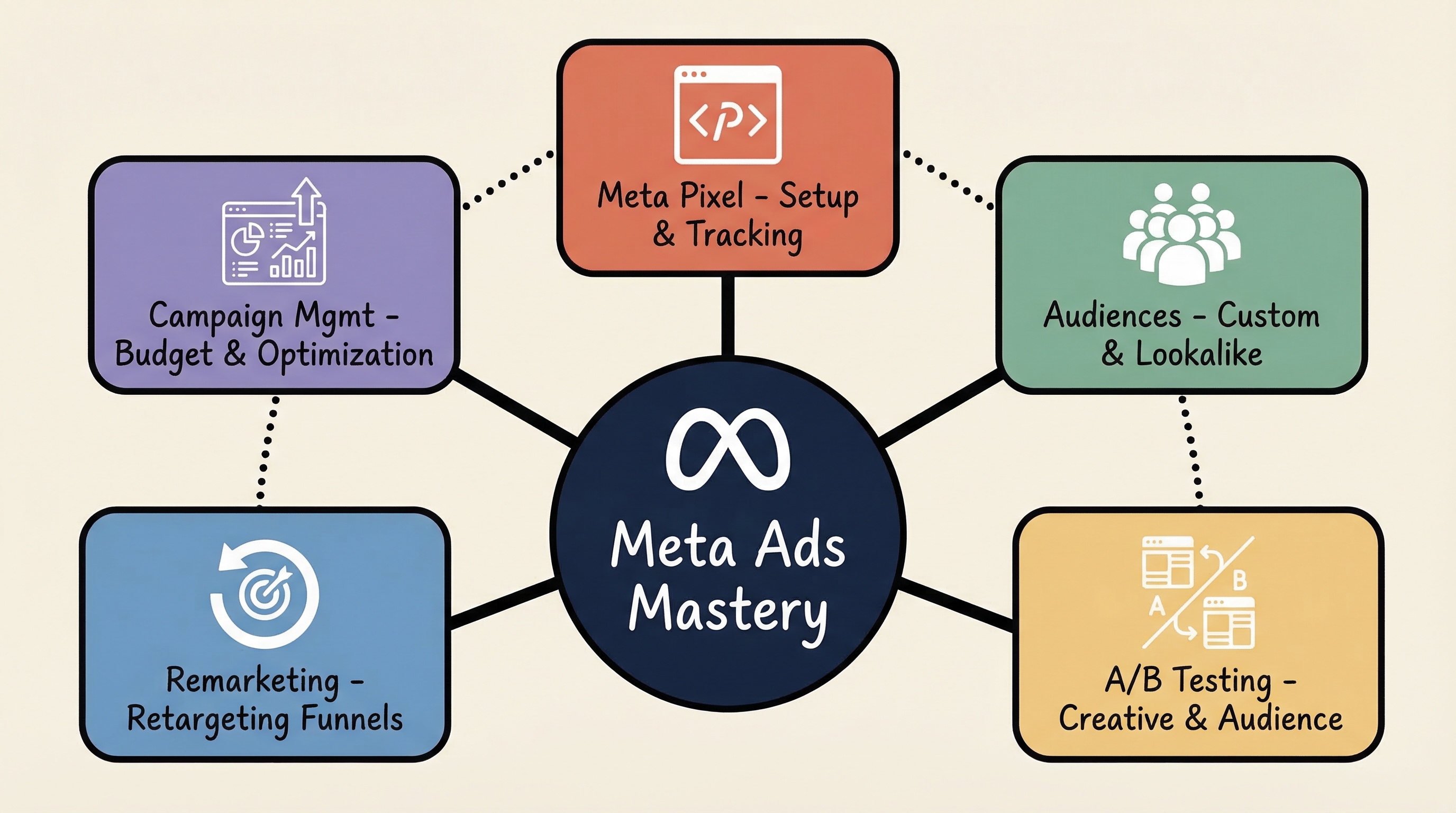
Ad Campaign Tracking: A Practical Setup Guide for 2026 - What Ad Campaign Tracking Actually Measures.
At its core, tracking answers three questions:
- Measurement: What happened? Impressions, clicks, add-to-carts, purchases, leads.
- Optimization: What should change? Budget shifts, creative swaps, audience adjustments.
- Attribution: Which touchpoint deserves credit when a user sees an ad on one platform, searches on another, and buys a week later?
Most teams start with measurement and stop there. The real value comes from attribution, because it prevents you from killing a channel that introduces buyers who convert elsewhere.
The Four Tracking Methods You Need in 2026

Ad Campaign Tracking: A Practical Setup Guide for 2026 - The Four Tracking Methods You Need in 2026.
1. UTM Parameters (Campaign Tracking URLs)
UTM parameters are tags appended to your destination URL that tell your analytics platform where the visitor came from. A typical structure looks like:
https://example.com/?utm_source=tiktok&utm_medium=paid&utm_campaign=spring_sale&utm_content=video_a
Key parameters to standardize:
utm_source— the platform (tiktok, meta, newsletter)utm_medium— the channel type (paid, email, social)utm_campaign— the campaign nameutm_content— the specific creative or link variantutm_term— the keyword or audience segment
UTM tagging is the cheapest tracking method to implement and the easiest to break. Inconsistent naming ("spring_sale" vs "SpringSale" vs "spring-sale") fragments your reports into useless noise. Pick a naming convention and document it.
2. Tracking Pixels
A pixel is a small piece of code that fires when a user loads a page or completes an action. It lets ad platforms record conversions and build retargeting audiences. Pixels still work, but browser restrictions and consent requirements have reduced their reliability for cross-site tracking.
3. Server-Side Tracking
Server-side tracking moves data collection from the user's browser to your own server. Events are sent directly from your backend to the ad platform, bypassing many browser limitations. This improves data quality and gives you more control over what is shared, which matters for privacy compliance.
4. Enhanced Conversions and Authenticated Events
Platforms like Google and Meta offer enhanced conversion tracking that matches hashed first-party data (such as email addresses from logged-in users) to ad interactions. This recovers conversions that pixel-based tracking misses.
First-Party Data Is No Longer Optional
Ad Campaign Tracking: A Practical Setup Guide for 2026 - First-Party Data Is No Longer Optional.
Third-party cookies are effectively gone. Tracking that depends on them will produce incomplete and inconsistent data. The sustainable approach is first-party data: information you collect directly through your own channels.
That includes:
- On-site behavior (page views, product views, time on page)
- Form submissions and newsletter signups
- Purchase history and repeat order data
- Authenticated user events
First-party data tends to be more accurate, more compliant, and more durable than anything assembled from third-party networks. If your tracking stack still leans on third-party signals, 2026 is the year to migrate.
Choosing What to Track: Not All Conversions Are Equal
Ad Campaign Tracking: A Practical Setup Guide for 2026 - Choosing What to Track: Not All Conversions Are Equal.
Different businesses need different conversion events. Match your tracking to your actual business model:
| Business type | Primary conversion | Secondary signals |
|---|---|---|
| Ecommerce | Purchase | Add-to-cart, checkout start |
| Lead gen / B2B | Form submission, demo booking | Content downloads, pricing page views |
| Apps and games | Install, in-app purchase | Tutorial completion, session depth |
| Awareness campaigns | Video view, reach | Engagement rate, brand recall |
Tracking everything is as bad as tracking nothing. Pick the events that map to revenue and ignore the vanity metrics.
Attribution: Where Most Tracking Setups Fall Apart
Attribution assigns credit for a conversion across multiple touchpoints. The main models:
- Last-click: Gives all credit to the final touchpoint. Simple, but overvalues bottom-funnel channels.
- First-click: Credits the first interaction. Useful for understanding awareness, but ignores nurturing.
- Linear: Splits credit evenly across all touchpoints.
- Data-driven: Uses machine learning to weight touchpoints based on actual conversion patterns.
Platform-reported numbers will always overstate performance because each platform claims credit for the same conversion. If Meta reports 100 conversions and Google reports 80, you did not get 180 sales. You need a neutral measurement layer — your analytics platform or an attribution tool — to reconcile the difference.
For a deeper look at attribution models and how to pick the right tool, see this guide on attribution software.
A Practical Setup Checklist
- Define your conversion events. Write them down. Purchase, lead, install — whatever maps to revenue.
- Standardize UTM naming. Create a spreadsheet with approved values for source, medium, and campaign.
- Install your pixel and verify it fires. Use platform debugging tools to confirm events register correctly.
- Move critical events server-side. Prioritize purchase and lead events first.
- Enable enhanced conversions. Match hashed first-party data where the platform supports it.
- Set up a neutral attribution view. Your analytics platform should be the source of truth, not the ad platform.
- Test end-to-end. Click your own ad, complete a conversion, and verify it appears in every system.
Where Competitor Ad Research Fits
Tracking tells you how your own campaigns perform. It does not tell you what your competitors are running, which creatives they are scaling, or which angles are working in your niche right now.
That is where ad intelligence tools come in. Platforms like PrimeSpy let you search competitor ads across Facebook, TikTok, and the Meta Ad Library by keyword, URL, or advertiser. You can filter by engagement signals, see how long an ad has been running (a proxy for profitability), and spot creative patterns before they saturate.
Used alongside your own tracking data, this closes the loop: your tracking shows what converts for you, and competitor research shows what is working in the broader market. If you are evaluating ad spy tools, this PrimeSpy vs BigSpy vs SocialPeta comparison breaks down coverage, search capabilities, and pricing.
Common Tracking Mistakes to Avoid
- Inconsistent UTM naming. Fragmented data is worse than no data.
- Trusting platform-reported ROAS. Each platform double-counts. Reconcile with a neutral source.
- Tracking too many events. Noise drowns out signal.
- Ignoring consent requirements. Non-compliant tracking creates legal risk and unreliable data.
- Never testing the setup. A broken pixel can go unnoticed for weeks.
Related reading
- Shopify Tutorial: Set Up Your Store in 2026 (Step-by-Step) - A complete Shopify tutorial for 2026: create your store, add products, pick a theme, set up payments and shipping, and launch with confidence.
- PrimeSpy vs AdSpy vs Adspo: 2026 Ad Spy Comparison - Compare PrimeSpy, AdSpy, and Adspo on ad coverage, creative research, pricing, and workflow to pick the right ad spy tool for 2026.
- How to Use Minea: A Practical 2026 Walkthrough - Learn how to use Minea for product research, ad spy, and store analysis. Step-by-step workflows, filters, and realistic limits for 2026.
Sources and further reading
- What is ad tracking and 5 ways to set it up - Explore all things related to advertisement tracking, including what ad tracking is, how it works, and what types of ad tracking can you implement today.
- What is Campaign Tracking? - Analytics Platform - Matomo - Campaign Tracking is a feature which enables you to log marketing campaign details when linking to your website online. This can help you track the exact impact of your marketing campaigns. It reveals things like, how much traffic they are bringing in, how engaged those visitors are, and whether the campaign is resulting in sales or not.
- Campaign performance monitoring - Ad campaign tracking tool - Monitor campaign performance and attribution through awareness and engagement metrics to track and evaluate campaign success and ROI to inform improvements.
FAQ
What is the difference between ad tracking and campaign tracking?
Ad tracking is the broad process of collecting data on how users interact with ads. Campaign tracking specifically refers to tagging and measuring individual campaigns using URL parameters, pixels, or server-side events so you can compare performance across campaigns.
Do I still need UTM parameters if I have a tracking pixel?
Yes. Pixels track on-site behavior and conversions. UTMs tell your analytics platform which campaign, source, and creative drove the visit. They serve different purposes and work best together.
How do I track conversions when users block cookies?
Use server-side tracking and enhanced conversions. Server-side events bypass browser restrictions, and enhanced conversions match hashed first-party data to recover conversions that cookie-based tracking misses.
Why do my ad platform numbers not match my analytics platform?
Ad platforms claim credit for every conversion they influenced, even if another platform also influenced it. Your analytics platform uses a single attribution model across all channels, which produces a more realistic picture. Expect discrepancies and use your analytics platform as the source of truth.
Can I track competitor ad campaigns?
You cannot access a competitor's internal tracking data, but you can research their public ads. Tools like PrimeSpy let you search and analyze competitor ads across Facebook, TikTok, and the Meta Ad Library to see which creatives they are running and how long those ads have been active.
Conclusion
Ad campaign tracking in 2026 is about building a measurement system you can trust: standardized UTMs, server-side events, first-party data, and a neutral attribution layer. Get those fundamentals right, and every budget decision becomes easier.
Then layer competitor ad research on top. Your tracking tells you what works for your business. Ad intelligence tools like PrimeSpy show you what is working in your market. Together, they replace guesswork with data.