

How to Use PrimeSpy with SwipeWell | Swipe File Software
Ad research is only useful if you can find what you saved. PrimeSpy helps you discover and track winning ads across Meta, TikTok, and the Meta Ad Library. SwipeWell | Swipe File Software is a Chrome extension that helps you save, organize, and reference marketing examples so you never feel stumped. Together, they close the gap between discovery and reuse.
This guide explains how the two tools work together, how to set them up, and how to build a repeatable workflow that turns ad intelligence into better creative decisions.
Why pair an ad intelligence platform with a swipe file
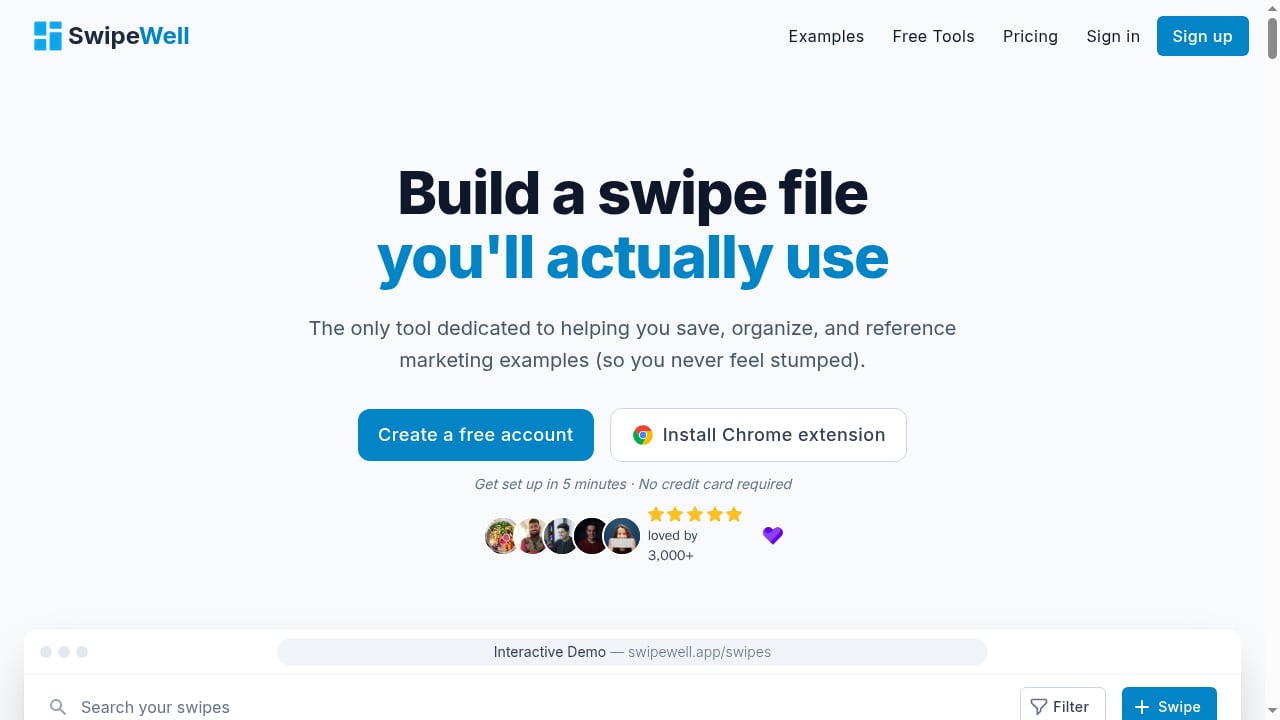
First viewport screenshot of SwipeWell | Swipe File Software.
Most marketers already have access to more ads than they can process. The bottleneck is not finding ads; it is remembering which ones mattered, why they mattered, and what to do with them later.
PrimeSpy gives you scale and signals: a searchable database of over 120 million ads, smart search by keyword, URL, or advertiser, and filters for reach, spend, duplicates, format, CTA, and EU-specific options. It also tracks competitors in real time with 24/7 monitoring and email notifications.
SwipeWell gives you memory and organization. It is built specifically for saving marketing examples, so you can build a reference library instead of relying on browser bookmarks or scattered screenshots.
Used together, PrimeSpy answers "what is working right now?" and SwipeWell answers "where did I put that ad, and what did I learn from it?"
The workflow at a glance
First viewport screenshot of 20 Best SaaS Pricing Pages Examples | Marketing Examples.
- Discover winning ads in PrimeSpy using search, filters, and ad trackers.
- Save the best examples to SwipeWell with context.
- Organize saved ads by angle, format, niche, or campaign stage.
- Reference your swipe file during briefing, scripting, and creative reviews.
- Refresh the library as PrimeSpy trackers surface new creatives and landing page changes.
Step-by-step setup
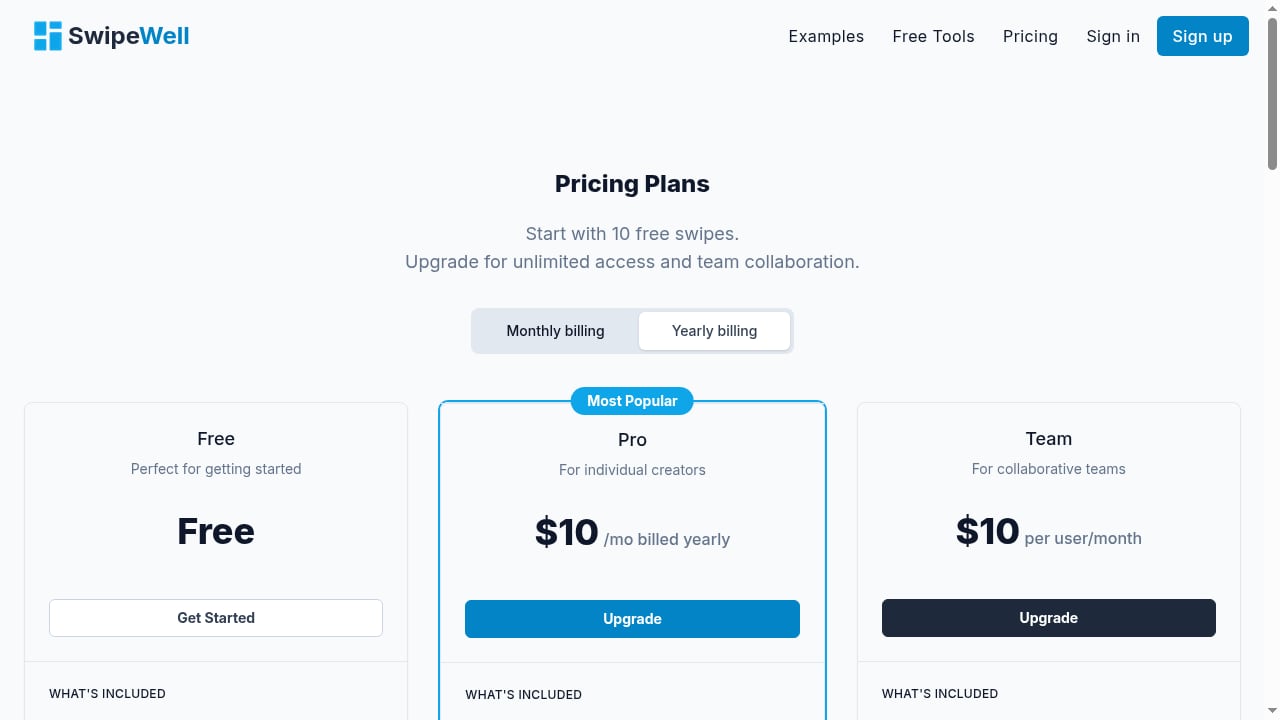
First viewport screenshot of SwipeWell | Swipe File Software.
Step 1: Create your PrimeSpy research space
Start with a free trial (500 credits, 2 ad trackers, no credit card required). Use the first credits to run a few focused searches rather than browsing broadly.
- Search by competitor name, product URL, or niche keyword.
- Apply filters for country, ad format, CTA, and duplicates.
- Note which advertisers appear repeatedly in your niche.
If you want a broader view of how PrimeSpy fits alongside other tools, see our comparison of top ad intelligence and creative research tools.
Step 2: Set up ad trackers for your key competitors
PrimeSpy's ad trackers monitor competitor activity and surface new creatives, landing page changes, product updates, and creative refreshes. The free trial includes 2 trackers; the Pro plan at $9.99/month includes 20.
Choose trackers based on what you actually need to watch:
- Direct competitors whose offers overlap with yours.
- Brands in adjacent niches testing angles you could adapt.
- Stores whose product pages change frequently (a signal of active testing).
Step 3: Install SwipeWell and create your first boards
Install the SwipeWell Chrome extension and decide on a simple board structure before you start saving. Common approaches:
- By angle: problem-solution, social proof, urgency, comparison.
- By format: UGC video, static image, carousel, testimonial.
- By funnel stage: cold traffic, retargeting, launch, evergreen.
- By niche or client: useful for agencies managing multiple accounts.
Keep the structure small at first. Two or three boards you actually use beat ten you never open.
Step 4: Save ads with context, not just screenshots
When you find a strong ad in PrimeSpy, save it to SwipeWell and add a short note. Context is what makes a swipe file useful months later.
Useful note fields:
- Why you saved it (hook, offer, visual style, landing page).
- What signal you saw in PrimeSpy (duplicates, long run time, spend or reach indicators).
- What you might test in your own campaign.
Practical examples
First viewport screenshot of 18 Best SaaS Pricing Update Email Examples | Marketing Examples.
Example 1: Building a UGC hook library
You search PrimeSpy for a keyword related to your product category and filter for video ads. You notice several advertisers running similar first-three-second hooks. Save each variation to a SwipeWell board called "UGC hooks." Add a note about the opening line and the visual. When your creative team briefs the next batch, they can reference real examples instead of starting from a blank page.
Example 2: Tracking a competitor's creative refresh cycle
You add a competitor to PrimeSpy's ad trackers. Over a few weeks, notifications show new creatives and landing page updates. Each time a new ad appears, save it to SwipeWell with the date and a short observation. After a month, you have a timeline of how that competitor tests and refreshes creative, which is far more useful than a single snapshot.
Example 3: Ecommerce product validation
PrimeSpy supports ecommerce research across platforms like Shopify, WooCommerce, Shoplazza, Shopline, Magento, and Cafe24. When you find a product gaining traction, save the ad and the product page reference to SwipeWell. If you also use store research tools, our guide on using PrimeSpy with Dropship for winning products walks through a similar validation workflow.
Example 4: Agency creative briefs
Agencies can keep a shared SwipeWell board per client. PrimeSpy research feeds the board; the board feeds the brief. Instead of describing a direction in the abstract, the brief links to saved examples with notes on what to adapt and what to avoid.
Where the combination solves real problems
| Problem | How PrimeSpy + SwipeWell helps |
|---|---|
| Ad research gets lost in browser tabs | SwipeWell saves and organizes examples in one place |
| No signal on which ads matter | PrimeSpy filters, duplicates, reach, spend, and trackers add context |
| Creative briefs are vague | Saved examples with notes make briefs concrete |
| Competitor tracking is manual | PrimeSpy monitors 24/7 and notifies you of changes |
| Team members duplicate research | A shared swipe file becomes a single reference point |
Decision guidance: when this pairing fits
This workflow fits best if you:
- Run paid social campaigns on Meta or TikTok and need fresh creative angles.
- Manage multiple brands or clients and need organized reference libraries.
- Want to track competitors over time rather than check them once.
It may be less necessary if you only run occasional campaigns or already have a mature internal creative library with strong search.
For a closer look at how PrimeSpy compares with other ad intelligence platforms, see PrimeSpy vs SocialPeta vs GetHookd.
Related reading
- PrimeSpy vs Vibemyad: Best Ad Spy Tool for Winning Ads? - Compare PrimeSpy and Vibemyad for tracking and analyzing winning ad campaigns. See coverage, analytics depth, pricing, and which tool fits your workflow.
- Minea AdSpy Review 2026: Ecommerce Product Research Tested - Evidence-based Minea review for ecommerce and dropshipping: ad coverage, product and shop research, pricing, limits, setup, and who should buy it in 2026.
- WinningHunter vs AdSpy: Which Ad Spy Tool Wins in 2026? - Compare WinningHunter vs AdSpy on Meta ad coverage, TikTok support, ecommerce validation, and pricing. Find the right ad spy tool for your workflow.
Sources and further reading
- 10 Best Facebook Ads Spy Tools for Winning Ads in 2026 - PrimeSpy - Compare the best Facebook ads spy tool options for 2026. Find free and paid tools to research competitors, track trends, and discover winning ad ideas.
- AdsLibrary for Mac, Windows, and Linux - WebCatalog - Download the AdsLibrary desktop app for Mac, Windows, and Linux. AdsLibrary saves and downloads ads and their data from Facebook, Instagram, TikTok, and YouTube; lets users organize ads into groups, filter and analyze creatives, and share them with team members.
- Adspo vs. Foreplay Comparison - Compare Adspo vs. Foreplay using this comparison chart. Compare price, features, and reviews of the software side-by-side to make the best choice for your business.
FAQ
Do I need both tools to get value?
No. PrimeSpy works on its own for discovery and tracking, and SwipeWell works on its own for saving examples. The pairing is most useful when you want a repeatable research-to-brief workflow.
How many ads should I save to my swipe file?
Quality beats quantity. Ten well-annotated ads are more useful than a hundred unnamed screenshots. Save ads you can explain and reuse.
Can I use SwipeWell for non-ad marketing examples?
Yes. SwipeWell is built for saving marketing examples generally, so you can include landing pages, emails, and other references alongside ads.
Does PrimeSpy track TikTok as well as Meta?
PrimeSpy covers Meta (Facebook, Instagram), TikTok, and the Meta Ad Library, with full Meta and TikTok analytics on the Pro plan.
What does PrimeSpy cost?
There is a free trial with 500 credits and 2 ad trackers, no credit card required. The Pro plan is $9.99/month and includes 20,000 credits, 20 ad trackers, full Meta and TikTok analytics, unlimited creative downloads, saved list export, and priority support.
Conclusion
PrimeSpy and SwipeWell solve two halves of the same problem: finding winning ads and remembering what you learned from them. Set up focused searches and trackers in PrimeSpy, save the best examples with context in SwipeWell, and review your swipe file before every creative brief. The result is a research workflow that compounds instead of resetting every time you open a new tab.
For a broader view of how ad intelligence tools fit together, explore our PrimeSpy vs Adbeat vs Swipekit comparison.