
How to Use PrimeSpy with Shopify to Find Winning Ads and Scale Your Store
Running a Shopify store means you’re constantly looking for the next winning product and a cost‑effective way to reach buyers. That’s where PrimeSpy, a powerful ad spy tool, changes the game. By pairing PrimeSpy’s multi‑platform ad intelligence with Shopify’s ecommerce engine, you can spy on competitors, validate product ideas, and quickly launch high‑converting Facebook, TikTok, or Instagram campaigns—all without burning your ad budget on guesswork. This guide shows you exactly how to combine the two, with a practical workflow, real‑world examples, and solutions to common advertising headaches.
Why PrimeSpy and Shopify Are a Powerful Combination

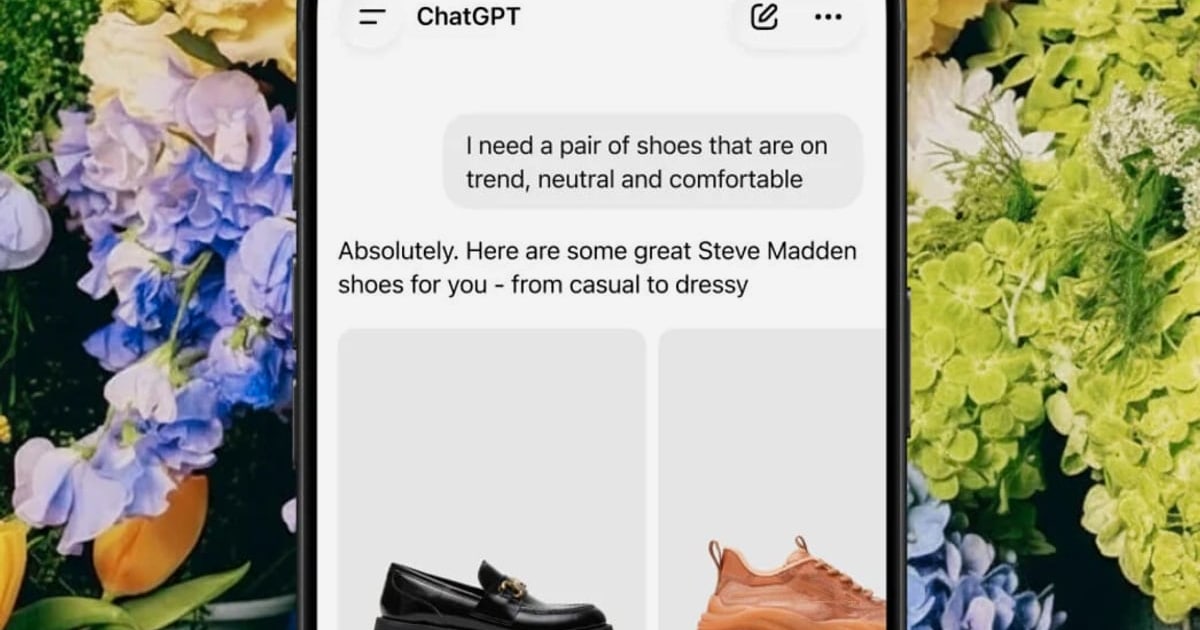
How to Use PrimeSpy with Shopify: Find Winning Ads & Scale Faster product interface and feature overview.
Shopify gives you a storefront, inventory management, payment processing, and a direct line to millions of shoppers through the Shop app and multi‑channel selling. PrimeSpy complements that by answering the critical questions every Shopify merchant faces: What products are actually selling right now? Which ads are driving those sales? How can I out‑advertise my competitors?
Without an ad spy tool, you’re throwing darts in the dark. With PrimeSpy, you turn on the lights. You can see exactly which creatives, copy angles, and offers are working for other merchants in your niche, then adapt those insights for your own Shopify store. For example, if you sell home fitness equipment on Shopify, you can use PrimeSpy to uncover a trending ad for adjustable dumbbells that’s racked up thousands of engagements. You analyze the video format, the hook “Get gym results from your living room,” and the clear discount offer. Then you create a similar—but better—ad driving traffic to your Shopify product page. The combination slashes the trial‑and‑error phase and helps you scale profitably faster.
Step-by-Step: Using PrimeSpy to Supercharge Your Shopify Ads
How to Use PrimeSpy with Shopify: Find Winning Ads & Scale Faster product interface and feature overview.
Step 1 – Set Up Your PrimeSpy Account and Define Your Niche
Start by signing up for PrimeSpy’s free trial (500 credits, no credit card required). Once inside, head to the smart search bar. Select your target platforms—Facebook, Instagram, TikTok, or all of Meta Ad Library—and type in a keyword that describes your Shopify niche. If you sell eco‑friendly baby products, search for “bamboo diapers” or “organic baby clothes.” PrimeSpy instantly pulls a feed of current ads, revealing what’s being promoted and by whom. This step alone saves hours compared to manually browsing the Meta Ad Library.
Step 2 – Research Winning Ads and Products
The heart of the workflow is ad research. Use PrimeSpy’s filters to narrow results by date (last 7 days for freshness), engagement level (high shares/comments), and ad type (video vs. image). Look for ads that have been running for several weeks—that’s a strong signal of profitability. Click into any ad to see its full creative, landing page snapshot, and an engagement timeline. You can even download the video or image for inspiration. For a Shopify store selling skincare, you might discover a TikTok ad for a vitamin C serum that’s using a “before and after” demonstration. Note the ad’s structure and test a similar narrative on your own product.
Step 3 – Analyze Competitor Strategies
PrimeSpy’s ad tracker feature lets you monitor specific Shopify competitors. Simply enter their advertiser name or Facebook Page URL. You’ll see every ad they’re running, how long they’ve been active, and any creative rotations. If a competitor suddenly drops a new ad with a “limited‑time 40% off” angle and it stays live for weeks, you know that offer is working. Use this intelligence to adjust your own promotions and stay one step ahead. The tool also aggregates data so you can spot seasonal trends—like a competitor ramping up gift‑guide ads in November—and plan your Shopify campaigns accordingly.
Step 4 – Validate Products Before Listing on Shopify
Before you invest in inventory or spend time building a product page, use PrimeSpy’s daily top products list. This feature highlights trending items across multiple niches. If you see a “posture corrector” repeatedly showing up with high ad counts and engagement, it’s a signal that demand exists. Cross‑check with your Shopify supplier (or use a dropshipping app) to source the product, then list it on your store. Because you’re backing your decision with real ad data, you reduce the risk of stocking a dud.
Step 5 – Create and Test Your Shopify Ads
Now it’s time to act. Take the winning ad elements you found—the video style, headline, offer—and recreate them in your Facebook Ads Manager or TikTok Ads dashboard, linked to your Shopify store. Use Shopify’s built‑in Facebook channel or the Facebook pixel to track conversions. Launch a small‑budget test campaign directing traffic to your product page. While PrimeSpy doesn’t sync directly with Shopify, the workflow is seamless: you get inspiration from PrimeSpy, execute in your ad manager, and measure sales in Shopify Analytics. If an ad outperforms, scale it; if not, revisit PrimeSpy for fresh angles.
Step 6 – Track Performance and Iterate
Ad fatigue is real. When your Shopify sales start to dip, go back to PrimeSpy and search for new ads in your niche. Set up additional ad trackers to monitor emerging competitors. The tool’s affordable Pro plan ($9.99/month for 20,000 credits) makes ongoing research cost‑effective. Pair this with Shopify’s reporting to see which campaigns drive the highest average order value or repeat purchases. Over time, you build a library of high‑performing ad templates specific to your store.
Practical Example: Dropshipping with PrimeSpy and Shopify
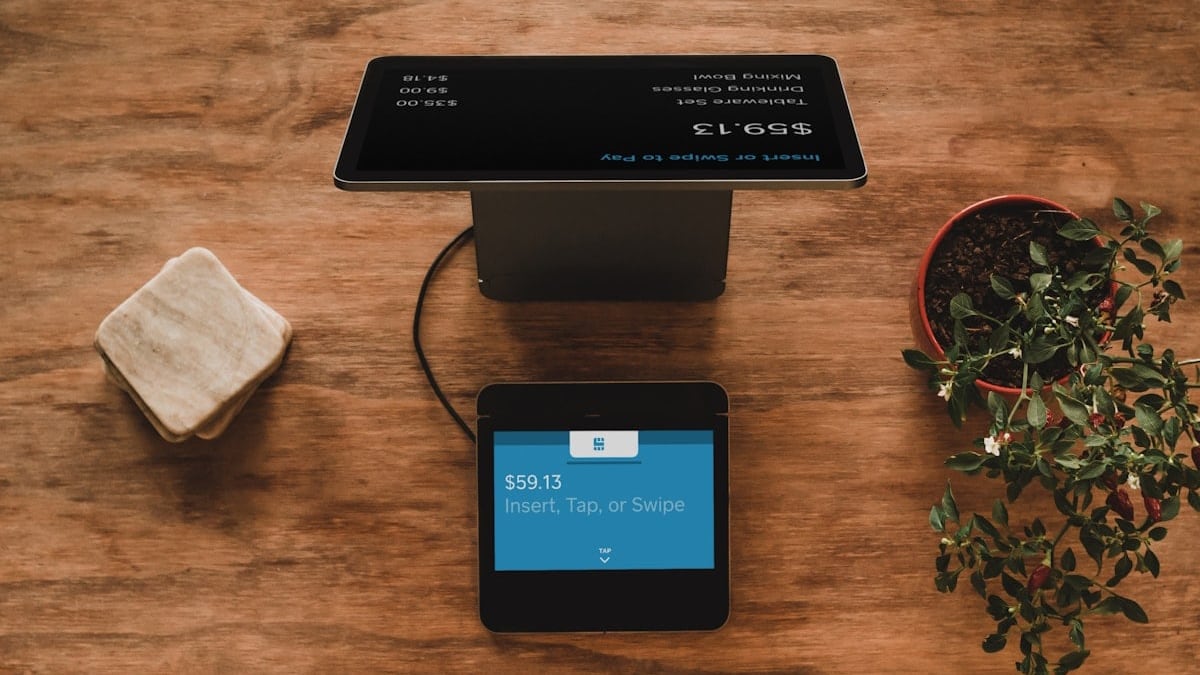
How to Use PrimeSpy with Shopify: Find Winning Ads & Scale Faster product interface and feature overview.
Let’s walk through a real scenario. Sarah runs a Shopify dropshipping store selling pet accessories. She logs into PrimeSpy, selects TikTok as her platform, and searches for “dog water bottle.” She finds a video ad for a portable, leak‑proof bottle that has been active for 4 weeks with over 50,000 views. The ad shows a person clipping the bottle to a backpack while hiking. Sarah downloads the creative, orders a similar product from her supplier, and builds a Shopify product page. She recreates the ad with her own branding, launches it on TikTok with a $20/day budget, and within a week sees her first sales. She uses PrimeSpy’s ad tracker to monitor the original competitor. When that competitor pauses the ad, Sarah knows the trend might be cooling, so she shifts to a new product she found through PrimeSpy’s daily top products. This cycle keeps her store profitable without guesswork. For a deeper dive into this workflow, read our guide on PrimeSpy with Dropship: Step-by-Step Workflow for Dropshipping.
Problems Solved by the PrimeSpy–Shopify Combination
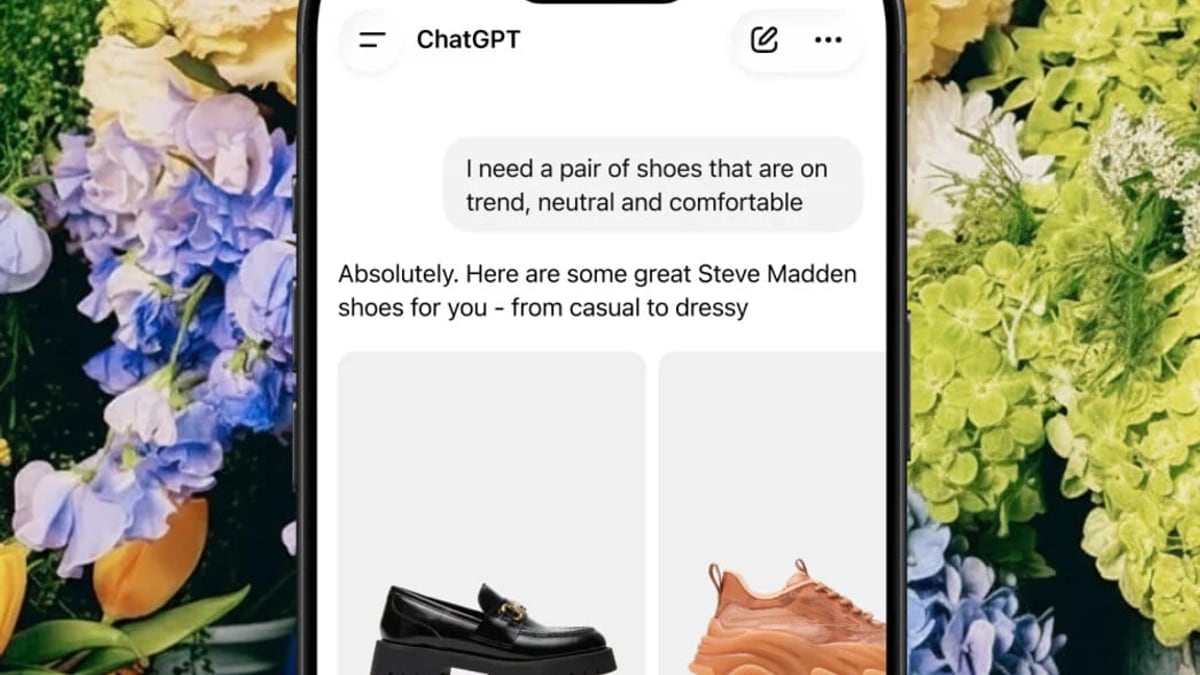
How to Use PrimeSpy with Shopify: Find Winning Ads & Scale Faster product interface and feature overview.
- Ad Creative Fatigue: Instead of guessing when to refresh ads, you see exactly when competitors introduce new creatives and model your updates after their successful changes.
- Wasted Ad Spend: Validate offers and hooks before you spend. If an ad angle has already proven itself for others, your test budget works harder.
- Product Research Paralysis: Stop scrolling through AliExpress or checking best‑seller lists manually. PrimeSpy’s ad‑based product discovery shows you what’s being actively promoted—and therefore selling.
- Competitor Blindness: You’ll know precisely which ads your competitors are running, on which platforms, and for how long. This transparency lets you outflank them on your own Shopify store.
- Slow Time‑to‑Market: Instead of building a brand‑new campaign from scratch, you can spin up high‑potential ads within hours by remixing proven concepts.
Complementary Tools and Next Steps
While PrimeSpy handles ad intelligence, Shopify remains your sales engine. To enhance the workflow, consider connecting Shopify’s analytics with your Facebook pixel for deeper attribution. For technical users, the Shopify API library can be used to pull store performance data alongside PrimeSpy’s ad insights, enabling custom dashboards. And as your ad volume grows, keep an eye on Shopify’s billing threshold to avoid surprise charges from app usage or spikes in ad‑related fees.
Not sure if PrimeSpy is right for you? We’ve compared it with other popular ad spies in PrimeSpy vs Minea vs AdSpy 2025: Which Ad Spy Tool Wins? and in a head‑to‑head PrimeSpy vs AdSpy analysis. Both reveal why its multi‑platform coverage at $9.99/month offers exceptional value for Shopify merchants.
Related reading
- AdSpy Review 2025: Features, Pricing & User Verdict - In-depth AdSpy review: test Facebook & Instagram ad intelligence tool with 207M+ ads. See pros, cons, pricing, user feedback, and how it compares to alternatives.
- Top 10 Ad Tracking & Attribution Software 2026 - Find the best ad tracking and attribution software in 2026. We compare cookieless tracking, multi-touch models, and automated optimization to help you choose the right tool.
Sources and further reading
- Activating Buy with Prime on Shopify - Activate Buy with Prime as an accelerated checkout on your Shopify store.
- Billing Threshold - Duplicate Charges - Understanding duplicate charges and how to manage your billing threshold.
- ShopifyAPI - Shopify API for Python
Frequently Asked Questions
Can I directly connect PrimeSpy to my Shopify store?
There’s no native integration. PrimeSpy is an ad research tool; you research ads and then apply those insights manually in your Facebook Ads Manager or TikTok Ads Manager, which you link to your Shopify store.
Is PrimeSpy free for Shopify merchants?
PrimeSpy offers a free trial with 500 ad credits and 2 ad trackers. The Pro plan costs $9.99/month and provides 20,000 credits and 20 ad trackers—more than enough for daily research on a Shopify store.
Which ad platforms does PrimeSpy cover?
Facebook, Instagram, TikTok, and the full Meta Ad Library. This means you can spy on ads across all major channels where Shopify merchants run paid traffic.
Do I need advertising experience to use PrimeSpy with Shopify?
No. PrimeSpy is beginner‑friendly, and the workflow outlined above replaces costly trial and error with data‑driven decisions. You learn by observing what already works.
How often should I use PrimeSpy to keep my Shopify ads fresh?
Ideally, log in weekly to check competitor activity and top products. During intense promotional periods like BFCM, daily checks can give you an edge.
Conclusion
Shopify gives you the store; PrimeSpy gives you the intelligence to fill it with winning products and high‑converting ads. By combining the ad spy’s research capabilities with your store’s execution muscle, you can consistently discover what sells, replicate proven ad formulas, and leave behind the costly cycle of trial and error. Whether you’re a dropshipper, a DTC brand, or an agency managing multiple Shopify clients, this duo turns advertising into a predictable, repeatable system. Start with PrimeSpy’s free trial, apply the steps above, and watch your Shopify store grow with data‑backed confidence.