
How to Use PrimeSpy with ClickFlare for Smarter Ad Campaigns
Every media buyer faces the same two questions: which ads are winning, and are my own numbers telling the truth? PrimeSpy answers the first by exposing competitor creatives and signals across Meta and TikTok. ClickFlare answers the second by capturing conversions server-side so ad blockers, iOS limits, and cookie restrictions don't erase your results. Used together, they form a research-to-validation loop that helps you find promising ads faster and scale only the ones your tracking confirms are profitable.
This guide explains how the two tools complement each other, walks through a practical setup, and shows how to turn competitor intelligence into campaigns you can trust.
Why pair an ad spy tool with a tracking platform?
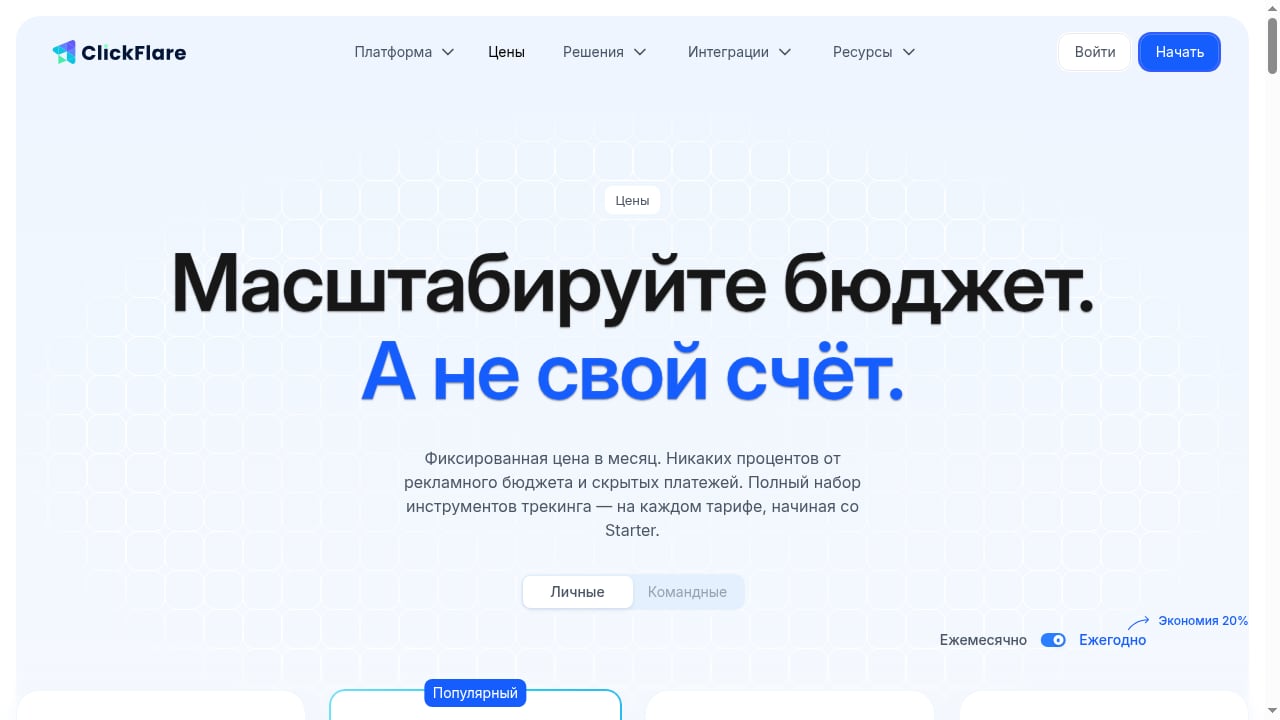
First viewport screenshot of www.clickflare.com.
Ad spy tools and trackers are often treated as separate worlds. In practice, they solve two halves of the same problem.
- PrimeSpy gives you market intelligence: a library of over 120 million ads, smart search by keyword, URL, or advertiser, and advanced filters for ecommerce and regional research. Its competitor ad tracker monitors new creatives, landing page changes, product updates, and creative refreshes in real time.
- ClickFlare gives you attribution truth: server-side tracking, cost sync from ad platforms, CAPI integrations, multi-step funnels, and real-time reporting. It is built to recover conversions that client-side pixels miss and to attribute sales to their true sources.
Without PrimeSpy, you risk testing ideas in the dark. Without ClickFlare, you risk scaling ads based on incomplete data. Together, they close the loop between what the market is doing and what is actually working for you.
How PrimeSpy and ClickFlare work together

First viewport screenshot of www.clickflare.com.
The workflow is simple: research with PrimeSpy, validate with ClickFlare, then scale with confidence.
- Discover promising ads, angles, and offers in PrimeSpy.
- Launch your own version of the winning concept.
- Track every click and conversion in ClickFlare with server-side attribution.
- Compare your real performance against the competitor signals you observed.
- Scale or kill based on accurate data, not guesswork.
This loop is especially valuable for performance marketers, ecommerce brands, dropshipping entrepreneurs, and agencies that need to move quickly without wasting budget on false positives.
Step-by-step setup
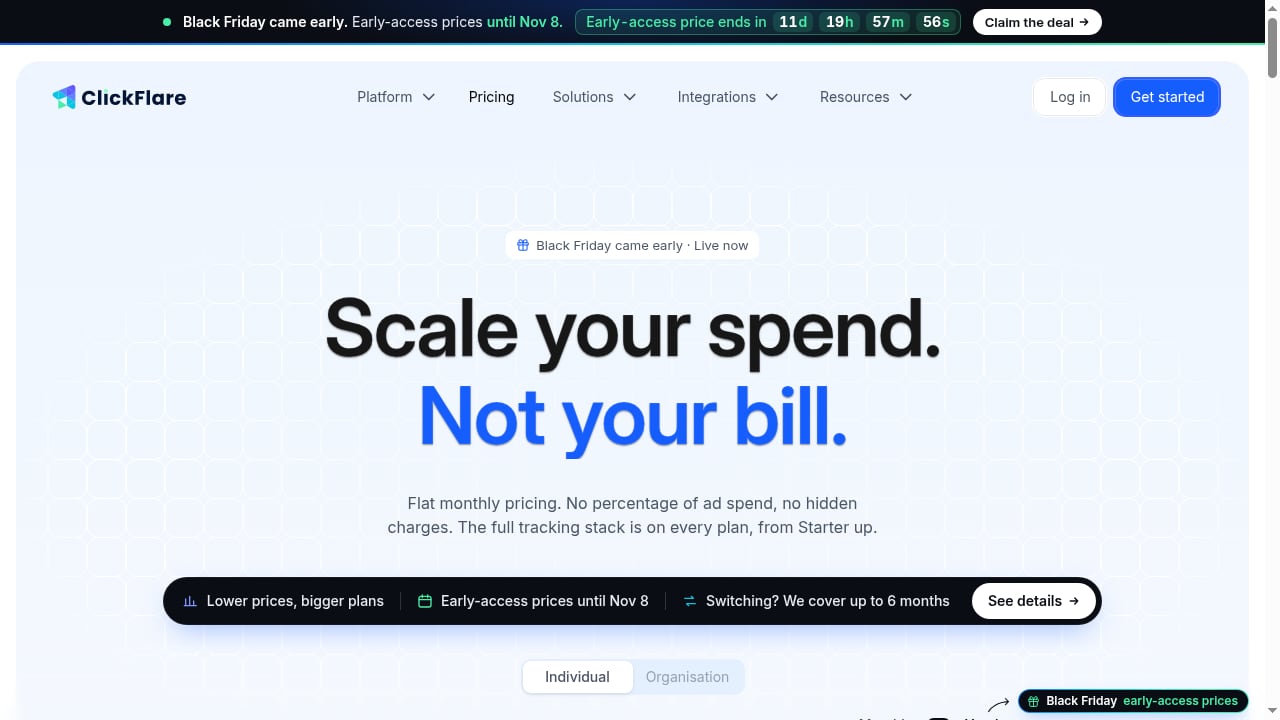
First viewport screenshot of www.clickflare.com.
Step 1: Find winning ads in PrimeSpy
Start by narrowing your research. Use PrimeSpy's smart search to look up competitors by advertiser name, landing page URL, or keyword. Apply filters such as ad format, CTA type, ecommerce platform, reach, and spend signals to surface ads that have been running long enough to suggest traction.
Save the ads that catch your eye to a list. PrimeSpy lets you save and export ad lists, which makes it easy to share findings with your team or archive research for later. If you are new to the platform, the PrimeSpy TikTok and Meta ad spy overview covers the core research workflow.
Practical tip: Pay attention to ads that have been active for weeks rather than days. Long-running creatives are often a stronger signal of profitability than a flashy launch.
Step 2: Set up ClickFlare for accurate tracking
Before you launch, make sure your tracking foundation is solid. In ClickFlare:
- Create a campaign and define your traffic source.
- Set up your offer or landing page URLs.
- Enable server-side tracking so conversions are captured even when browsers block client-side scripts.
- Connect your ad platform accounts to sync costs and feed conversions back through CAPI integrations.
- Configure any multi-step funnel or call tracking you need for your specific offer type.
ClickFlare's fixed monthly pricing means your tracking costs don't scale with ad spend, which is helpful when you are testing multiple angles at once.
Step 3: Launch your campaign and let data accumulate
Once your campaign is live, give it enough time and budget to produce meaningful data. Avoid making decisions on the first day. ClickFlare's real-time reporting lets you monitor performance as it comes in, but you want a statistically useful sample before you judge a creative.
Step 4: Compare your results with competitor signals
This is where the combination pays off. Return to PrimeSpy and check whether the competitor ads you modeled are still running, whether they have refreshed their creative, or whether their landing page has changed. Then compare that with your ClickFlare data:
- If your version of the ad is profitable and the competitor is still running theirs, you have validation to scale.
- If your version underperforms while the competitor keeps running, the issue may be your offer, audience, or funnel rather than the creative concept.
- If the competitor stops running an ad, investigate why before assuming it failed; they may have shifted to a new angle.
Step 5: Scale what works, cut what doesn't
Use ClickFlare's attribution data to identify your true winners. Because server-side tracking captures conversions that would otherwise be lost, you may find that some campaigns are more profitable than your ad platform reports. Feed that cleaner data back to Meta, Google, or TikTok through CAPI integrations to improve their optimization.
Meanwhile, keep PrimeSpy's competitor tracker running so you can spot when rivals refresh their creative or change their landing pages. That early warning gives you a head start on your next test.
Practical example: validating a dropshipping product angle
Imagine you spot a competitor running a video ad for a kitchen gadget. In PrimeSpy, you see the ad has been active for three weeks across multiple placements, and the landing page has been updated recently. You decide to test a similar angle.
You launch your own version with ClickFlare tracking in place. After a few days, ClickFlare shows a conversion rate that is lower than expected, but your ad platform reports even fewer conversions. Because ClickFlare captures server-side, you discover that a meaningful share of conversions were being missed by the pixel. With the fuller picture, you adjust your audience and scale the campaign. You also check PrimeSpy again and notice the competitor has introduced a new creative variant, which gives you an idea for your next test.
This is the loop in action: intelligence informs the test, tracking reveals the truth, and the cycle repeats.
Common problems the combination solves
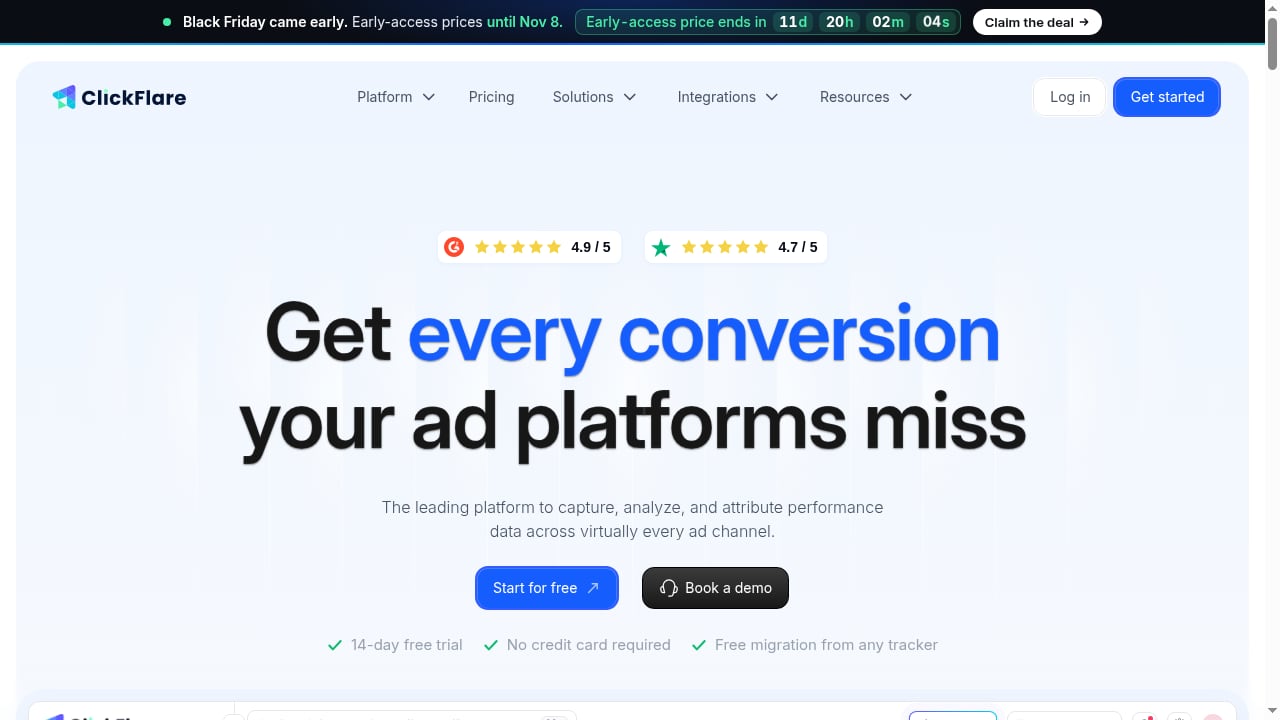
First viewport screenshot of www.clickflare.com.
- False positives from spy tools: An ad running for a long time doesn't guarantee profitability for you. ClickFlare's attribution shows whether the concept actually converts for your offer.
- Lost conversions: Ad blockers, iOS restrictions, and cookie limits can hide real results. Server-side tracking recovers them so you don't kill a winning campaign by mistake.
- Misattributed sales: When multiple channels are involved, ClickFlare helps attribute sales to the true source, so you know which ads deserve credit.
- Slow creative iteration: PrimeSpy's competitor tracker alerts you to new creatives and landing page changes, so you can refresh your own ads before performance dips.
- Scaling blind: With accurate cost sync and real-time data, you can scale budgets with confidence rather than hoping the platform numbers are right.
When to use each tool on its own
Not every workflow needs both tools. Use this quick guide:
- PrimeSpy alone is enough when you are doing pure market research, building a swipe file, or exploring new niches before you have campaigns to track.
- ClickFlare alone is sufficient when you already have proven creatives and simply need accurate attribution and cost tracking.
- Both together make the most sense when you are actively testing new angles from competitor research and need reliable data to decide what to scale.
If you are evaluating ad spy tools more broadly, our comparison of PrimeSpy vs AdSpy vs Dropispy can help you choose the right research layer.
Related reading
- PrimeSpy vs SpreshApp & BIScience: Which Ad Spy Tool Wins? - Compare PrimeSpy, SpreshApp, and BIScience for ad intelligence. See which tool fits your creative research, competitor tracking, and budget in 2026.
- PrimeSpy vs PPSPY: Ad Spy or Shopify Spy? (2026) - Compare PrimeSpy and PPSPY for ad intelligence and Shopify product research. See which tool fits your workflow, budget, and research goals in 2026.
- WinningHunter Review 2026: Ad Spy & Product Research Tested - Hands-on WinningHunter review: ad library depth, store tracking accuracy, TikTok Shop analytics, AI/MCP access, pricing signals, and who should skip it.
Sources and further reading
- ClickFlare - See what’s working across all your campaigns. One tool shows you everything - from the big wins to the smallest details.
🥶 Built for performance marketers who demand reliability, clarity, and results.
✅ No downtimes - built on battle-tested infrastructure ✅ Real support with real know-how ✅ Fast, intuitive UI designed for serious growth ✅ Shaping the future of tracking
- Ad Spy Tool for Facebook Ads, TikTok Ads & Meta Ad Library - PrimeSpy is an ad spy and ad intelligence tool for Facebook ads, TikTok ads, and Meta Ad Library research. Find winning ads, spy on competitors, analyze creatives, and find dropshipping and ecommerce product ideas faster.
- Traffic Routing Made Easy | Protect Your Landing Pages From Spy Tools - Stop sending everyone to the same offer. In this ClickFlare tutorial, I
FAQ
Do PrimeSpy and ClickFlare integrate natively?
They are separate platforms with different purposes. You use them side by side: PrimeSpy for ad research and competitor tracking, ClickFlare for server-side attribution and campaign tracking. The workflow described above connects them through your own campaign process rather than a direct API integration.
Can I use PrimeSpy without ClickFlare?
Yes. PrimeSpy works as a standalone ad intelligence tool for discovering winning ads, spying on competitors, and analyzing creatives. ClickFlare becomes valuable when you need accurate tracking for your own campaigns.
How much do the tools cost?
PrimeSpy offers a free trial with 500 credits and a Pro plan at $9.99 per month with 20,000 credits, 20 ad trackers, full Meta and TikTok ad analytics, unlimited creative downloads, and priority support. ClickFlare offers a 14-day free trial on every plan with fixed monthly pricing and no percentage of ad spend.
What types of offers work best with this combination?
Ecommerce and dropshipping brands, affiliate marketers, lead generation professionals, and agencies can all benefit. The key is having campaigns where creative research and accurate attribution both matter.
How often should I check PrimeSpy after launching a campaign?
Check at least weekly, and more often if you are in an active testing phase. Competitor creative refreshes and landing page changes can signal shifts in the market that affect your own performance.
Conclusion
PrimeSpy and ClickFlare solve different but complementary problems. PrimeSpy shows you what is working in the market; ClickFlare shows you what is working for you. By combining competitor ad intelligence with server-side attribution, you can test faster, waste less budget, and scale with confidence. Start with PrimeSpy to find your next winning angle, then let ClickFlare confirm whether it deserves your ad spend.