
AdLibrary Review 2026: Cross-Platform Ad Intelligence Tested
AdLibrary is an ad intelligence platform that aggregates ad data from Meta, TikTok, Google, X (Twitter), LinkedIn, and other networks into one search interface. This review covers what it does well, where it falls short, how setup works, and whether the pricing tiers make sense for your team.
What AdLibrary actually is
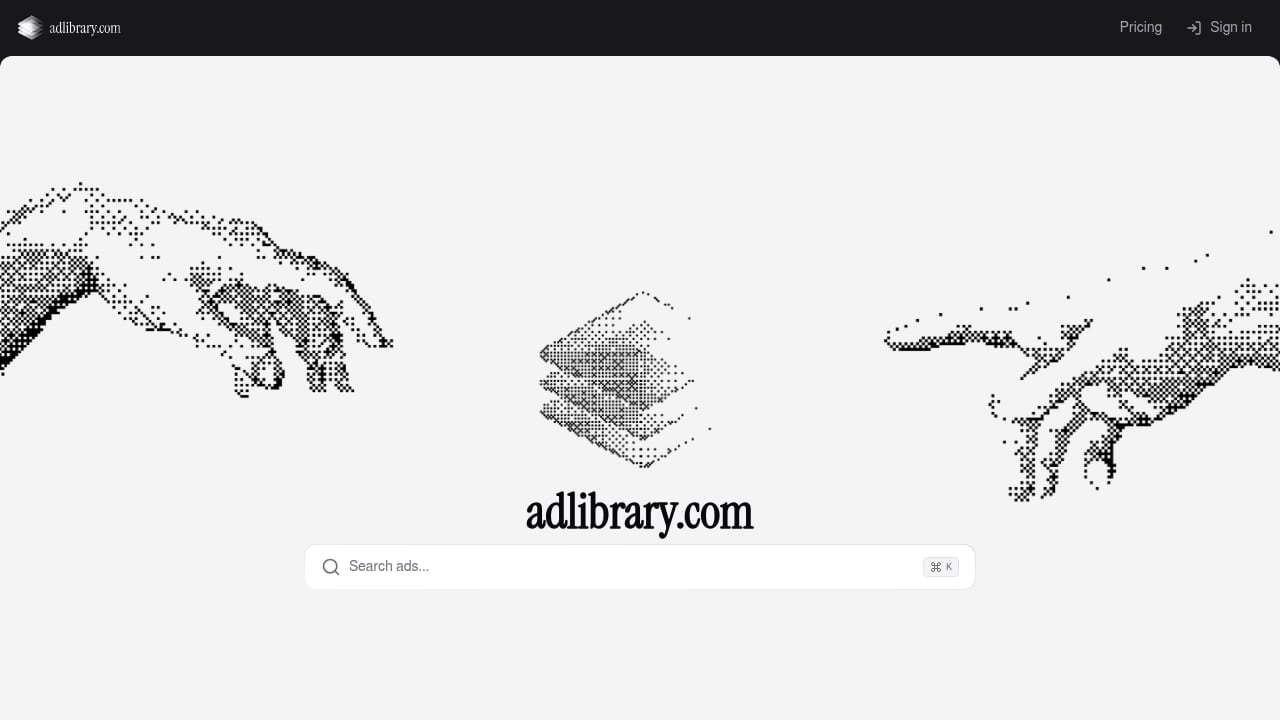
First viewport screenshot of Adlibrary.com - Unified Ad Library Search.
AdLibrary positions itself as a redefined ad library. Instead of opening six browser tabs to check Meta, TikTok, Google, X, and LinkedIn separately, you search once and get results across platforms. The core capabilities are:
- Cross-platform ad search in a single interface
- Saving ads to boards or collections
- Automated competitor ad monitoring
- Full API access to Meta, Google, LinkedIn, and other platforms
- A library of guides on ad strategy, creative production, and campaign structure
Brands including Babbel, P&G, Revolut, Spotify, and Welltech use the platform, which suggests it handles real agency and in-house workloads rather than just hobbyist research.
Who AdLibrary is built for
First viewport screenshot of Ad Intelligence Guides | Competitor Ad Research.
Performance marketers and media buyers
If your job is to find angles that already work before you spend budget, AdLibrary shortens the research loop. You can search a competitor by name, filter by platform, and save the ads worth testing. The value is speed: one query instead of five platform-specific searches.
Growth teams and agencies
Agencies juggling multiple clients benefit most from the saving and monitoring features. Instead of manually checking competitor pages each week, you set up monitoring and let the platform surface new creatives. That turns ad research from a sporadic task into a repeatable workflow.
Sales teams
Competitive ad intelligence can enrich sales conversations. Knowing which ads a prospect is running, and how long they have been active, gives you a concrete talking point that generic pitch decks cannot match.
Who it is not for
If you only need to verify that a specific ad exists for compliance reasons, the free Meta Ad Library remains the baseline. AdLibrary adds value when you need organization, cross-platform coverage, and historical tracking, not just a one-time lookup.
Key strengths
Cross-platform coverage in one search
The biggest practical advantage is aggregation. Meta, TikTok, Google, X, and LinkedIn each have their own ad libraries with different interfaces and limitations. AdLibrary normalizes that into one search. For teams running multi-channel campaigns, this removes a significant amount of manual tab-switching.
Saving and organizing ads
Searching is easy. Remembering what you found three weeks ago is harder. AdLibrary lets you save ads, which means your research compounds instead of resetting every time you start a new brief. This matters for creative teams building swipe files and for strategists tracking how a competitor's messaging evolves.
Automated competitor monitoring
Manual ad library checks are clunky and limited. A common complaint in marketing communities is that the native libraries show what is currently running but do not help you organize or track patterns over time. AdLibrary's monitoring addresses that gap by alerting you to new competitor ads without requiring a weekly manual check.
API access
Full API access to Meta, Google, LinkedIn, and other platforms is a differentiator. It means AdLibrary can plug into your existing stack or power new workflows. The API works with AI agents like Claude and Codex, and guides plus support are free for Business users. For technical teams, this turns ad intelligence from a dashboard you visit into a data source you build on.
Educational content
The platform includes guides on ad strategy, creative production, and campaign structure. This is not the core product, but it is useful for teams that need to align on process. If you are building a repeatable creative process, pairing AdLibrary's guides with a structured creative workflow can help you move from research to launch without losing the insights you gathered.
Limitations and trade-offs
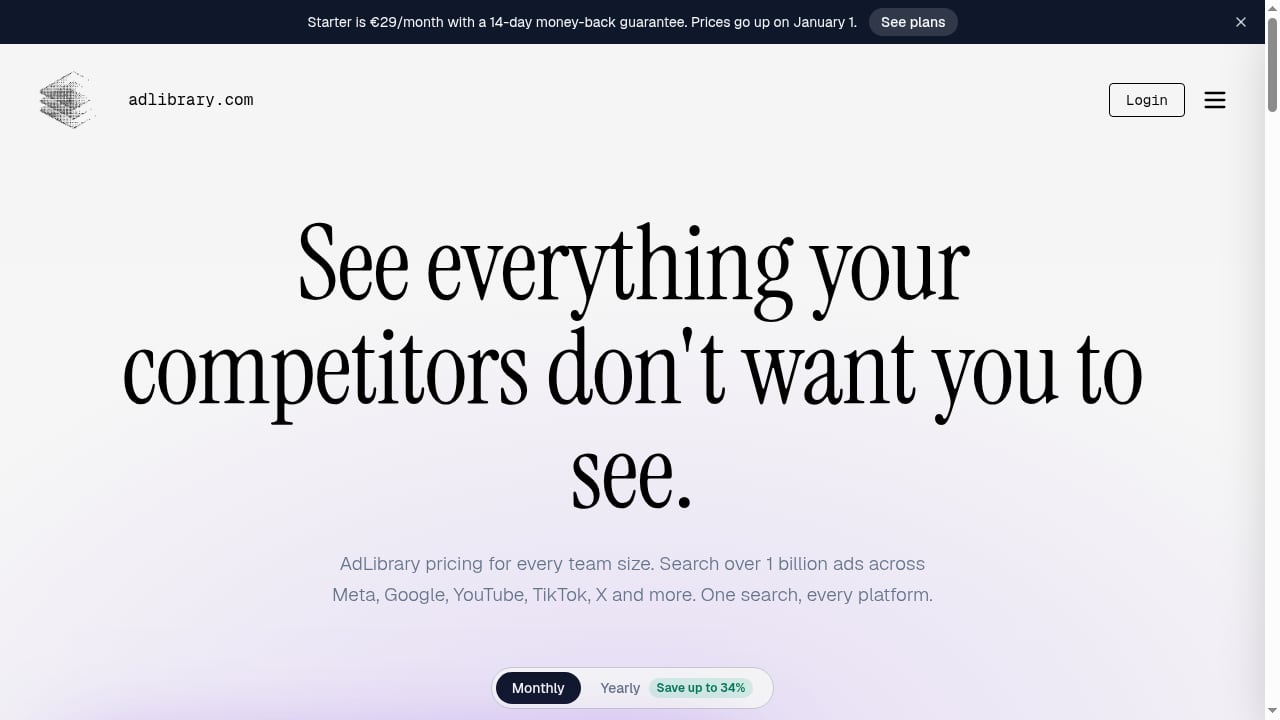
First viewport screenshot of AdLibrary Pricing: Plans from €29/month.
No performance metrics
This is the fundamental limitation of all ad libraries, including AdLibrary. You can see that an ad is running and how long it has been active. You cannot see clicks, CTR, ROAS, or conversion data. Runtime is a hypothesis signal, not proof of profitability. Any tool that claims otherwise is overstating what public ad data can show.
Data depends on platform availability
AdLibrary aggregates data from platforms that publish it. If a platform changes its API or limits access, coverage can shift. This is an industry-wide constraint, not unique to AdLibrary, but it is worth understanding before you commit to any ad intelligence platform.
Pricing scales with team size
At €29/month, Starter is accessible for solo researchers. At €179/month for Pro and €329/month for Business, the cost becomes a real budget line. The 14-day money-back guarantee and promotional discounts soften the risk, but you should map your actual usage to a tier before committing.
Learning curve for advanced features
The search interface is straightforward. The API, monitoring setup, and workflow integrations take more time to configure. Teams without a technical owner may not extract full value from the API tier.
Pricing signals
AdLibrary uses three tiers:
| Tier | Price | Best for |
|---|---|---|
| Starter | €29/month | Solo marketers, early research |
| Pro | €179/month | Small teams, active monitoring |
| Business | €329/month | Agencies, API users, multi-client workflows |
The jump from Starter to Pro is significant. If you are evaluating whether the higher tiers are justified, compare AdLibrary against other options in a broader ad intelligence platform comparison. The key question is whether you need monitoring and API access, or just search.
A 14-day money-back guarantee means you can test a tier against real research tasks before deciding. Use that window to run a specific competitor analysis, not just to click around.
Setup and first workflow
Getting started is straightforward:
- Create an account and pick a tier.
- Search for a competitor by brand name or keyword.
- Filter by platform to focus on where they are most active.
- Save the ads that reveal a pattern worth testing.
- Set up monitoring for the competitors you want to track continuously.
- If you have API access, connect it to your existing tools or AI agent workflow.
A practical first project: pick three competitors, search each across Meta and TikTok, save every ad that has been active for more than 60 days, and look for repeated messages across creative variants. Research on 40 competitor ads found that brands often repeat one primary message across multiple executions, and that numeric proof and direct CTAs dominate. AdLibrary makes that pattern analysis faster because you can save and compare in one place.
How AdLibrary compares to alternatives
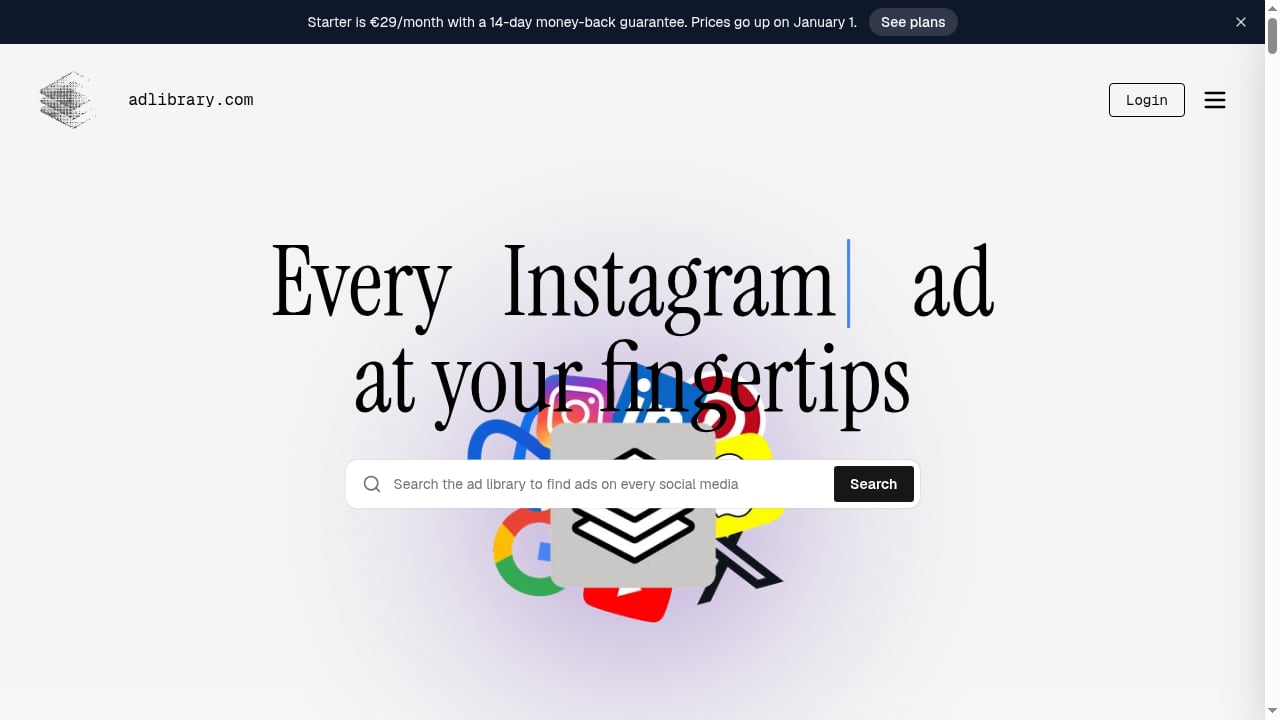
First viewport screenshot of Ad library Search & save ads from any social media (Meta & Co).
Versus native ad libraries
Native libraries like Meta Ad Library are free and authoritative for what is currently running. They do not aggregate across platforms, do not help you organize findings, and do not monitor competitors for you. AdLibrary is the paid upgrade for teams that need those capabilities.
Versus other ad spy tools
Many ad spy tools focus on one or two platforms. AdLibrary's differentiator is breadth plus API access. If you only need Facebook and TikTok, a narrower tool may be cheaper. If you need Meta, Google, LinkedIn, and X in one workflow, AdLibrary's coverage is the stronger fit. For a focused comparison of TikTok and Facebook tools, see this roundup of ad spy platforms.
Versus manual research
Manual research is free but does not scale. A community discussion on r/AskMarketing captures the frustration well: the native library is useful for seeing what is currently running but does not help you organize or track patterns over time. AdLibrary solves the organization and tracking problem, which is where manual research breaks down.
Decision criteria: is AdLibrary worth it?
Ask these questions before subscribing:
- Do you research ads across more than two platforms? If yes, aggregation saves real time.
- Do you need to track competitor ads over time, not just check them once? If yes, monitoring is the core value.
- Do you have a technical workflow that could use API access? If yes, Business tier is the relevant comparison.
- Is your team large enough that saved research needs to be shared? If yes, the higher tiers make more sense.
- Are you only verifying ad existence for compliance? If yes, the free native library is sufficient.
The strongest case for AdLibrary is a team that runs multi-channel campaigns, researches competitors regularly, and wants that research to compound rather than reset. The weakest case is a solo marketer who only needs occasional Facebook ad checks.
Related reading
- How to Use PrimeSpy with Cropink: Spy Ads to DPA Workflow - Learn how to use PrimeSpy with Cropink: find winning ad angles, then turn product feeds into high-converting dynamic catalog ads in one workflow.
- PrimeSpy vs Atria vs Vibemyad: Winning Ad Campaign Tools - Compare PrimeSpy, Atria, and Vibemyad for tracking and analyzing winning ad campaigns. See coverage, analytics depth, pricing, and which tool fits your workflow.
Sources and further reading
- We Analyzed 40 Competitor Ads in the Meta Ad Library. Here's What Wins. - We analyzed 40 active Meta and Facebook Ads Library ads from eight brands. See the repeated hooks, formats, proof points, CTAs, and longevity patterns.
FAQ
Does AdLibrary show ROAS or conversion data?
No. No ad library does. You can see active ads, creative, and runtime, but not clicks, CTR, ROAS, or conversions. Runtime is a signal worth investigating, not proof of performance.
Which platforms does AdLibrary cover?
Meta, TikTok, Google, X (Twitter), LinkedIn, and other platforms, with API access to Meta, Google, LinkedIn, and more.
How much does AdLibrary cost?
Starter is €29/month, Pro is €179/month, and Business is €329/month. A 14-day money-back guarantee applies, and promotional discounts are sometimes available.
Can I use AdLibrary with AI agents?
The API works with AI agents like Claude and Codex. Guides and support are free for Business users.
Is AdLibrary a replacement for Meta Ad Library?
Not exactly. Meta Ad Library is free and authoritative for Meta ads. AdLibrary is a cross-platform layer that adds search, saving, monitoring, and API access across multiple networks.
Conclusion
AdLibrary is a solid choice for performance marketers, media buyers, growth teams, and agencies that need cross-platform ad intelligence in one place. Its strengths are aggregation, saving, monitoring, and API access. Its limitations are the same ones that affect every ad library: no performance metrics and dependence on platform data availability.
The pricing tiers are structured around usage intensity rather than features alone, so the decision comes down to whether you need monitoring and API access or just search. If you research competitors across multiple platforms and want that research to compound, AdLibrary is worth testing against your actual workflow. If you only need occasional Facebook ad checks, the free native library remains the better starting point.