
How to Use PrimeSpy with SwipeWell for Winning Ad Ideas
You spot a brilliant ad while researching on PrimeSpy. The hook is perfect, the visual stops the scroll, and the offer is framed exactly right. You tell yourself you’ll remember it. A week later, you’re staring at a blank Figma file, and that ad is lost somewhere in a sea of browser tabs. This is the exact friction that combining PrimeSpy and SwipeWell eliminates. PrimeSpy helps you discover what’s working right now across Facebook, TikTok, and Meta Ad Library. SwipeWell makes sure every winning example you find gets captured, organized, and actually used when you need creative fuel. Together, they turn ad research from a passive scrolling habit into a structured, searchable creative system.
Why PrimeSpy and SwipeWell Work Better Together
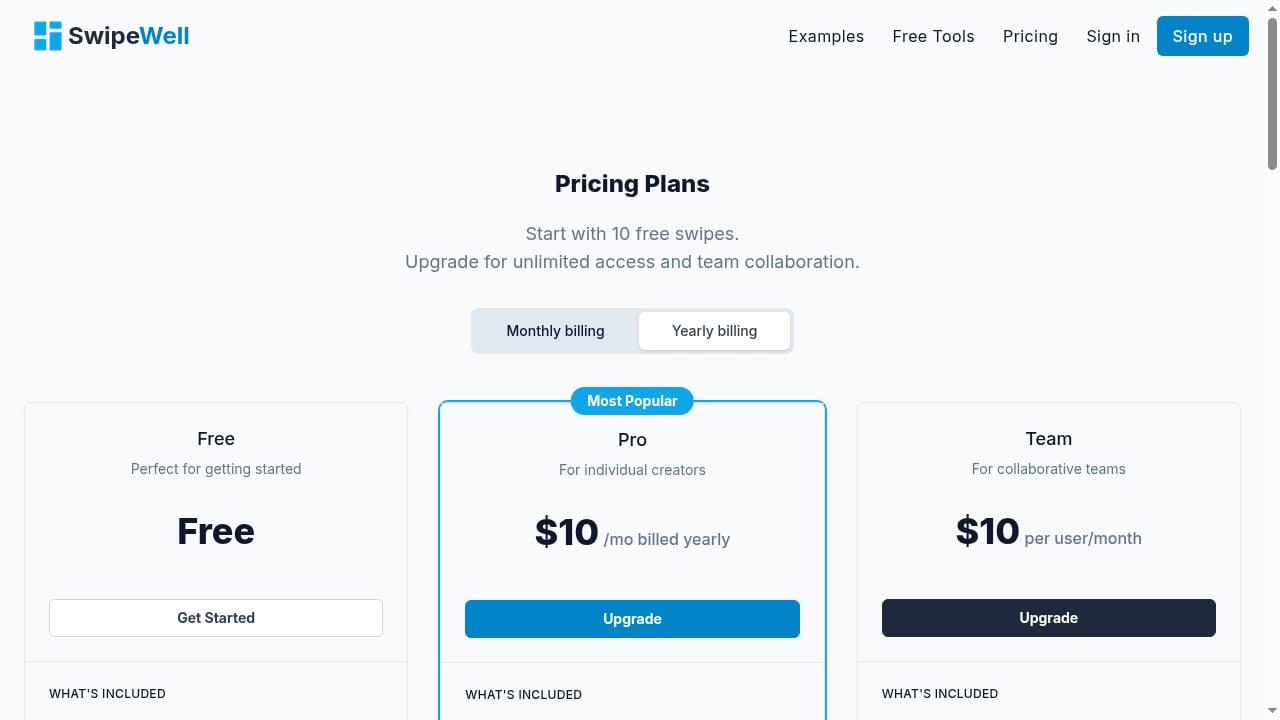
First viewport screenshot of SwipeWell | Swipe File Software.
PrimeSpy is built for discovery. Its smart search, advanced filters, and detailed ad metrics let you surface high-performing ads by keyword, advertiser, or product category. You can see estimated reach, spend patterns, and how long an ad has been running—signals that separate a flash-in-the-pan from a proven winner. But PrimeSpy is a research terminal, not a personal inspiration library. Once you close the tab, the context fades.
SwipeWell is built for retention and retrieval. Its Chrome extension, tagging system, and collections turn scattered screenshots into a personal creative database. Instead of a messy folder called “ad ideas,” you have a visual, filterable library where every capture carries the why behind it.
When you connect the two, the workflow becomes:
- Hunt in PrimeSpy using data-driven filters.
- Capture the best finds into SwipeWell with one click.
- Tag and annotate so context survives.
- Retrieve exactly the right example when you’re writing copy, designing a landing page, or briefing a creative team.
This isn’t about copying competitors. It’s about studying patterns, understanding what resonates with your audience, and accelerating your own ideation with real market evidence.
Step-by-Step Setup: Building Your Ad Intelligence Pipeline
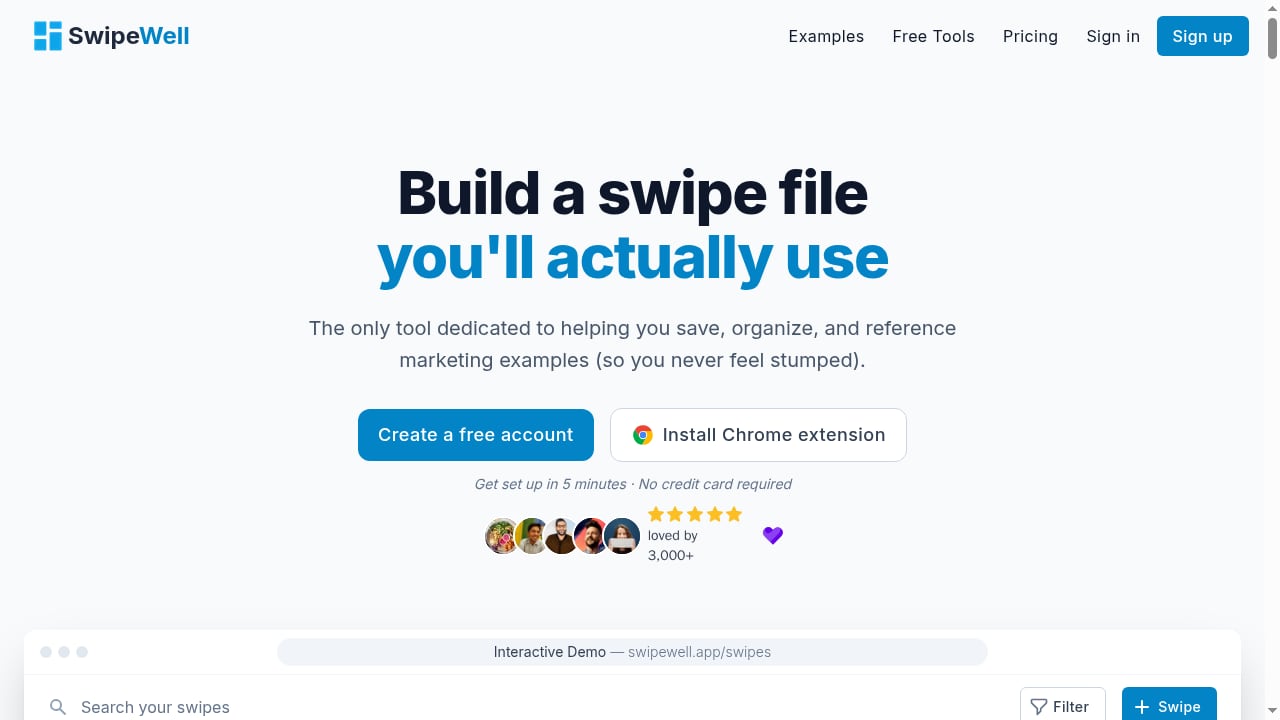
First viewport screenshot of SwipeWell | Swipe File Software.
1. Configure PrimeSpy for Targeted Discovery
Before you start saving ads, refine your PrimeSpy search so you’re only capturing high-signal examples. Log into your PrimeSpy account and use these filters to narrow your results:
- Platform filter: Choose Facebook, TikTok, or Meta Ad Library depending on where your audience spends time. If you run TikTok Shop campaigns, isolate TikTok ads specifically.
- Date range: Set a recent window—ads running in the last 30 days reflect current creative trends and algorithm preferences.
- Engagement and longevity signals: Look for ads with high duplicate counts or long run times. These suggest the advertiser is scaling spend because the ad works.
- Keyword or advertiser search: If you compete with a specific brand or operate in a defined niche like “posture corrector” or “AI SaaS,” search directly for those terms.
Once you have a feed of relevant, high-potential ads, you’re ready to start saving.
2. Install SwipeWell and Create Your Ad Research Collections
If you haven’t already, sign up for SwipeWell and install its Chrome extension. The extension adds a capture button directly to your browser, so you can save any visible ad creative without leaving the page.
Before you start capturing from PrimeSpy, set up a logical collection structure inside SwipeWell. This small upfront investment pays off every time you need to find something fast. A practical structure for ad research might look like:
- Collection: Ad Hooks – Opening lines, pattern interrupts, and scroll-stopping visuals.
- Collection: Ad Creative Styles – UGC-style videos, founder-led clips, text-on-screen animations, static carousels.
- Collection: Landing Page Match – Ads paired with their destination pages, so you study the full funnel.
- Collection: Competitor A, Competitor B – Brand-specific boards for ongoing monitoring.
- Collection: Seasonal Angles – Holiday campaigns, Black Friday creatives, back-to-school offers.
You can also use tags like #proven-winner, #needs-translation, or #tiktok-only to add a second layer of filtering inside any collection.
3. Capture PrimeSpy Ads into SwipeWell
With both tools open, the capture flow is straightforward:
- In PrimeSpy, click on an ad to expand its details—view the creative, metrics, and landing page link.
- Click the SwipeWell extension icon in your browser toolbar.
- Select the region of the screen containing the ad creative. SwipeWell captures a clean screenshot.
- Choose the relevant collection (e.g., “Ad Hooks”) and add tags.
- In the notes field, jot down why you saved it. Was it the emotional hook? The unusual visual treatment? The price anchoring? This context is gold when you revisit the swipe weeks later.
Repeat this for every ad that sparks an insight. The goal isn’t volume—it’s a curated library of examples that teach you something specific about what works.
4. Enrich Your SwipeWell Library with PrimeSpy Data
A screenshot alone loses the quantitative story. To make your swipe file truly useful, bring PrimeSpy’s metrics into SwipeWell’s notes or use a consistent tagging convention:
- Tag ads with their estimated reach tier:
#reach-high,#reach-mid,#reach-low. - Note the platform and ad format:
#facebook-video,#tiktok-carousel. - Record the observed run time if PrimeSpy shows the ad has been active for weeks—this is a strong quality signal.
Later, when you’re building a new campaign, you can filter SwipeWell for #tiktok-only and #reach-high to see only the most scaled TikTok examples you’ve saved. That’s a creative brief built in seconds.
Practical Workflow Examples
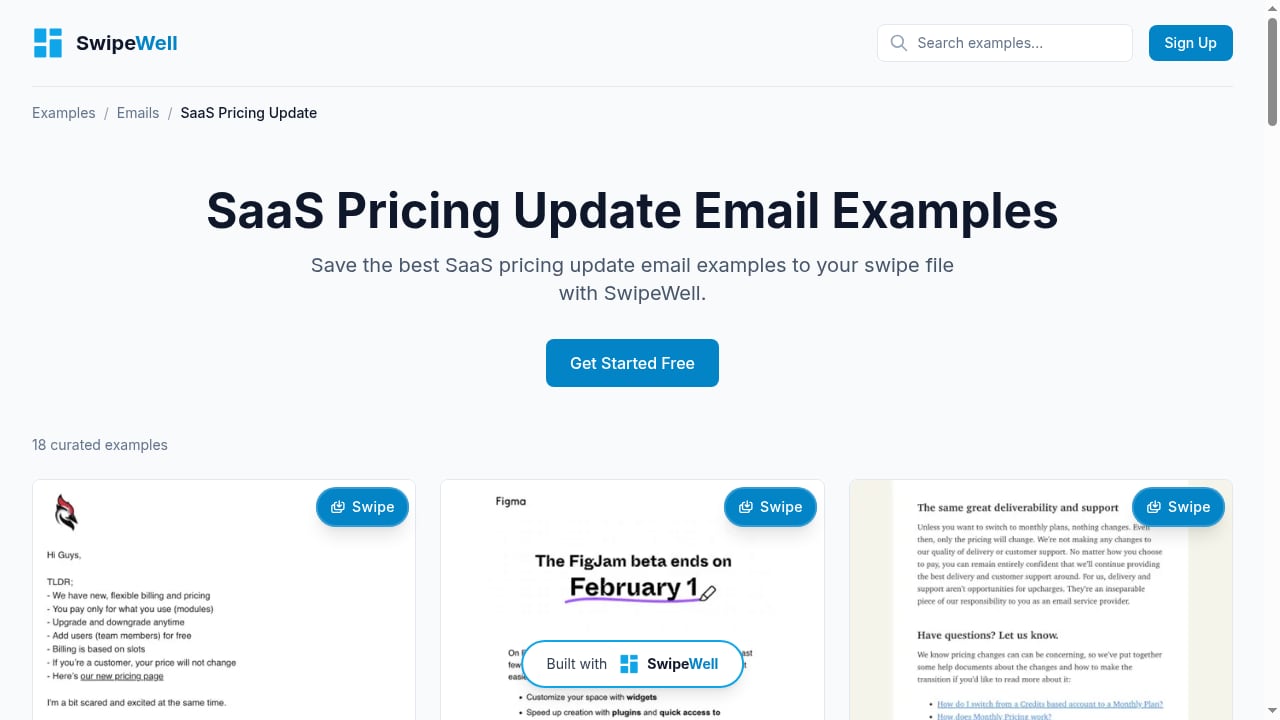
First viewport screenshot of 18 Best SaaS Pricing Update Email Examples | Marketing Examples.
Example 1: Dropshipper Validating a New Product Angle
A dropshipper researching “posture corrector” ads on PrimeSpy notices three distinct creative angles: pain-relief testimonials, desk-worker humor, and doctor-explainer style. Instead of trying to remember these, they capture the best example of each angle into a SwipeWell collection called “Posture Angles.” They tag each with the angle name and note the hook structure. When it’s time to brief a video editor, they share the SwipeWell collection link. The editor sees exactly what to model, and the first draft lands closer to the mark.
Example 2: Agency Building a Client’s Ad Library
An agency runs competitive research across five brands in the DTC skincare space using PrimeSpy’s advertiser search. They save the top three performing ads per brand into SwipeWell, organized by brand-specific collections. Each capture includes notes on the offer structure and visual style. During the client’s quarterly strategy session, the agency pulls up the SwipeWell dashboard and walks through the competitive landscape visually. The client sees patterns immediately, and decisions about creative direction happen faster.
Example 3: SaaS Marketer Studying Ad-to-Landing-Page Flow
A marketer at an AI SaaS company uses PrimeSpy to find competitors running Meta ads. They filter for ads that have been running longer than 60 days—a signal of sustainable unit economics. For each ad, they capture both the ad creative and, in a separate SwipeWell note, a screenshot of the linked landing page. They tag the pair with #full-funnel. Over a month, they build a library of 20 full-funnel examples. When their team redesigns a trial signup page, they filter for #full-funnel and study how competitors handle the handoff from ad promise to page delivery.
Solving the “Inspiration Black Hole” Problem
Most marketers consume far more inspiration than they ever use. The culprit isn’t a lack of ideas—it’s the absence of a system that makes ideas retrievable at the moment of creation. PrimeSpy surfaces more good ad examples in ten minutes than you could find in hours of manual scrolling. But without SwipeWell, those examples evaporate. With SwipeWell, they compound.
This combination also addresses a deeper workflow issue: the gap between research mode and creation mode. When you’re researching, you’re in a divergent, exploratory headspace. When you’re creating, you need convergent, actionable references. SwipeWell bridges that gap by letting you structure your research output during the capture phase, so creation mode starts with a curated brief instead of a blank page.
For teams, the benefit multiplies. A shared SwipeWell workspace means one person’s PrimeSpy research becomes the whole team’s creative reference. New hires ramp faster because they can browse a visual history of what’s worked. Creative briefs include real examples instead of vague descriptions.
Tips for Maintaining a High-Signal Swipe File
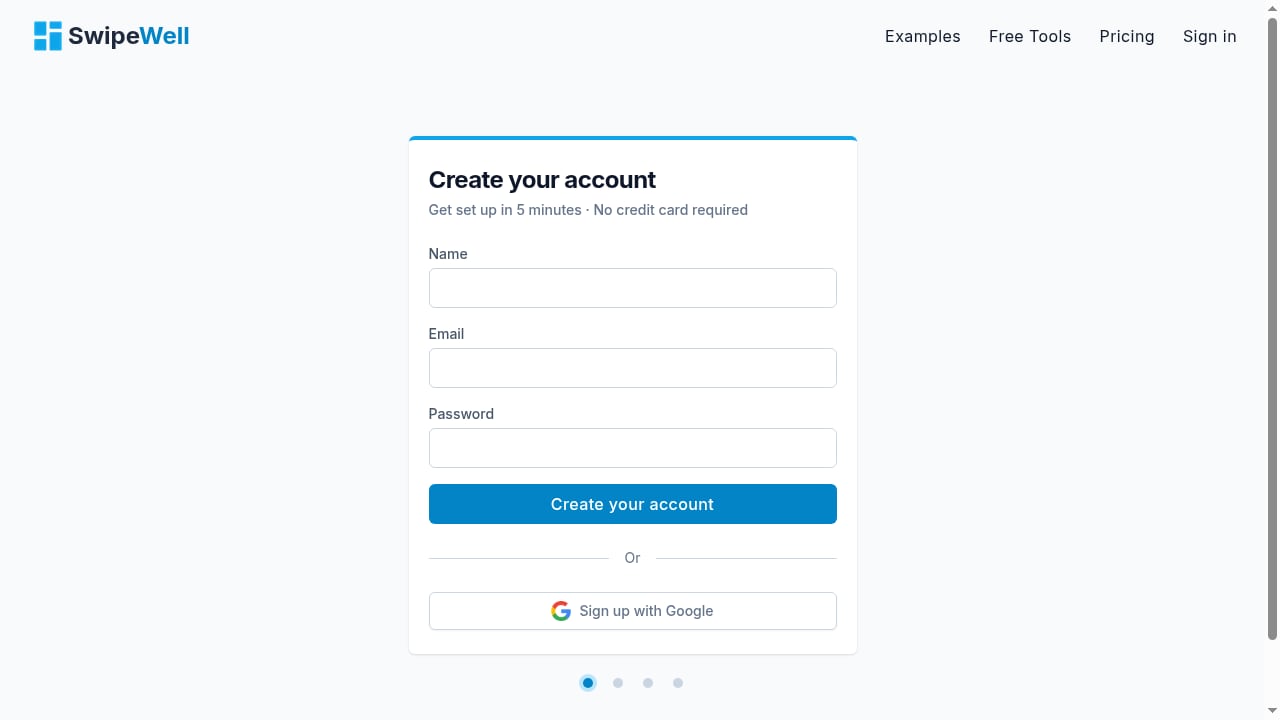
First viewport screenshot of SwipeWell | Swipe File Software.
- Curate ruthlessly. Not every ad deserves a spot. If you can’t articulate why you saved something in one sentence, delete it. A smaller, high-signal library beats a massive dump of mediocre captures.
- Review and prune monthly. Ad trends shift. Set a recurring calendar reminder to archive outdated examples and refine your tags. This keeps your library fresh and relevant.
- Use SwipeWell’s Ad Finder as a supplement. SwipeWell’s built-in Ad Finder can surface additional examples you might miss on PrimeSpy, especially from channels or niches you aren’t actively monitoring. Save those directly into the same collection structure.
- Pair with deeper competitive analysis. If you’re evaluating multiple ad spy tools, our PrimeSpy vs Dropispy comparison can help you confirm PrimeSpy is the right discovery engine for your stack. For a broader view of the competitive landscape, see how PrimeSpy stacks up against Winning Hunter and Pipiads.
Related reading
- Winning Hunter Review: Ecommerce Ad Spy & Product Research Tested - In-depth Winning Hunter review covering ad intelligence, product discovery, pricing, and sale tracker accuracy. See if it fits dropshippers, agencies, and brands.
- How to Set Up AdClarity: A Step-by-Step Ad Intel Guide - Learn how to set up AdClarity for competitive ad intelligence. Step-by-step guide covering account creation, first reports, filters, and tips to avoid common setup mistakes.
- PrimeSpy vs AdsLibrary vs SellerCenter: 2026 Ad Spy Tool Comparison - Compare PrimeSpy, AdsLibrary, and SellerCenter for ad intelligence and dropshipping. See strengths, pricing, and which tool fits your workflow in 2026.
Sources and further reading
- How SwipeWell makes it easy to create swipe files for new users | Behind The Experience Ep. 14 - Enjoy the videos and music you love, upload original content, and share it all with friends, family, and the world on YouTube.
- SwipeWell | Swipe File Software - The only Chrome extension dedicated to helping you save, organize, and reference marketing examples (so you never feel stumped).
- How SwipeWell makes it easy to create swipe files for new users ft. Corey Haines - In this episode, Corey shares their company’s philosophy throughout their onboarding process, the challenges that they had to face, and how they established systems and found their way to success. Corey also gives us a rundown of his personal experience as a power user and how efficiently SwipeWell can help user’s workflow and adhere to user’s experience.
Frequently Asked Questions
Can I automate saving PrimeSpy ads into SwipeWell?
There is no direct API integration between PrimeSpy and SwipeWell. The workflow relies on manual capture via the SwipeWell Chrome extension. However, the capture process takes only a few seconds per ad, and the act of manually tagging and noting each save improves the quality of your library because you’re making a conscious curation decision each time.
Does SwipeWell work on mobile when I’m browsing PrimeSpy on my phone?
SwipeWell offers mobile apps for iOS and Android, but PrimeSpy is primarily a desktop research tool. The most efficient workflow is to conduct your PrimeSpy research sessions on desktop, capture into SwipeWell there, and then use the SwipeWell mobile app to browse your library for inspiration on the go.
What if I find an ad outside of PrimeSpy that I want to add to the same collection?
That’s exactly the point of using SwipeWell as your central library. Any ad you encounter—on social media, in a newsletter, on a competitor’s site—can be captured with the SwipeWell extension and tagged into the same collections you use for PrimeSpy finds. Your research becomes platform-agnostic.
How many ads should I save per research session?
Aim for quality over quantity. Saving 5–10 highly relevant ads with thoughtful notes and tags is far more valuable than capturing 50 ads indiscriminately. A good rule of thumb: if you can’t name the specific element you want to reference later (the hook, the visual style, the offer structure), don’t save it.
Can I share my SwipeWell ad collections with clients or team members?
Yes. SwipeWell supports team collaboration on paid plans, and you can create embeddable collections to share externally. This is especially useful for agencies that want to give clients visibility into the competitive research driving creative decisions.
Build a Creative System, Not Just a Bookmark Folder
PrimeSpy gives you the data to know which ads are winning. SwipeWell gives you the system to make those ads a permanent part of your creative process. Together, they turn ad intelligence from a one-time research task into a compounding asset. Every ad you save and tag makes the next campaign easier to ideate, the next brief faster to write, and the next creative decision more grounded in real market evidence. Start your next PrimeSpy session with SwipeWell open in the next tab, and capture the first five ads that teach you something. In a month, you’ll have a library that works as hard as you do.